
The right HRIS (human resource information system) makes a measurable difference in how smoothly organizations operate. HiBob’s recent report found that 83 percent of people managers say switching between tools slows them down at least half the time: a measure of what fragmented HR tech costs in practice.
But there’s no single solution that works for every organization. HiBob’s HR tech research found that smaller organizations tend to focus on ease of use and affordability, while larger organizations place greater emphasis on functionality, integrations, reporting, and scalability.
This guide examines some of the best HRIS software options so you can find the solution that best fits your organization’s needs.
Discover the power of a modern HRIS and learn firsthand how HiBob can optimize your HR processes
Key insights
- HRIS software streamlines HR tasks like onboarding, payroll, and benefits management, enabling HR teams to focus on strategic goals
- The right HRIS can enhance team member engagement and satisfaction by reducing manual administrative tasks and offering self-service tools
- Automation, analytics, and alignment with your organization’s needs are key to selecting an effective HRIS
Best HRIS software: Quick review
To build this list, we reviewed each platform’s own product documentation, feature pages, and implementation detail, then read verified customer reviews on G2 and Capterra for recurring feedback on usability, reporting, onboarding, and support. We grouped the platforms by the size of company they’re best fit for, because the right HRIS for 40 people and the right one for 4,000 aren’t necessarily the same product.
Best HRIS for small businesses
| Software | Best for | Not best for | G2 rating |
|---|---|---|---|
| BambooHR | HR management | Advanced workforce planning | 4.4/5 |
| Connecteam | In-person workforces | Office-based teams | 4.6/5 |
| Gusto | Payroll-first businesses | Multi-country organizations | 4.6/5 |
| Zoho People | Budget-conscious teams | Extensive built-in HR functionality | 4.4/5 |
Best HRIS for mid-market and growing companies
| Software | Best for | Not best for | G2 rating |
|---|---|---|---|
| HiBob | HR and Finance alignment | Basic HR requirements | 4.5/5 |
| Employment Hero | Employee benefits marketplace | Advanced workforce planning tools | 4.4/5 |
| Factorial | AI document automation | Finance-focused planning workflows | 4.4/5 |
| Paycom | Self-service | Outsourced HR expertise | 4.5/5 |
| Personio | Recruitment automation | US payroll administration | 4.4/5 |
| Rippling | HR and IT management | Employee engagement and culture tools | 4.8/5 |
Best HRIS for enterprises
| Software | Best for | Not best for | G2 rating |
|---|---|---|---|
| ADP Workforce Now | Multi-state payroll | Engagement tools | 4.2/5 |
| Dayforce | Shift-based workforces | Office-based organizations | 4.2/5 |
| Deel | Employer of Record | Operating in a single country | 4.8/5 |
| Papaya Global | International payroll | Domestic workforces | 4.5/5 |
| Paychex | Tax filing services | Advanced workforce planning capabilities | 4.1/5 |
We scored every platform on the same set of capabilities and published the full scoring, with ratings and review counts, in the spreadsheet linked here.
Best HRIS software for small businesses
Small businesses often need an HRIS that one lean team can learn quickly and continue using as headcount grows. HiBob’s report found that 31 percent of small businesses rank ease of use as their top HR tech priority, while 25 percent rank growth as their leading HR priority. The platforms below focus on straightforward setup, essential HR functions, and tools that can support hiring and onboarding as the business expands.
BambooHR: Best for basic HR management

G2 rating: 4.4/5 across 6,000+ verified reviews
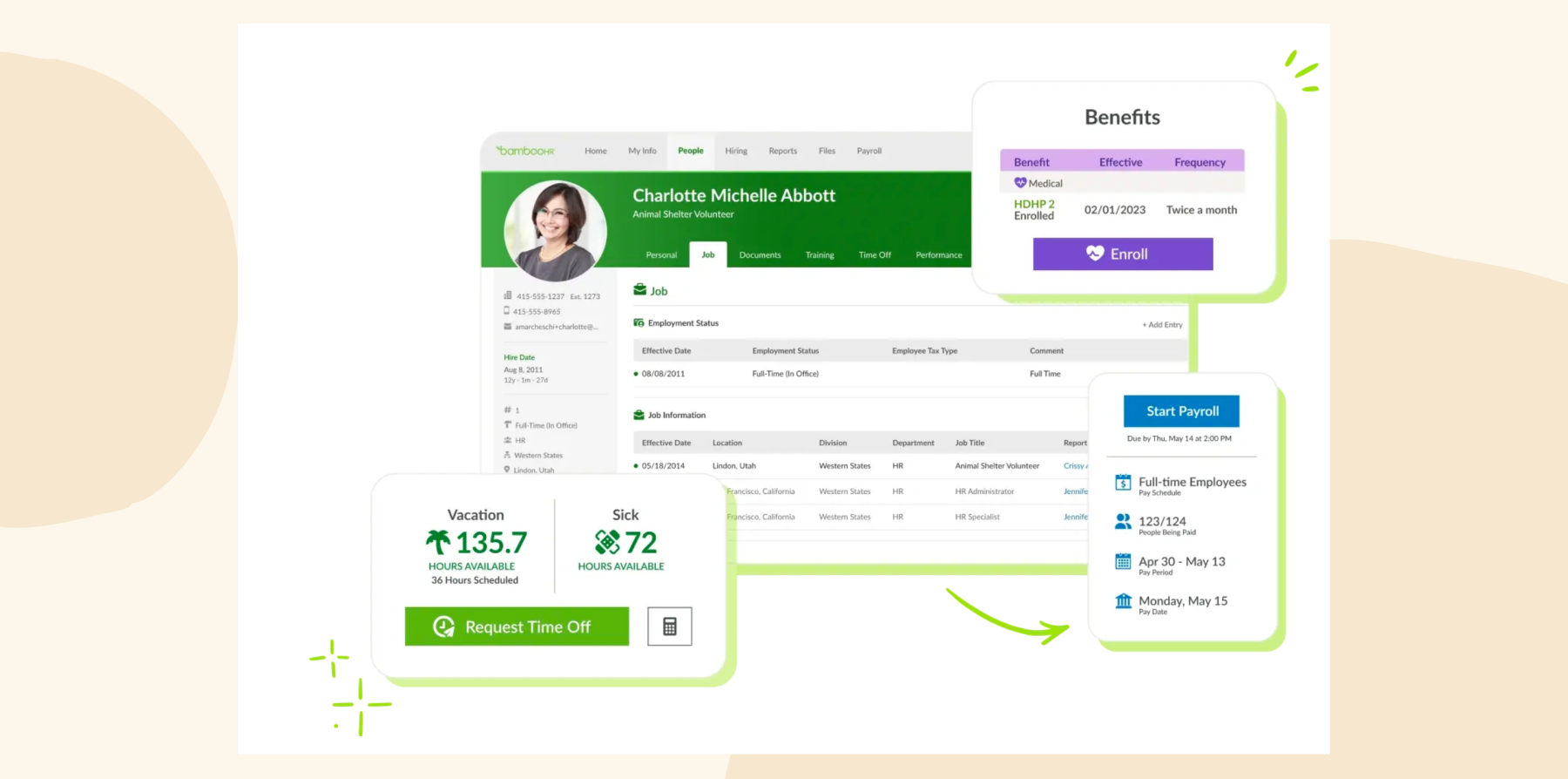
BambooHR is an HRIS platform that centralizes core HR functions, including payroll, benefits administration, time tracking, and talent management. It’s a cloud-based platform that creates a single source of truth.
Features:
- Integrates payroll processing, time tracking, and benefits management
- Simplifies hiring with an applicant tracking system and customizable onboarding workflows
- Centralizes team member data and provides reporting tools to generate actionable insights
- Supports performance management by enabling goal-setting, progress tracking, and performance reviews
- Enhances the employee experience with satisfaction surveys and rewards management tools
Pros:
- “Makes everyday HR tasks easy to manage for both administrators and employees.” – verified review
- “It makes it easy to access information about both my team and myself in one place.” – verified review
Cons:
- “Unable to use advanced logic for workflows or approvals (limited strictly to department or division logic only).” – verified review
- “Limited filters on standard reports” – verified review
Pricing: Pricing not publicly available.
The features and pricing listed for BambooHR reflect information available on its website as of the publishing of this article and may change.
<<Compare Bob vs. BambooHR – See which fits your business best>>
Connecteam: Best for in-person workforces

G2 rating: 4.6/5 across 3,500+ verified reviews
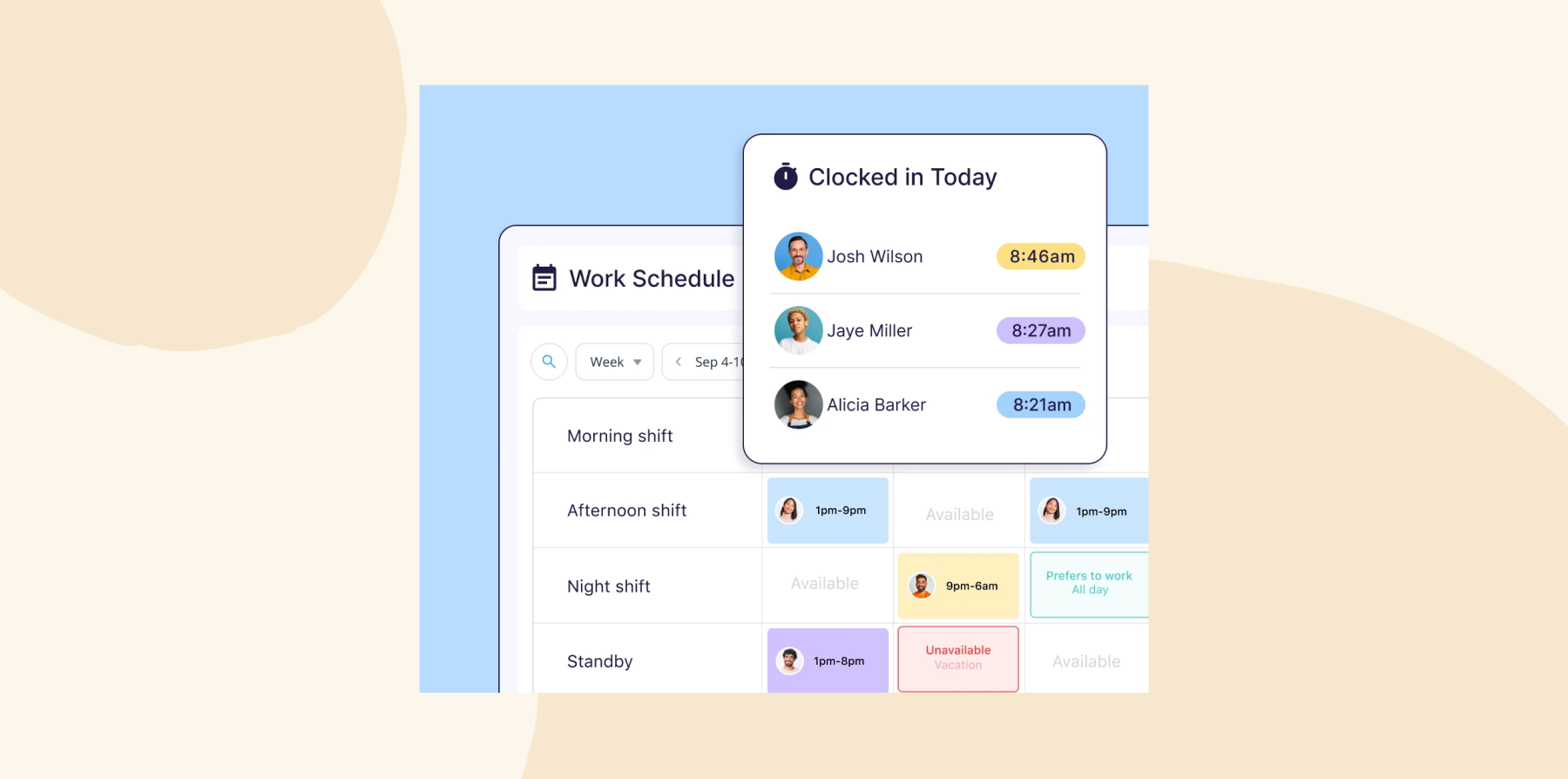
Connecteam is an HRIS platform tailored for deskless and mobile workforces, streamlining team communication and HR processes. It integrates tools for mobile training, onboarding, time tracking, shift scheduling, and team communication in one place.
Features:
- Tracks time and attendance via GPS-verified mobile clock-in and geofencing
- Builds and manages shift schedules with drag-and-drop tools, then pushes instant notifications to team members
- Keeps dispersed teams connected through in-app chat, company-wide updates, and a searchable team directory
- Delivers bite-sized mobile training courses with completion tracking
- Replaces paper-based field processes with digital checklists, forms, and task management
Pros:
- “It centralized day-to-day workforce coordination into a single mobile-first platform.” – verified review
- “Employees could quickly check schedules, submit forms, respond to updates, and track work hours directly from their phones.” – verified review
Cons:
- “Connecteam is expensive, especially if there are features that you must automatically pay for but don’t need to use.” – verified review
- “It can take some time to adjust to and understand some of the features because there is so much to learn.” – verified review
Pricing:
- Small Business Plan: Free
- Operations Basic: $29/month for the first 30 users
- Operations Advanced: $49/month for the first 30 users
- Operations Expert: $99/month for the first 30 users
The features and pricing listed for Connecteam reflect information available on its website as of the publishing of this article and may change.
Gusto: Best for payroll-first businesses

G2 rating: 4.6/5 across 12,200+ verified reviews
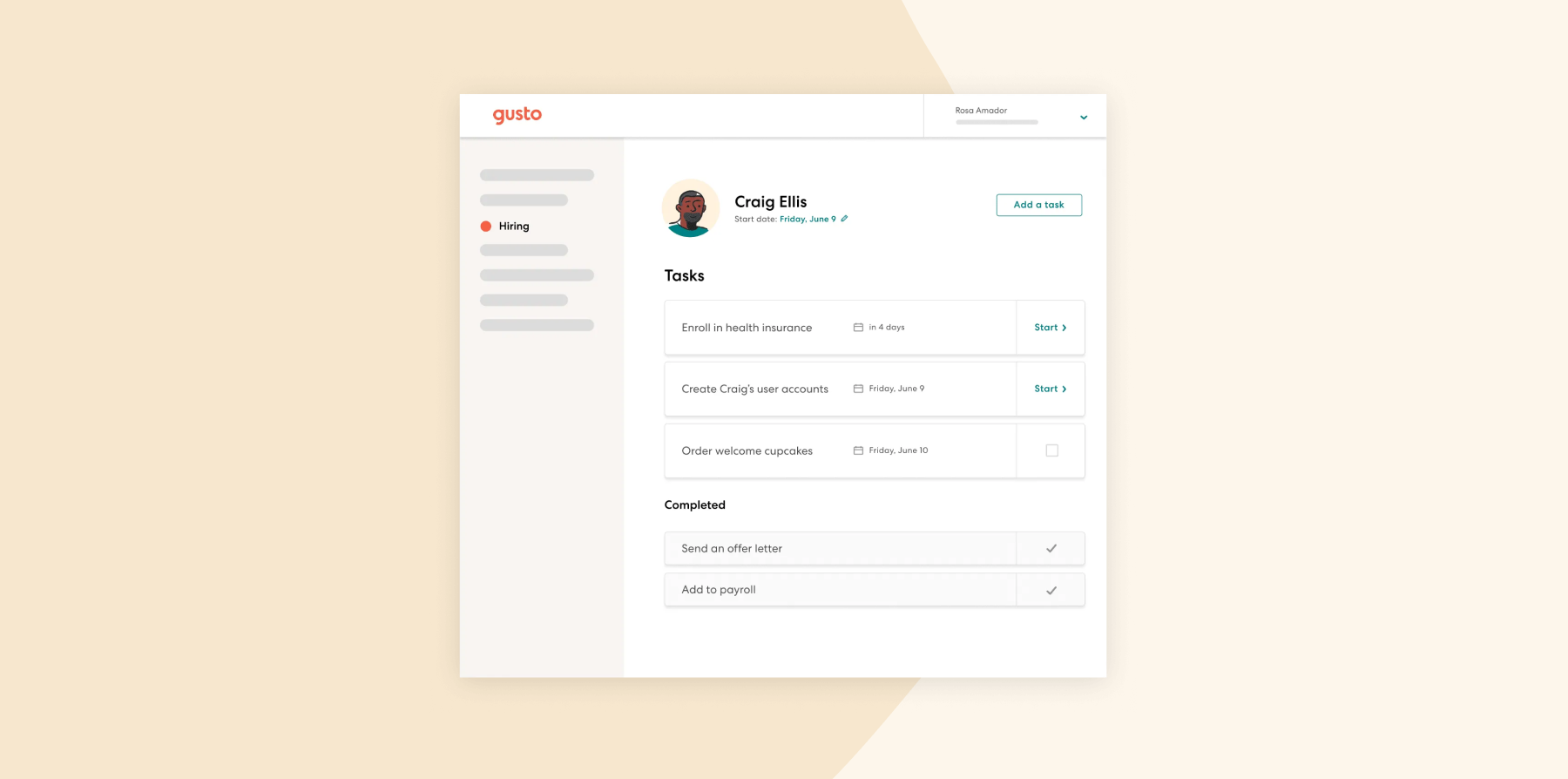
Gusto offers tools for payroll, benefits administration, and talent management. Its automation features streamline HR tasks, and its compliance tools help ensure adherence to tax and legal requirements. The platform also includes engagement tools designed for small businesses.
Features:
- Includes onboarding tools such as checklists, document e-signing, and job posting features
- Offers benefits administration capabilities
- Provides features for performance reviews and engagement surveys
- Automates payroll, tax filing, and direct deposit processes
Pros:
- “The platform connects effortlessly with our existing financial stack.” – verified review
- “Gusto is a payroll system that’s very easy to navigate.” – verified review
Cons:
- “Gusto does not offer a time tracking option for contractors only employees.” – verified review
- “Only disappointment was during the year getting notified of a change in features/pricing by tier that forced me to pay a good bit more per month just to keep the one feature I needed being moved to the higher tier.” – verified review
Pricing:
- Simple: $40/month plus $6/month per person
- Plus: $80/month plus $12/month per person
- Premium: $180/month plus $22/month per person
The features and pricing listed for Gusto reflect information available on its website as of the publishing of this article and may change.
Zoho People: Best for budget-conscious teams

G2 rating: 4.4/5 across 420+ verified reviews
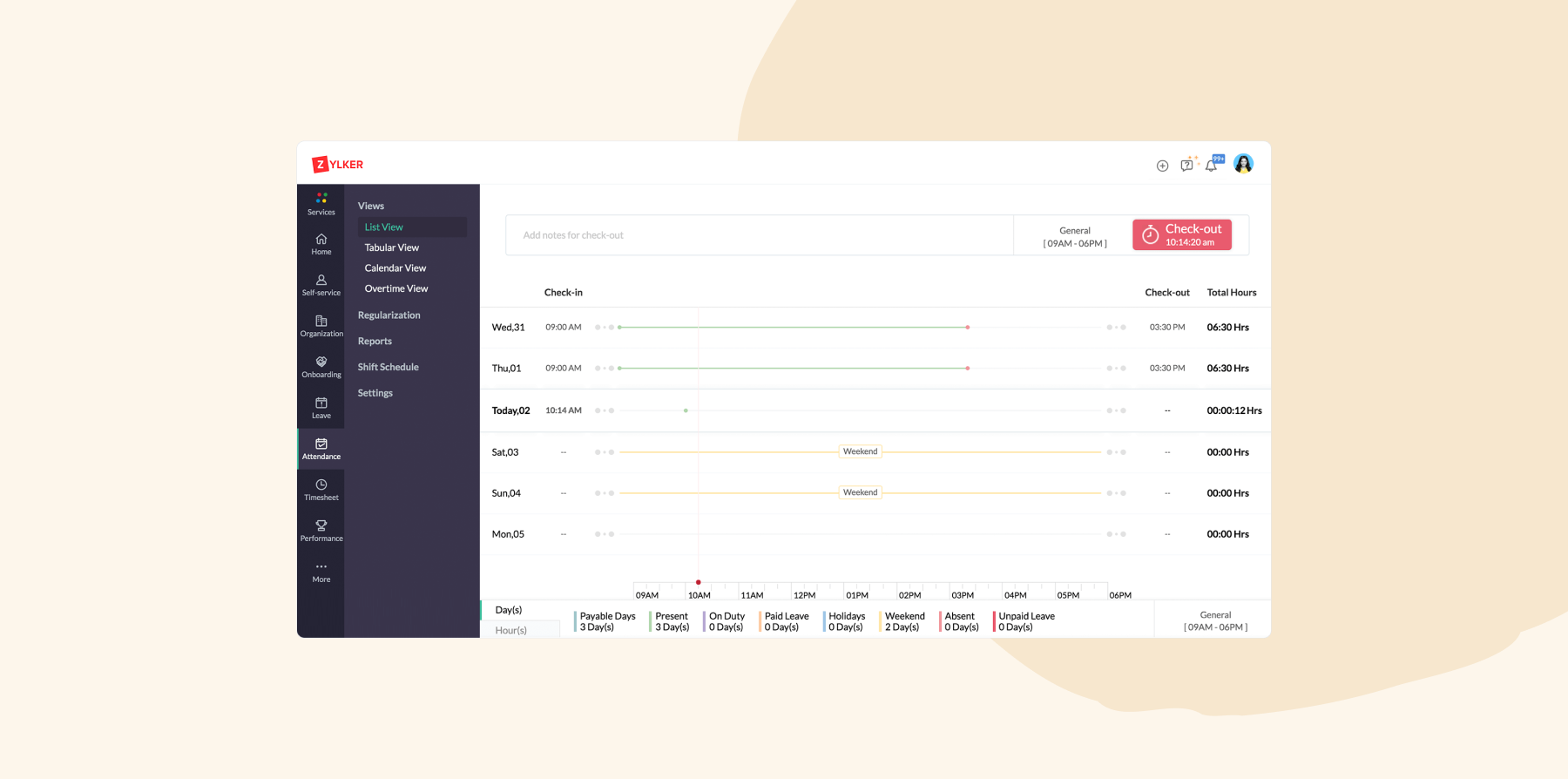
Zoho People is an affordable HRIS platform that manages onboarding, time tracking, performance management, and learning development. It includes a built-in learning management system (LMS) to create training materials for new hires, enhancing the onboarding experience. The platform also features case management tools, enabling team members to submit personal queries to HR for efficient resolution.
Features:
- Centralizes and organizes all employee records in a database for easy management
- Customizes leave types, automates accruals, and simplifies
- Tracks work hours, monitors project progress, and ensures accurate billing with time tracking tools
- Plans, assigns, and manages shifts to optimize workforce scheduling
- Facilitates goal setting, feedback, and appraisals to support performance management
- Creates and manages training programs with an integrated LMS
Pros:
- “It helps me manage clinic work, staff coordination, and health education related activities from one place.” – verified review
- “I regularly use features like attendance tracking, leave management, employee records and time tracker during day to day work.” – verified review
Cons:
- “It’s not easy to use. It takes a considerable amount of time to understand and set up the product (roles and permissions). Additionally, in the latest version, using it as an admin has become a bit more challenging.” – verified review
- “If you’re implementing the system yourself, be prepared for a significant time investment—especially if your organization is setting up complex workflows and policies for the first time.” – verified review
Pricing:
- Essential HR: $1.25/user/month
- Professional: $2/user/month
- Premium: $3/user/month
- Enterprise: $4.50/user/month
- People Plus: $9/user/month
The features and pricing listed for Zoho People reflect information available on its website as of the publishing of this article and may change.
Best HRIS software for mid-size businesses
When organizations hit a certain size, basic recordkeeping and payroll stop being enough. HiBob’s report found that 65 percent of people managers say they cannot ensure fair pay decisions without a unified view of budget and people data, which is a challenge that compounds as headcount, compensation complexity, and workforce costs increase.
The platforms below add capabilities like performance management, workforce planning, and more to meet those demands.
HiBob: Best for HR and Finance alignment
G2 rating: 4.5/5 across 2,600+ verified reviews
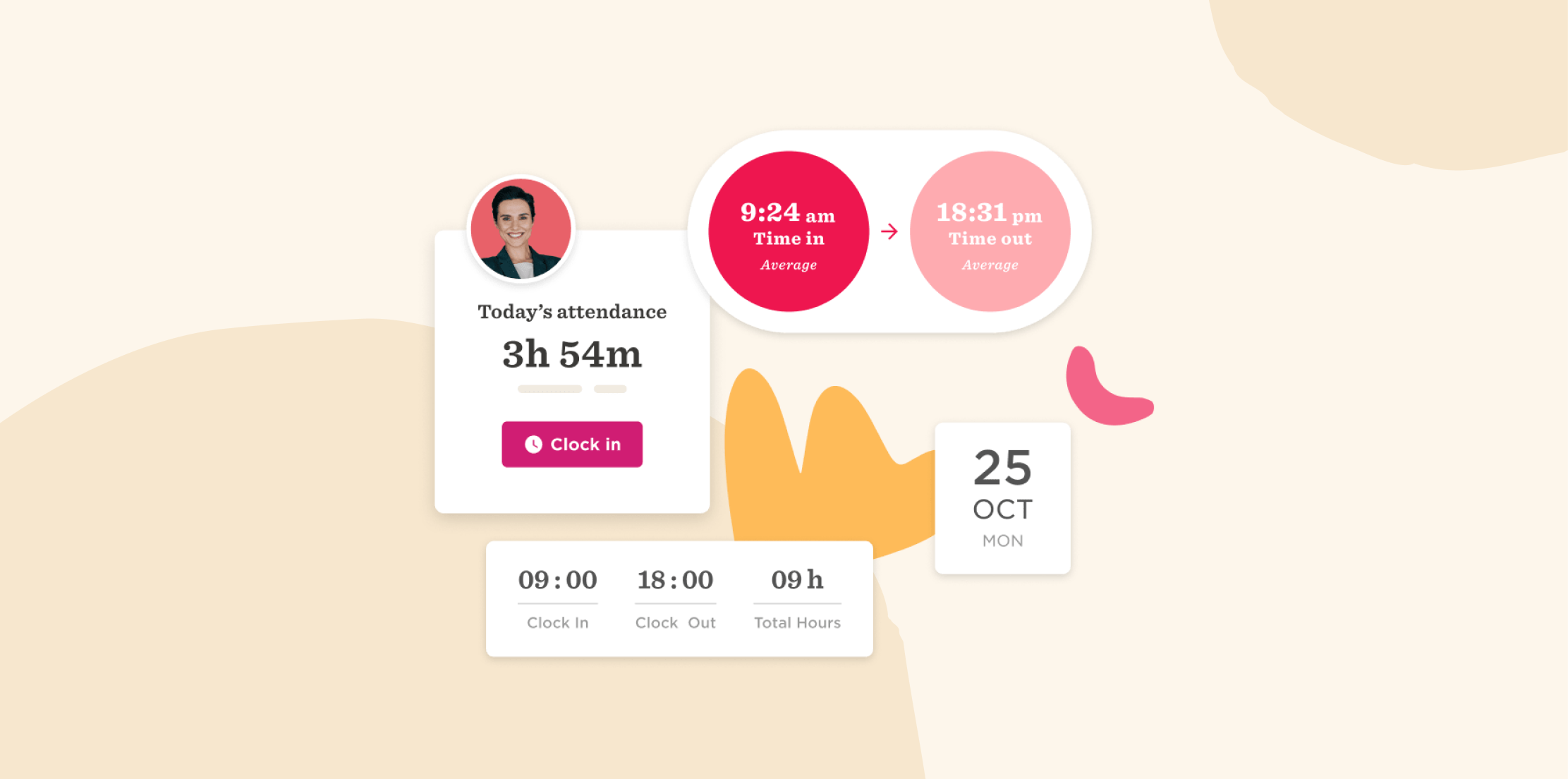
HiBob is an all-in-one HR and payroll platform built for mid-sized and multinational companies, designed to simplify and enhance HR operations for businesses from 50 to 10,000 team members. It manages the entire employee lifecycle—from recruitment to retirement—within a single platform. HR and Finance teams can work from the same workforce data to model headcount plans, track compensation changes, understand workforce costs, and see how hiring decisions impact budgets. Bob AI helps teams analyze workforce data, surface trends, and reduce manual work across processes like reporting, performance management, and compensation planning.
For teams with people in more than one country, it handles multi-country records, local requirements, and reporting in one system rather than one system per country. That gives mid-market teams an enterprise-grade foundation without the complexity of a legacy HCM suite—the kind where configuration work never really ends and the modules you bought are the ones you stop using.
Features:
- Core HR: Centralize team member profiles, documents, onboarding workflows, time off, attendance, and essential HR records in one system
- Hiring and Onboarding: Manage recruitment, applicant tracking, interview scheduling, candidate evaluations, offer letters, and onboarding workflows
- Payroll and Compensation: Automate payroll processes, manage compensation cycles, salary reviews, bonuses, and approvals while supporting compliance and pay transparency
- Workforce Planning and Finance: Connect headcount plans, compensation data, and workforce costs to budgets so HR and Finance can make decisions using the same real-time data
- Performance and Learning: Run 360-degree reviews, set goals, provide continuous feedback, and create learning programs to support employee development
- People Analytics: Track headcount, turnover, retention, absenteeism, attrition risk, and other workforce metrics through configurable dashboards and reports
- AI: Ask questions about workforce data, surface trends and recommendations, generate content, and reduce manual work across HR, payroll, and Finance workflows
Pros:
- “I use HiBob HRIS to manage the end-to-end employment lifecycle all within one system, which is great because it consolidates multiple systems into one and reduces the use of spreadsheets.” – verified review
- “What I enjoy most about HiBob is the ability to configure the system to automate many of my HR tasks. For example, we’ve set up some amazing workflows for onboarding, which is really helping with clarity for the first 90 days and keeping people’s learning on track.” – verified review
Cons:
- “There are small reporting constraints such as not being able to get all information in a general report so we have to be intentional about which report we use.” – verified review
- “The graphs from reports only download as image files.” – verified review
Pricing: HiBob offers custom pricing based on company size, selected modules, and business needs.
Discover the power of a modern HRIS and learn firsthand how HiBob can optimize your HR processes
Employment Hero: Best for benefits marketplace
G2 rating: 4.4/5 across 600+ verified reviews
Employment Hero offers businesses HR, payroll, hiring, employee management, and benefits administration capabilities. The platform gears itself toward small and mid-size businesses, particularly in Australia, New Zealand, the UK, and other APAC markets.
Features:
- Manages payroll, employee records, leave requests, time tracking, and compliance activities within the same platform
- Supports performance management with goal setting, performance reviews, development tracking, and learning tools
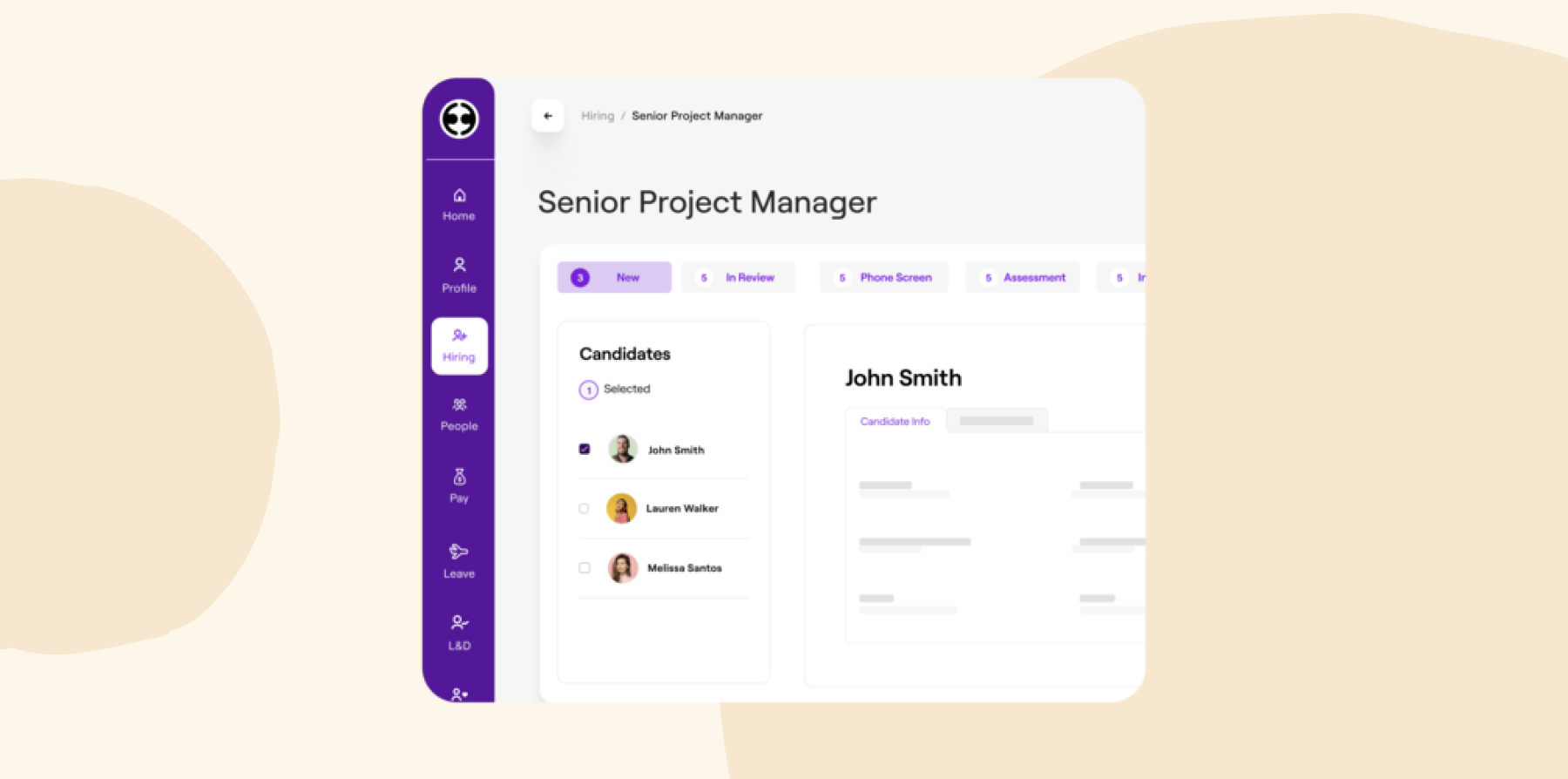
- Includes applicant tracking tools for posting jobs, managing candidates, and moving applicants through the hiring process
- Provides reporting, workflow automation, and people management tools to support day-to-day HR operations
Pros:
- “It reduces the amount of manual administration required.” – verified review
- “The system provides employees with direct access to important information such as payslips, leave balances, rosters, timesheets, policies, and employment documents.” – verified review
Cons:
- “One area I dislike about Employment Hero is the limited level of customisation available around visibility and workflow management.” – verified review
- “The performance review process feels limited. Booking review periods for employees is restrictive, and it doesn’t allow enough tailoring for different situations.” – verified review
Pricing:
- HR Essentials: $10 per user/month
- HR Engage: $14 per user/month
- HR Elite: Custom pricing
- Employment Unlimited: Custom pricing
The features and pricing listed for Employment Hero reflect information available on its website as of the publishing of this article and may change.
Factorial: Best for AI document automation

G2 rating: 4.4/5 across 100+ verified reviews
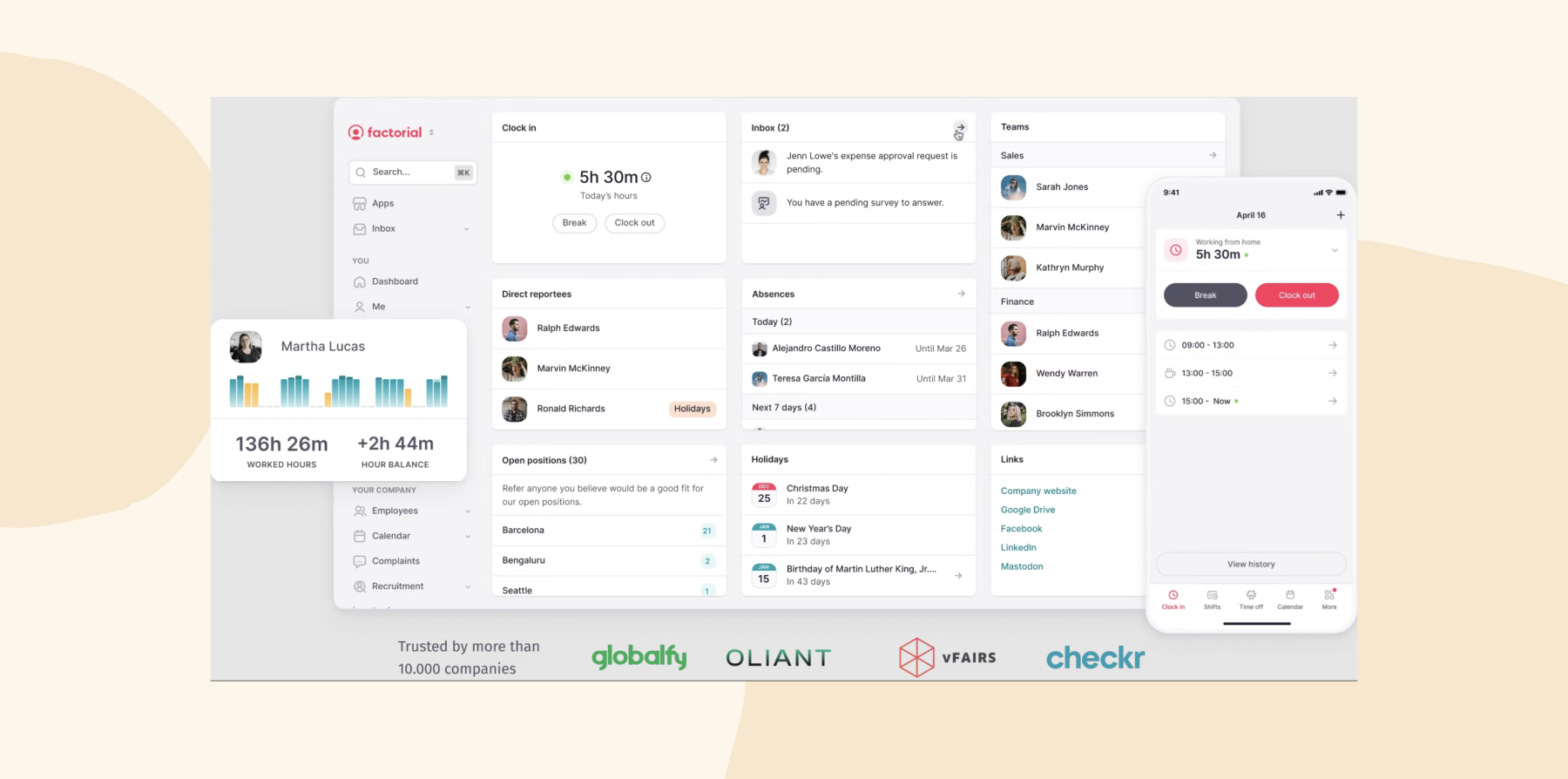
Factorial automates HR processes for growing, mid-market businesses. It combines payroll, time tracking, performance management, and talent acquisition into a unified system.
Features:
- Automates and centralizes payroll processes to ensure timely payments
- Tracks work hours, manages shift schedules, and monitors attendance efficiently
- Supports team member development with tools for performance reviews, goal tracking, and onboarding
- Generates customized reports and provides insights from workforce data
- Stores and manages documentation with electronic signature capabilities for legal compliance
Pros:
- “What Factorial has contributed the most to us is centralizing in a single platform things that we previously had spread across spreadsheets, emails, and the management office.” – verified review
- “What I appreciate most about Factorial is its strong alignment with Spanish labor regulations.” – verified review
Cons:
- “The system still has bugs” – verified review
- “The help guides are not always up to date.” – verified review
Pricing: Pricing is not publicly available.
The features and pricing listed for Factorial reflect information available on its website as of the publishing of this article and may change.
Paycom: Best for self-service

G2 rating: 4.5/5 across 6,700+ verified reviews
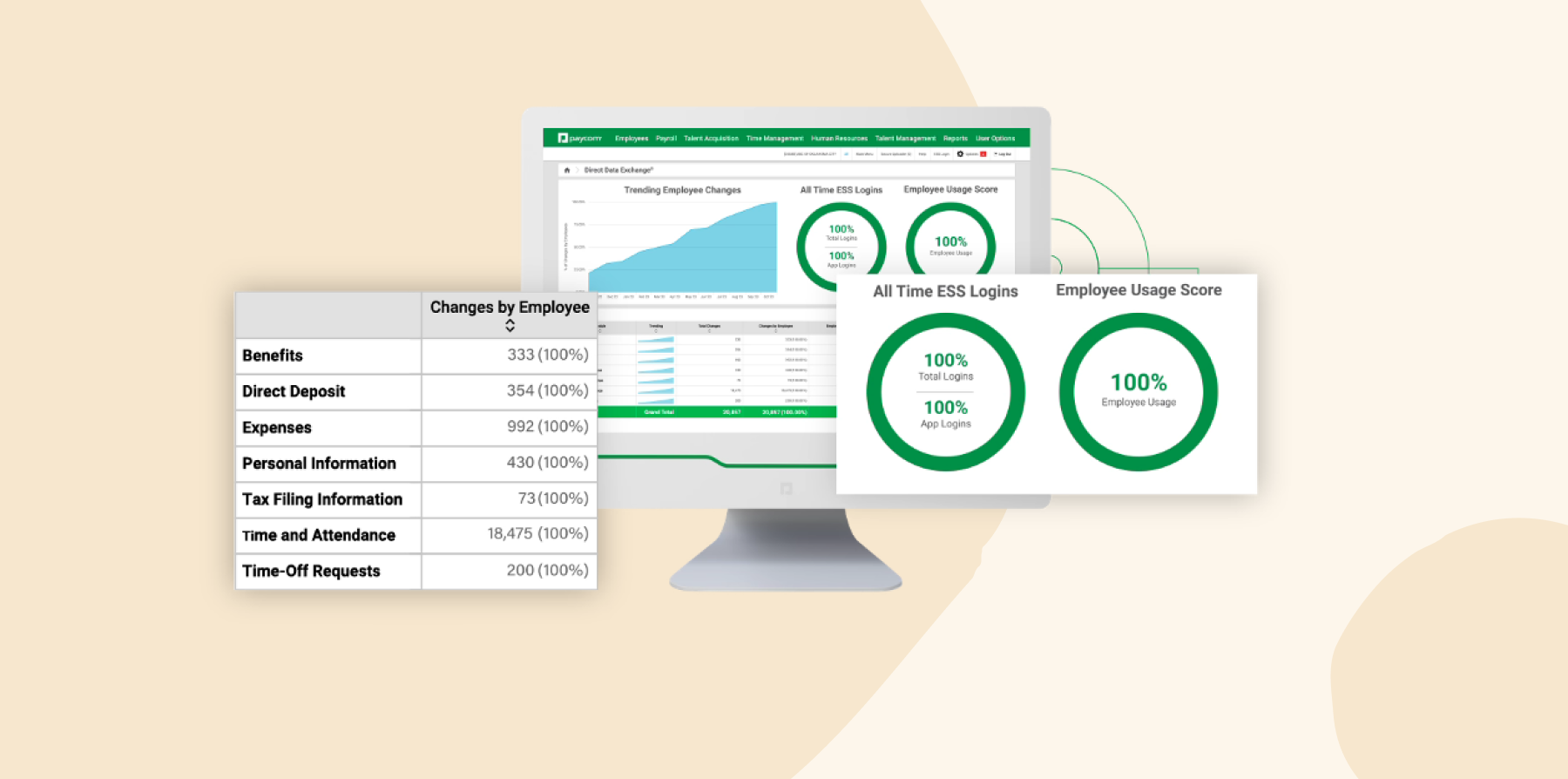
Paycom consolidates HR and payroll processes into a platform designed for businesses of all sizes. It offers features for recruitment, onboarding, payroll, and compliance management. The platform’s self-service tools allow team members to manage personal information, benefits, and time-off requests.
Features:
- Automates payroll processes with employee-managed data for accuracy and efficiency
- Supports recruitment, onboarding, performance management, and team member development within a unified system
- Integrates time tracking and scheduling into the same platform
- Maintains compliance with laws and regulations using automated tools and reporting features
- Enables team members to manage their HR data, including payroll, benefits, and time-off requests, through self-service tools
Pros:
- “Accessibility across multiple devices helps to make Paycom easy to access and use as both an employee and supervisor.” – verified review
- “I can quickly check my schedule, pay stubs, tax information, and time-off requests.” – verified review
Cons:
- “They’ve set us up incorrectly initially, they botched important pieces of some big changes we asked them for, we’ve had to pay for a 3rd party contractor to help us untangle the mess and navigate some much needed initiatives.” – verified review
- “It is clunky and hard to navigate. Staff struggle with all the notifications and have turned them off.” – verified review
Pricing: Pricing is not publicly available.
The features and pricing listed for Paycom reflect information available on its website as of the publishing of this article and may change.
Personio: Best for recruitment automation

G2 rating: 4.4/5 across 900+ verified reviews
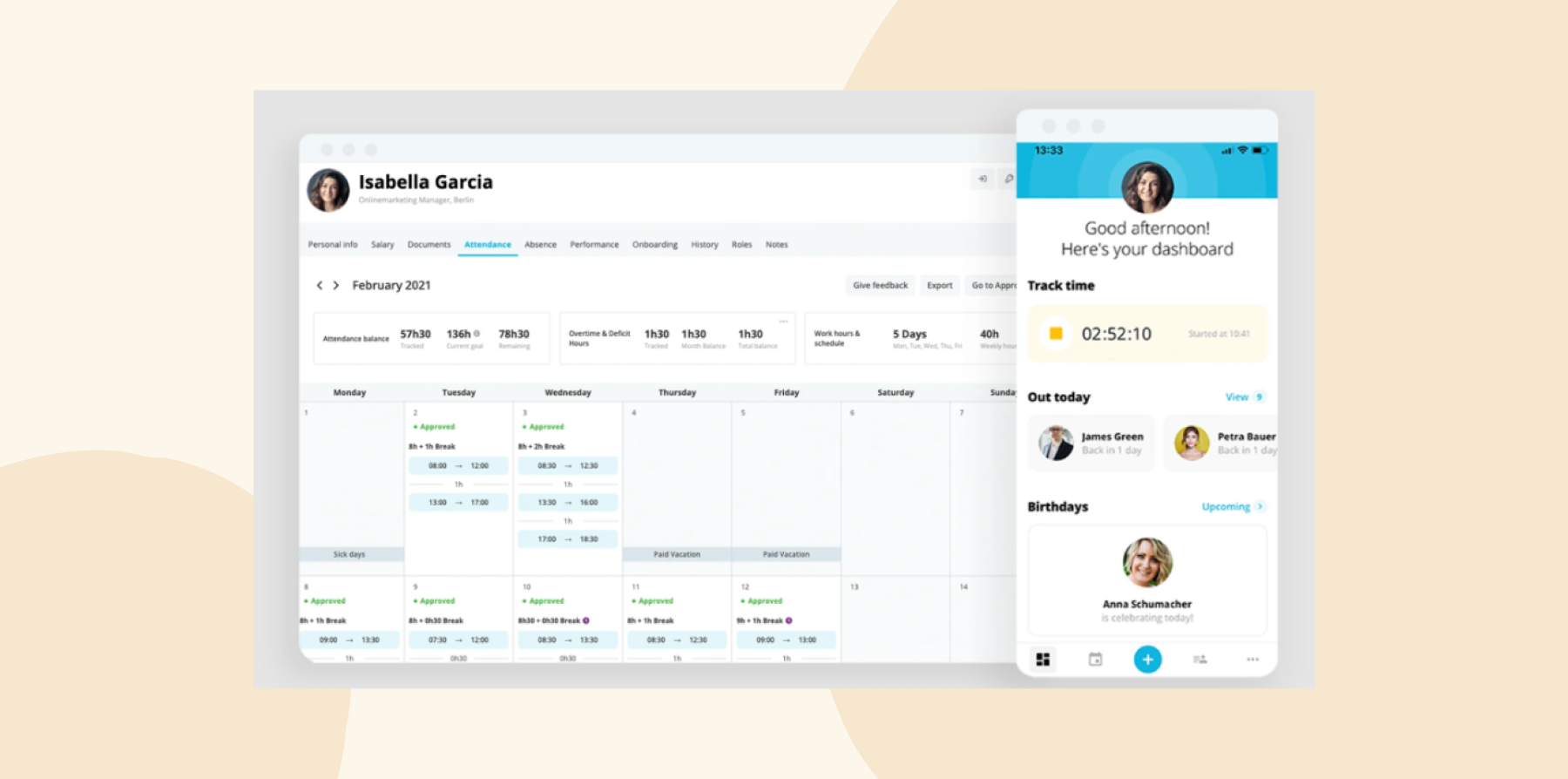
Personio is an HR software platform that centralizes recruitment, onboarding, performance management, and offboarding into a single system. It helps growing organizations maintain compliance with local and global regulations. The platform also enables users to post job ads on more than 600 job boards and integrates with over 200 applications.
Features:
- Post job ads on over 600 portals and streamline hiring with automated applicant tracking and onboarding workflows
- Facilitate performance cycles, continuous feedback, and 360-degree reviews through automation
- Manage salaries, bonuses, and other compensation processes efficiently
- Track working hours, manage leave requests, and maintain compliance with labor regulations
- Generate insights into HR processes with advanced analytics and automated reporting tools
Pros:
- “Many procedures are now more structured, efficient, and transparent than before.” – verified review
- “A major added value is the automated workflows.” – verified review
Cons:
- “No support if you aren’t the Admin/Contract owner. They don’t offer support for actual business users.” – verified review
- “They recently made their Customer service even more difficult to reach, and when you can finally interact with someone, the help you get is totally unhelpful.” – verified review
Pricing: Pricing is not publicly available.
The features and pricing listed for Personio reflect information available on its website as of the publishing of this article and may change.
<<Compare Bob vs. Personio–See which fits your business best>>
Rippling: Best for HR and IT management features

G2 rating: 4.8/5 across 13,400+ verified reviews
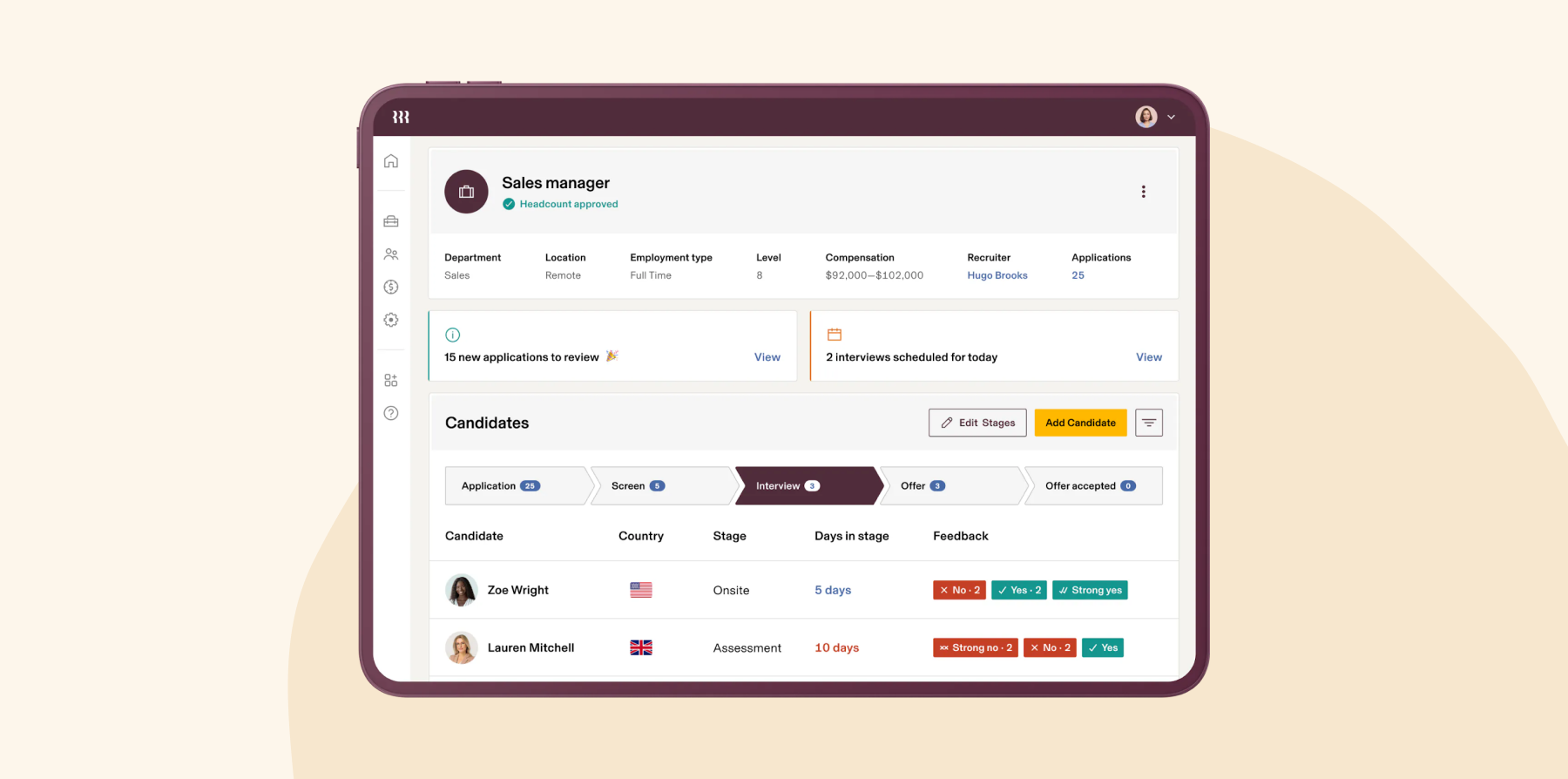
Rippling is a global HRIS platform for HR, IT, and Finance operations. It enables organizations to manage payroll, benefits, and compliance across multiple countries efficiently. The platform’s flexibility and scalability make it a suitable option for organizations of various sizes.
Features:
- Facilitates payments for employees and contractors in multiple countries while ensuring compliance with local laws and regulations
- Centralizes management of health insurance, retirement plans, and other benefits in an integrated system
- Automates onboarding processes, including sending offer letters and enrolling new hires in benefits programs
- Supports goal-setting, performance reviews, and compensation management to optimize feedback and development processes
- Identifies and addresses compliance issues across regions to ensure regulatory adherence
Pros:
- “It makes recruiting, onboarding, approvals, and employee management much easier to manage in one place.” – verified review
- “I regularly use Rippling for payroll and employee data management.” – verified review
Cons:
- “They were incredibly disorganized during the onboarding process. Up to the day of the go live date, they were giving me additional tasks to perform that could have been given to me a month earlier. At the end, they were able to perform the tasks themselves.” – verified review
- “Additionally, we’ve discovered unauthorized charges for an app we never used, and the customer support has been unresponsive and unhelpful in addressing these issues.” – verified review
Pricing: Rippling offers custom pricing.
The features and pricing listed for Rippling reflect information available on its website as of the publishing of this article and may change.
<<Compare Bob vs. Rippling–See which fits your business best>>
Best HRIS software for enterprise businesses
HiBob’s recent research found that 32 percent of enterprises struggle most with integration challenges, which can leave payroll, performance, recruiting, and workforce data spread across disconnected tools. The platforms below support large-scale operations with global capabilities, advanced reporting, and integrations built for complex technology environments.
ADP Workforce Now: Best for multi-state payroll

G2 rating: 4.2/5 across 4,200+ verified reviews
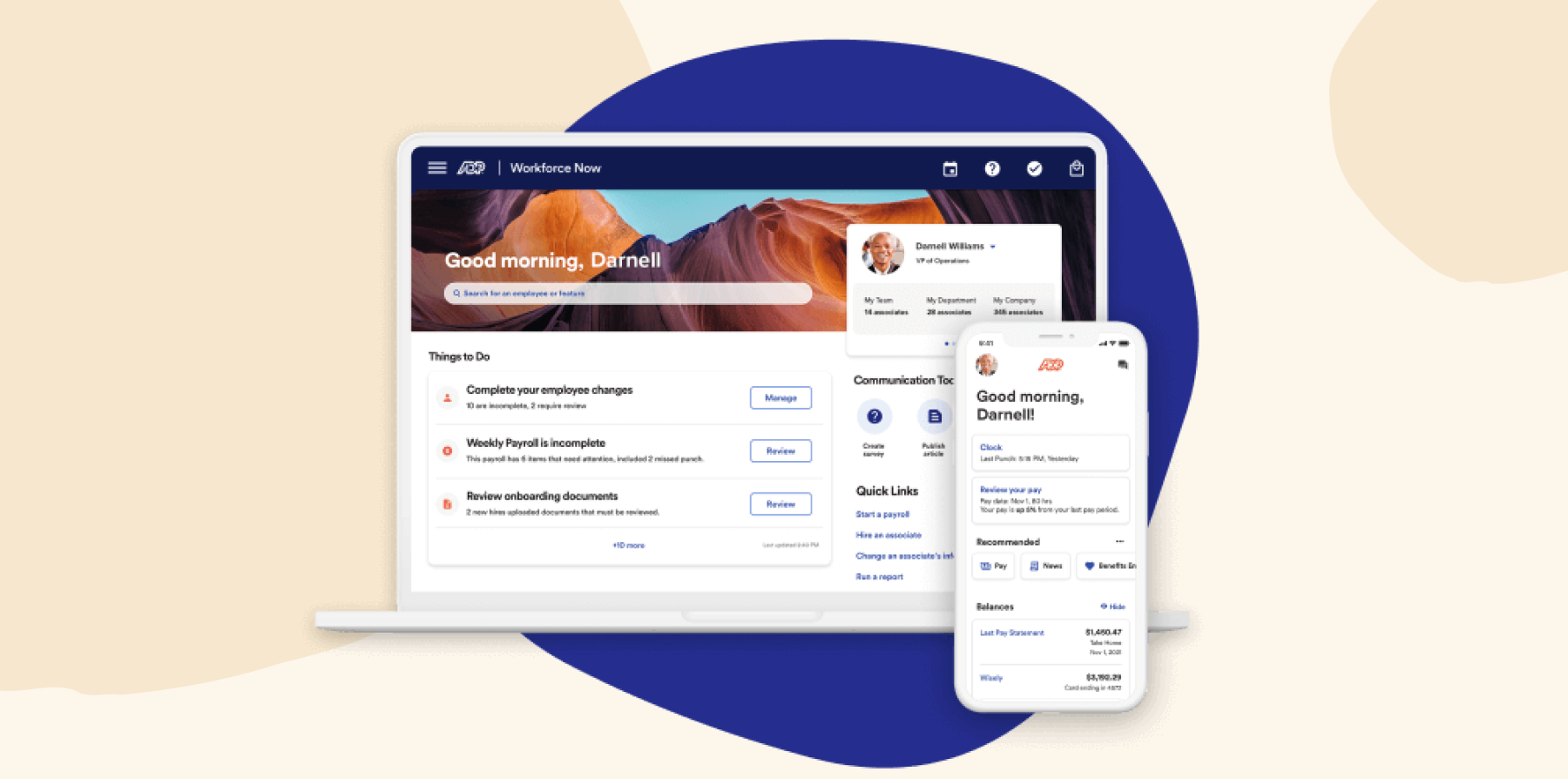
ADP is a global HRIS platform offering payroll, HR management, and benefits administration features. The software offers over 200 prebuilt reports for identifying workforce trends and can help businesses with global operations in over 140 countries.
Features:
- Processes payroll and handles federal, state, and local tax filing
- Connects time tracking, attendance, and scheduling data directly to payroll
- Supports onboarding, people records, benefits administration, and HR reporting in one system
- Gives team members mobile access to pay information, time off, benefits, and personal details
Pros:
- “Helps reduce dependency on HR for small tasks.” – verified review
- “Running payroll is a smooth process.” – verified review
Cons:
- “Service tickets often take a considerable time to resolve and typically lack details about the issue being addressed when you are notified of a resolution.” – verified review
- “Additionally, the level of detail in the information provided can be overwhelming, making it challenging to train employees on the administrative side.” – verified review
Pricing: ADP Workforce Now pricing is not publicly available.
The features and pricing listed for ADP Workforce Now reflect information available on its website as of the publishing of this article and may change.
Dayforce: Best for shift-based workforces

G2 rating: 4.2/5 across 970+ verified reviews
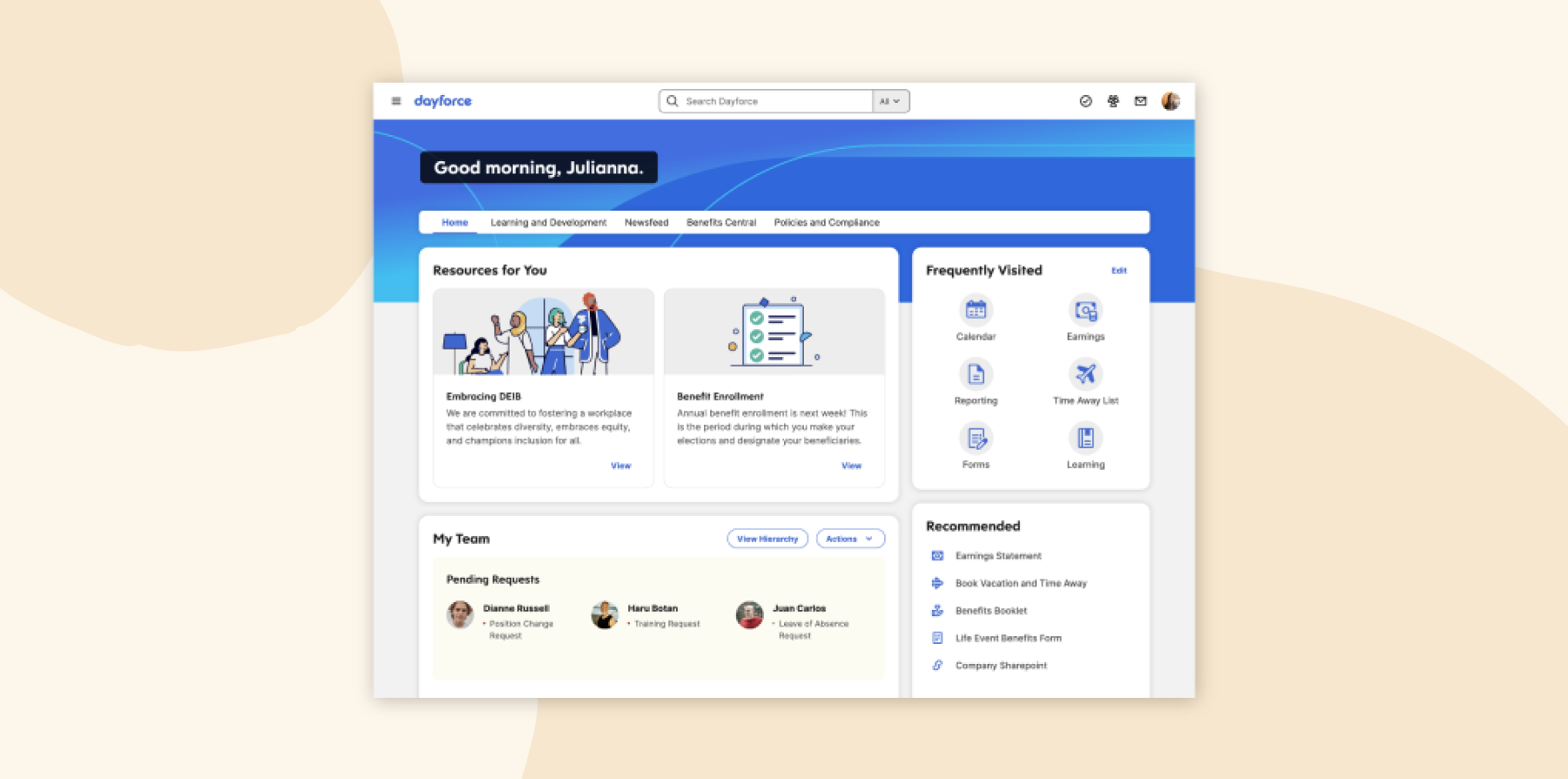
Dayforce (Ceridian) is a global HRIS platform that integrates payroll, benefits, talent management, and workforce management into a single system. With real-time data processing, it enables HR leaders to make informed, data-driven decisions.
Features:
- Processes payroll continuously in real time so HR teams can preview pay at any point in the cycle
- Builds shift schedules using AI-driven demand forecasting, with automatic alerts for overtime exposure and labor law conflicts
- Enforces built-in compliance rules for shifts, breaks, and overtime by region
- Tracks time and attendance with mobile clock-in and geofencing
- Supports global operations across 200+ countries with multi-currency payroll, local compliance management, and Dayforce Wallet for earned wage access
Pros:
- “The built-in rules for overtime, breaks, and tax regulations are great for helping us avoid costly compliance issues.” – verified review
- “Lots of ‘out of box’ reports.” – verified review
Cons:
- “The Leave Management options are minimal.” – verified review
- “Reporting is way more complicated than it needs to be.” – verified review
Pricing: Pricing is not publicly available.
The features and pricing listed for Dayforce reflect information available on its website as of the publishing of this article and may change.
Deel: Best for Employer of Record

G2 rating: 4.8/5 across 1,400+ verified reviews
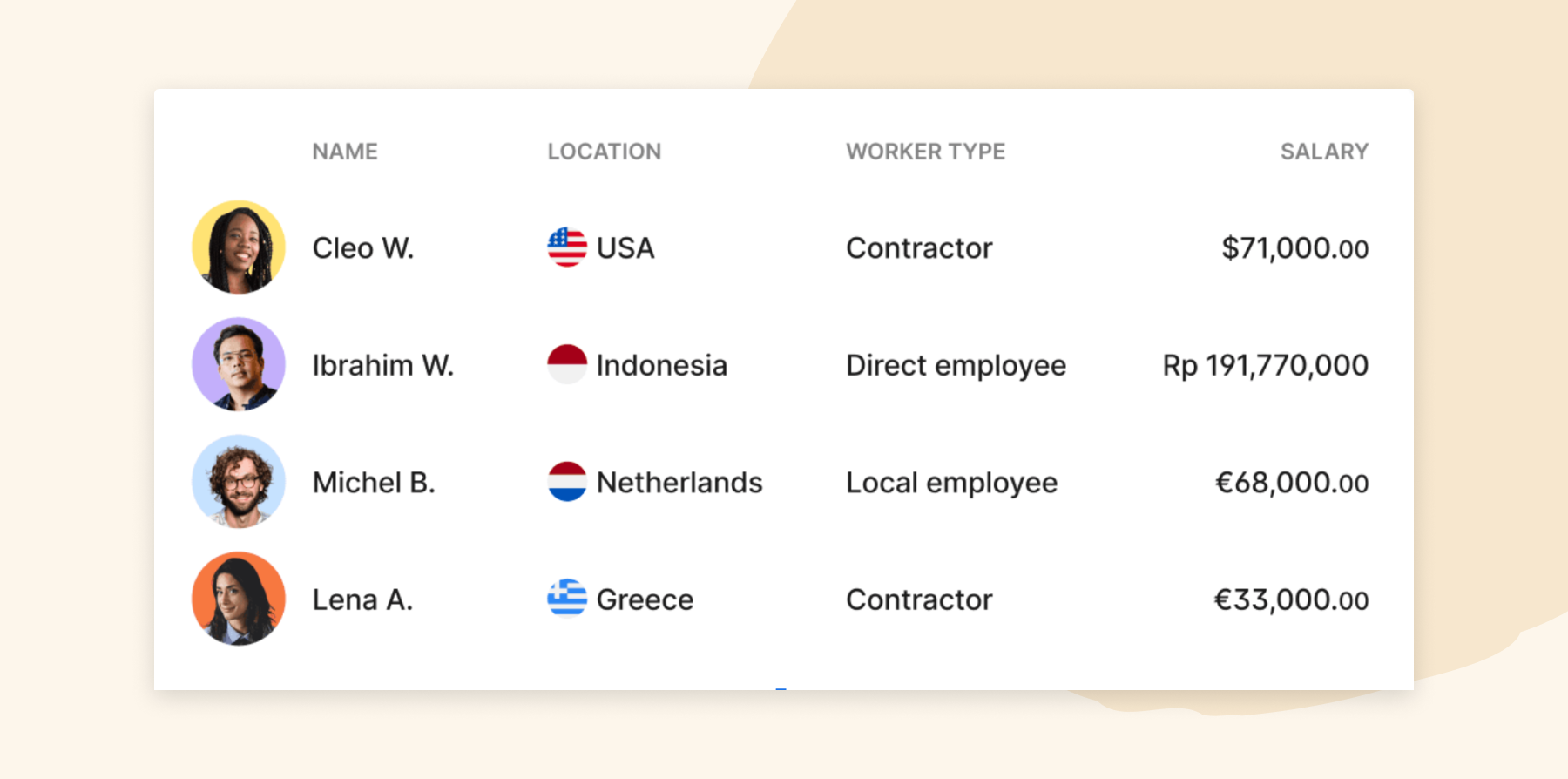
Deel’s HRIS platform is designed to support payroll, compliance, and HR management for businesses with international teams. The platform supports both full-time team members and contractors, offering flexibility for diverse workforce needs.
Features:
- Provides tailored benefits packages, including health insurance and retirement plans, for different regions
- Streamlines onboarding with automated workflows and digital document signing
- Manages payroll for employees and contractors in over 150 countries
- Creates, manages, and stores contracts with country-specific templates
- Automates compliance with local labor laws
Pros:
- “It feels more like a complete HR ecosystem.” – verified review
- “Payroll processing is straightforward.” – verified review
Cons:
- “Tax info is unclear.” – verified review
- “There is no ability to adjust DOWN the amount of the contract without approval from personnel.” – verified review
Pricing:
- Contractor Plan: Starting at $49/monthnth per contractor
- EOR (Employer of Record): Starting at $599/monthnth per employee
- Payroll: Starting at $29 per employee/monthnth
- US Payroll: Starting at $19 per employee/monthnth
- US PEO: Starting at $89 per employee/monthnth
The features and pricing listed for Deel reflect information available on its website as of the publishing of this article and may change.
Papaya Global: Best for International payroll

G2 rating: 4.5/5 across 50+ verified reviews
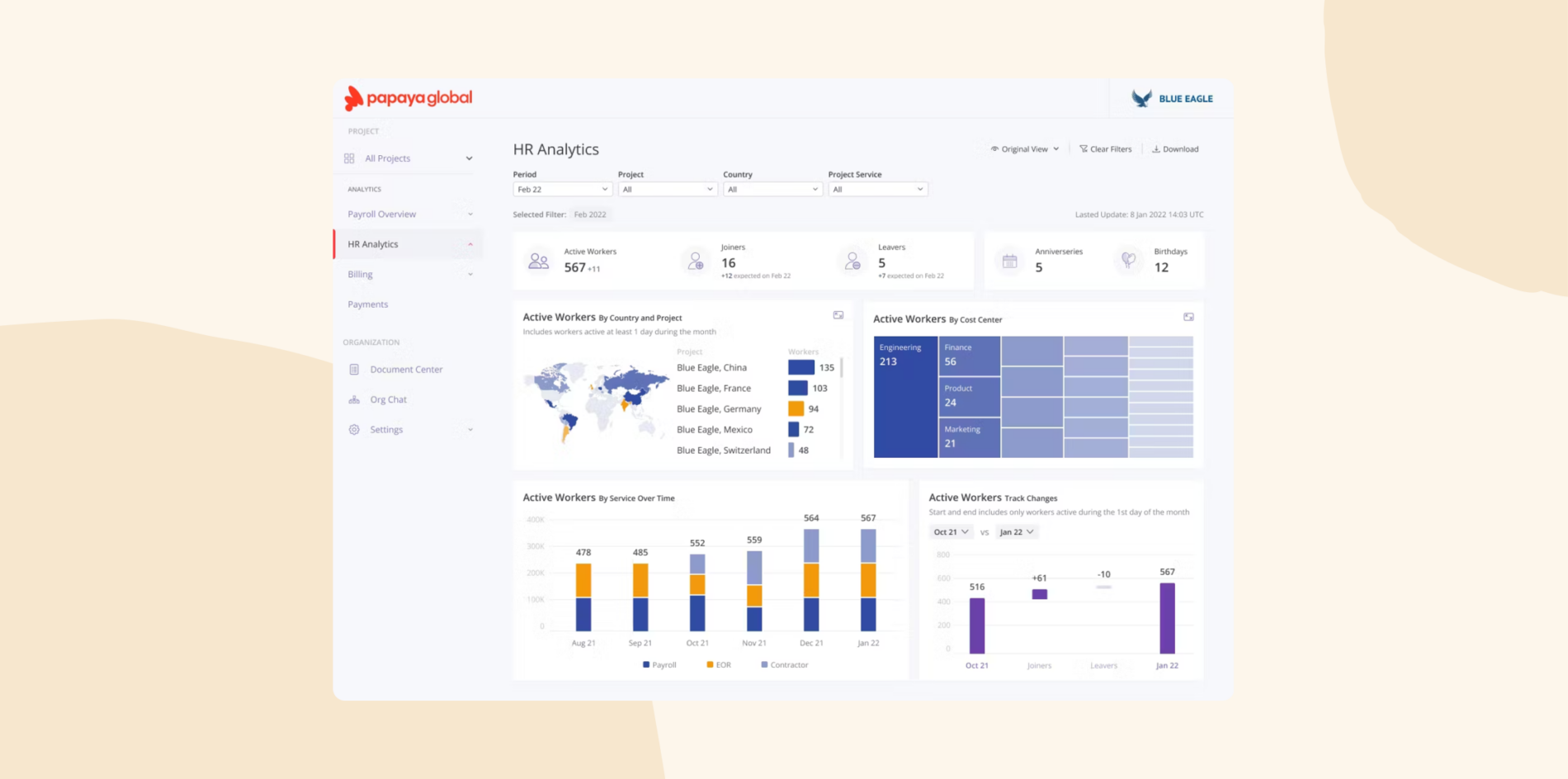
Papaya Global is a payroll-focused HRIS platform designed to support global workforce management for companies operating in over 160 countries. It automates payroll in multiple currencies, supports compliance with local labor laws, and manages benefits tailored to regional requirements. The platform also includes tools for employee immigration support, real-time analytics, and integration with existing HR systems.
Features:
- Facilitates global payroll processing to improvestandard payment operations across multiple countries and currencies
- Offers workforce analytics tools that deliver automated data insights
- Provides Papaya 360 support, connecting users with expert assistance for compliance, payroll, and workforce management needs
- Incorporates embedded AI to enhance automation, reduce manual tasks, and improve operational efficiency
Pros:
- “Our data flows directly into Papaya.” – verified review
- “If there are no changes from month to month in payroll, the approval time is less than 5 minutes.” – verified review
Cons:
- “Lack in timely response and customer support.” – verified review
- “They should improve the information they provide when opening a new site so their customers will better understand the implications of working on that site.” – verified review
Pricing:
- Workforce OS: $5/month/employee
- PayrollPlus Grow Global: Starting at $25/month/employee
- PayrollPlus Scale Global: Starting at $20/month/employee
- PayrollPlus Enterprise Global: Starting at $15/month/employee
- Enterprise Grade Employer of Record (EOR): Starting from $599/month/employee
- Contractor Payments & Management: Starting from $30/month/employee
- Global workforce payments: Starting at $2.5/transaction
- Agent of Record: Starting at $200/month/contractor
The features and pricing listed for Papaya Global reflect information available on its website as of the publishing of this article and may change.
Paychex: Best for tax filing services

G2 rating: 4.1/5 across 1,700+ verified reviews
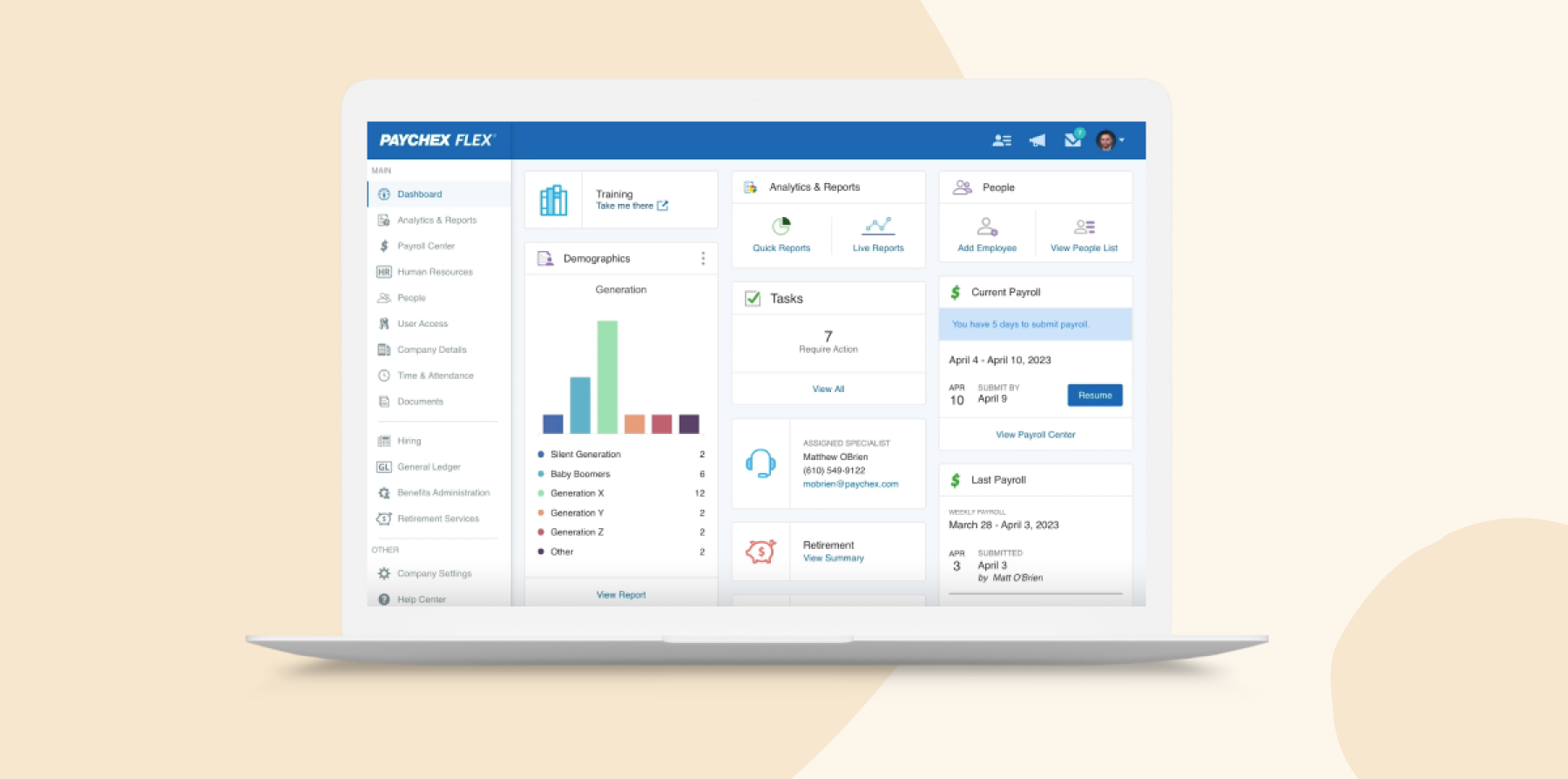
Paychex is a payroll platform designed for businesses of all sizes, offering features tailored to HR leaders. It integrates tax filing, recruitment, compliance, and benefits management into a unified system and includes tools for tracking time and attendance.
Features:
- Automates tax administration, direct deposits, and payroll processing with built-in compliance tools
- Offers touchless clocking solutions and the Paychex Flex® app to manage hours, shifts, and schedules
- Streamlines recruitment, onboarding, and performance reviews with customizable workflows that integrate with job boards
- Manages health insurance, retirement plans, and other benefits with tools for enrollment and compliance
- Generates customizable reports to provide insights into payroll, benefits, and workforce management
Pros:
- “The payroll automatic saves progress when you make changes.” – verified review
- “Paychex keeps us up-to-date with the latest compliance and employment laws.” – verified review
Cons:
- “Paychex puts their efforts into selling their products and services — they do not invest in Customer Service once the product is sold.” – verified review
- “Price bait & switch. Payroll invoices double in price when discounts fall off. Difficult to get discount re-applied.” – verified review
Pricing: Pricing is not publicly available.
The features and pricing listed for Paychex reflect information available on its website as of the publishing of this article and may change.
How to choose the best HRIS software
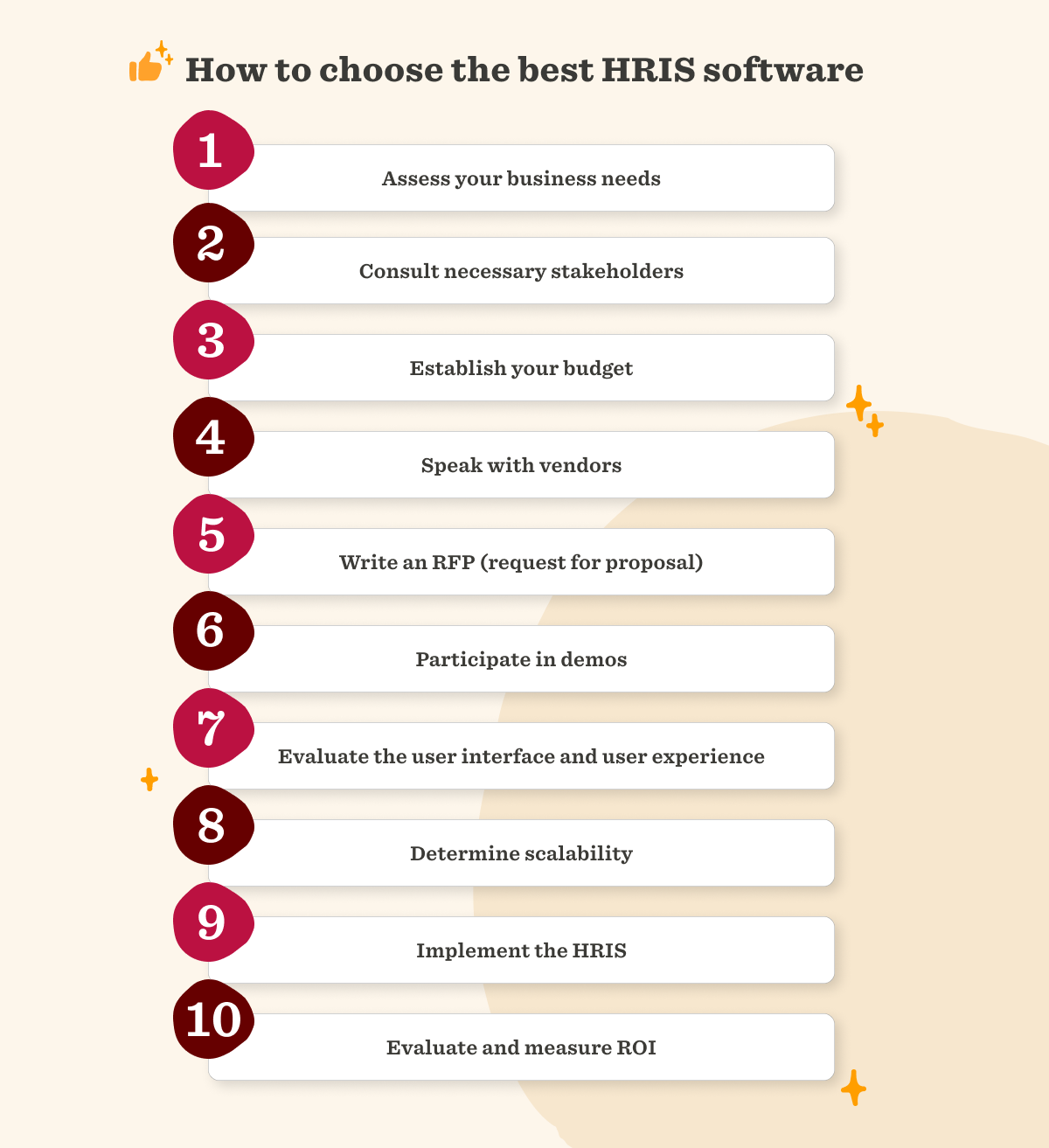
Choosing the best HRIS software means finding a platform that aligns with your organization’s needs while supporting your people and processes. Here are key tips for choosing the best HRIS software for your organization:
1. Identify your organization’s HR needs
List the HR tasks that take the most time, create the most errors, or require the most back-and-forth. For example, note whether managers chase onboarding paperwork, Finance manually reconciles payroll changes, employees struggle to find documents, or HR builds headcount reports in spreadsheets.
Then divide your requirements into three groups:
- Must have: Capabilities you need from day one, such as payroll, onboarding, benefits administration, or time tracking
- Should have: Tools that would improve current processes, such as compensation management, analytics, or workflow automation
- Future need: Capabilities you may need as you grow, such as multi-country support, workforce planning, or advanced permissions
Use this list to compare vendors against your actual workflows instead of choosing the platform with the longest feature list.
2. Plan your budget
Set a total budget that accounts for more than the monthly subscription. Include implementation, data migration, training, integrations, support, and any modules you may add later.
Define success metrics before you start comparing platforms. Examples include:
- Reducing onboarding administration from five hours per new joiner to two
- Cutting payroll corrections by 50 percent
- Increasing self-service adoption to 80 percent
- Producing headcount reports in minutes instead of days
- Completing performance reviews on time across 90 percent of the organization
- Reducing the number of separate HR tools your team manages
These targets make it easier to judge whether the software delivers enough value to justify the cost.
3. Make a shortlist of HR vendors
Research platforms that support your must-have requirements, then compare product documentation, implementation resources, case studies, pricing, and reviews from organizations similar to yours. Narrow the list to a few vendors and ask each one to demonstrate the same real-world workflows.
During each demo, ask questions such as:
- Can you show us how to onboard a new joiner from an offer letter through their first day?
- How does a compensation or payroll change move between HR, Finance, and payroll?
- Can managers build reports without help from HR or IT?
- Which features require an additional module or more expensive plan?
- How long does implementation usually take for a company our size?
- Which integrations come pre-built, and which require custom work?
- How does the platform manage roles, permissions, and sensitive team data?
- What support do we receive after launch?
- How does pricing change as headcount, locations, or feature needs increase?
Include HR, Finance, IT, managers, and any other relevant stakeholders in the evaluation. Ask each person to score usability, reporting, workflow fit, and implementation risk so you can compare vendors using the same criteria.
4. Implement your new software
A clear implementation checklist and project plan will help you with your HRIS integration. Start by outlining a timeline with key milestones, such as initial setup, testing phases, and full implementation. Engage cross-functional stakeholders early to gather input and address potential concerns, ensuring buy-in from all levels of the organization.
Build in adequate training time and support resources, such as step-by-step guides, video tutorials, and dedicated help channels, to help everyone navigate the new system confidently. Consider scheduling live demonstrations or Q&A sessions to familiarize team members with the platform and address specific questions.
Regular check-ins post-launch can also help identify and resolve any issues, reinforcing adoption and maximizing the system’s benefits.
Recommended For Further Reading
Choose the best HRIS software for your people
Modern HRIS software reduces administrative work so HR teams can focus on strategic priorities. The right platform can improve team member experience while supporting compliance and operational efficiency across the business.
Many solutions promise to do everything. What matters is software that fits your workflows and culture and stays easy to use as you grow. Scalability matters as much as features, especially when your org structure, hiring pace, and payroll complexity change.
With HiBob, HR and Finance work from the same real-time people data—so headcount decisions, compensation changes, and workforce costs are always visible to the people who need them. AI-powered capabilities reduce manual work across reporting, payroll, and performance, giving your team more time to focus on the work that actually requires human judgment. And because HiBob is fast to implement, most teams are live in weeks rather than quarters—worth knowing when the system you pick has to carry a payroll cycle that won’t wait.
See how HiBob connects HR and Finance in one platform.
Discover the power of a modern HRIS and learn firsthand how HiBob can optimize your HR processes
HRIS software FAQs
HRIS, HRMS, and HCM systems share the goal of streamlining HR processes and managing employee data but differ in scope and functionality. An HRIS focuses on core HR tasks, such as storing and tracking people data, managing compliance, and facilitating day-to-day operations.
An HRMS (human resource management system) builds on HRIS capabilities by adding features like payroll processing, performance management, and engagement tools, offering a more integrated approach to HR needs.
HCM (human capital management) platforms expand further, encompassing all HRMS functionalities while adding strategic tools for workforce planning, succession management, and advanced analytics.
HRIS software costs vary based on company size, feature requirements, and whether you need capabilities like payroll, recruiting, performance management, or workforce planning. You can typically expect:
| Company size | Typical cost | Examples | Notes |
| Small businesses | $5-$10 per user/month | BambooHR, Gusto, Zoho People | Typically includes team records, onboarding, time-off tracking, payroll, and basic reporting. |
| Mid-size businesses | $10-$25 per user/month | HiBob, Personio, Rippling | Often adds performance management, workforce analytics, automation, compensation management, and broader integrations. |
| Enterprise organizations | Custom pricing | ADP Workforce Now, Dayforce, Paychex | Usually includes advanced compliance tools, workforce management, global support, custom workflows, and enterprise-grade reporting. |
The final cost changes once user count, implementation requirements, integrations, and any additional modules your organization needs are finalized. Many providers also offer custom pricing based on workforce size, geographic footprint, and support requirements, so it’s worth requesting a custom quote when comparing options.
Small businesses can gain significant advantages from HRIS software, particularly when scalability and affordability are top priorities. Automating routine tasks like onboarding, time tracking, and benefits administration allows small HR teams to reduce paperwork and focus on growth-oriented initiatives without the need to scale their headcount.
Optimized processes also help small businesses stay on top of compliance tracking, avoiding costly errors that can strain limited budgets. Rather than handling rote tasks manually, teams can use their time to prioritize building meaningful workplace relationships, enhancing employee engagement, and rolling out talent development programs that support long-term growth—all within a cost-effective framework designed to grow alongside the business.
Learn more about the best HRIS systems for small businesses.
Leading cloud-based HRIS platforms generally maintain strong security through data encryption and regular security audits. Look for vendors who clearly communicate their security protocols and provide documentation about how they protect sensitive information.
Headcount is a bad trigger. Watch for these instead. You’re keeping the same information current in two places, usually the HRIS and payroll, or the HRIS and a spreadsheet somebody owns. Approvals are happening in email or Slack because the system can’t route them to the right manager. You can’t answer a leadership question about headcount or cost without exporting to a spreadsheet first. Permissions are all-or-nothing, so managers either see everything about their team or almost nothing.
You’ve added a second country and the system can’t hold local contract terms, leave rules, or pay dates. Or you’ve taken on a tool—a payroll provider, an ATS, a finance system—that your HRIS has no integration for, so someone’s moving files between them by hand. One of those is an annoyance. Three at once means you’ve outgrown it, and that usually arrives somewhere between 150 and 300 people.
Discover the power of a modern HRIS and learn firsthand how HiBob can optimize your HR processes
Disclaimer:
This content reflects HiBob’s perspective, informed by our experience supporting HR teams as they evaluate and implement HR software. It is provided for informational purposes only and is not intended as independent research or professional advice. Prospective users should conduct their own evaluation before making a decision.
Feature descriptions, pricing references, and availability for third-party platforms are based on publicly available information at the time of publication and may change. HiBob does not guarantee the accuracy or completeness of information related to third-party products. Prospective users should verify details directly with each provider.