Employee benefits play a key role in attracting and retaining top talent—but managing them can quickly become complex. From enrollment deadlines and compliance requirements to evolving team member expectations, HR teams need systems that bring structure and clarity.
As growth strategist Julie Bevacqua puts it, “In order to build a rewarding employee experience, you need to understand what matters most to your people.” For today’s workforce, that might mean flexible health plans, mental wellbeing stipends, childcare support, or financial wellness programs.
That’s why HR leaders are turning to benefits administration software: to simplify enrollment, keep records accurate, and give people easy access to the perks that matter to them. The result? Less admin for HR and a more seamless, empowering experience for your team.
Best administration software at-a-glance
With so many benefits platforms available, we focused on finding tools that simplify enrollment and give your people a clearer view of their coverage options. We reviewed dozens of HR and benefits systems based on verified details from each provider’s official site, authoritative third-party platforms like G2 and Gartner, and verified user reviews.
We selected the top picks based on ease of use, automation capability, compliance coverage,
integration flexibility, and user experience. Each platform in this list met or exceeded these standards for different team sizes and industries.
Here’s a quick look at the top platforms and which businesses they’re best suited for:
| HR software | Best for | Customer size | Key industries | Pricing style |
| HiBob | End-to-end HR and benefits management with flexible workflows | All sizes | Tech, services, creative sectors | Custom pricing |
| ADP Workforce Now | Centralizing payroll, HR, and benefits | Large (500+) | Finance, healthcare, manufacturing | Custom pricing |
| BambooHR | Simplifying benefits and HR tasks | Small to mid-size (1-500) | Retail, hospitality, healthcare | Subscription (per user per month) |
| Deel | Managing benefits and payroll for international teams | Small to enterprise (1-1000+) | Tech, remote-first, global companies | Tiered by service |
| GoCo | Automating enrollment with carrier syncs | Small to mid-size (1-500) | Retail, construction, education | Modular pricing (per feature) |
| Gusto | Running payroll and U.S. benefits | Small businesses (1-200) | SMBs, retail, startups | Tiered pricing (per user) |
| Justworks | Outsourcing HR, payroll, and benefits administration | Small to mid-size (1-500) | Startups, agencies, tech | Tiered pricing (per user) |
| OnPay | Offering payroll-integrated benefits with broker support | Small businesses (1-200) | Trades, professional services | Flat monthly fee + per user |
| Paychex Flex | Managing payroll, benefits, and compliance under one dashboard | Mid-size to large (50-500+) | Healthcare, manufacturing, retail | Custom pricing |
| Paycom | Keeping all HR and benefits data in one single software | Mid-size to large (50-500+) | Finance, logistics, manufacturing | Custom pricing |
| Paycor | Automating enrollment and reporting with carrier connectivity | Mid-size organizations(200-500) | Healthcare, hospitality, education | Tiered pricing (per user) |
| Remote | Offering benefits and payroll across multiple countries | Small to enterprise (1-1000+) | Global hiring, tech, SaaS | Tiered pricing (per user) |
| Rippling | Combining HR, payroll, and IT | Small to enterprise (1-1000+) | Tech, SaaS, professional services | Modular pricing (per feature) |
| TriNet | Accessing enterprise-level benefits with built-in compliance | Small to mid-size (1-500) | Healthcare, consulting, legal | Custom pricing |
| UKG | Supporting benefit structures in large-scale enrollments | Mid-size to large (50-500+) | Healthcare, government, education | Custom pricing |
| Workday | Managing benefits, payroll, and total rewards globally | Large (500+) | Finance, education, manufacturing | Custom pricing |
What is benefits admin software?
Benefits admin software are digital systems that manage team member benefits packages. HR teams use the software to automate enrollment, update employee files, and maintain compliance.
As Richard Branson, business leader, famously said, “Clients do not come first. Employees come first. If you take care of your employees, they will take care of your business.” Benefits admin software supports that philosophy by giving your people direct access to their benefits so they can review coverage, update dependents, or compare plan options—without waiting on HR for every change.
Types of employee benefits platforms
Not all benefits admin platforms work the same way. Some handle benefits solely, while others are part of a larger HR system. Our list includes businesses that offer:
- All-in-one HR software: These platforms typically add core HR, payroll, and more in addition to benefits administration. They’re geared toward teams that want a single source of truth for their entire company.
- Specialized benefits platforms: These point solutions focus specifically on benefits management and nothing else. They typically help HR teams automate enrollments, connect directly with insurance carriers, and give people a clear view of their coverage.
- Customizable or modular systems: Customizable software lets HR teams choose the specific features they need. This can include any combination of payroll, time-off, or benefits, and add more as the company grows.
- Professional employer organizations (PEOs): PEOs take on HR responsibilities like payroll, benefits, and compliance on behalf of the company. They’re often used by smaller teams that want access to enterprise-level benefits without handling administration internally.
Recommended For Further Reading
Top benefits administration software
Every company handles benefits differently. What works for a 10-person startup won’t necessarily fit a 500-person national organization. Below, we’ve rounded up leading platforms that help HR teams manage benefits in ways that match their size, structure, and goals.
HiBob
G2 rating: 4.5/5 from over 1,900 user reviews
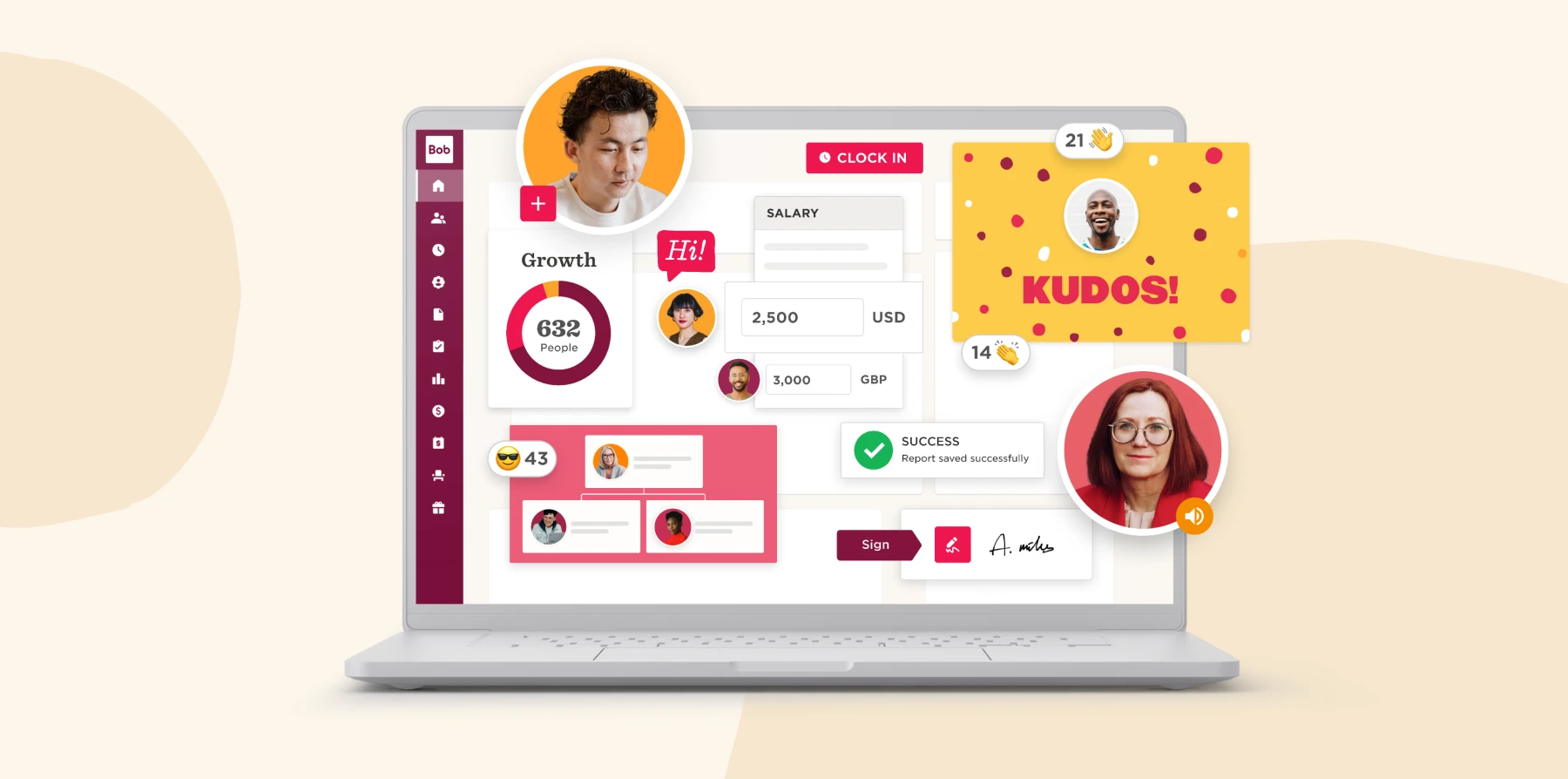
HR leaders use HiBob’s powerful all-in-one HR platform to bring human resources, payroll, finance, and benefits together in one people-first experience—eliminating silos, reducing admin, and driving smarter decisions with AI. With its Payroll Hub and integration with bswift, HR teams can manage benefits enrollment, verify dependent eligibility, and keep data accurate across systems, while Finance gets more reliable workforce cost visibility for planning and reporting.
AI-powered tools like DependentIQ, DecisionIQ, and InsightsIQ automate complexity, while personalized communication campaigns keep team members engaged every step of the way.
Features:
- Payroll Hub: Centralize payroll operations, benefits data, and vendor connections in one user-friendly dashboard
- Finance: Connect people plans to budgets by modeling headcount and workforce costs and keeping HR and Finance working from the real-time data
- Benefits Administration and Management: Streamline enrollment and eligibility with mobile-first, configurable flows and built-in compliance tools fully synced with payroll
- AI-powered Self-service: Use tools like DecisionIQ and DependentIQ to guide team members to the right coverage and eliminate manual verification
- Compensation Management: Support salary reviews, bonuses, and equity allocations with built-in budgeting tools
- Analytics and Pay Insights: Use InsightsIQ to surface trends, track benefit usage, and identify cost drivers that support smarter planning
Pros:
- “I also like that it goes beyond the basics, it includes things like setting personal goals, viewing my benefits, and tracking performance, which makes it way more useful and personal than just a typical HR system.” – verified user
- “I also find it really easy to submit time off and love the ability to view my docs and benefits all in one place.” – verified user
Cons:
- “Some settings and admin stuff feel a bit geared more towards HR folks” – verified user
- “Personally, I don’t use the ‘task’ tab at all.” – verified user
Learn firsthand how HiBob can optimize your benefits administration.
ADP Workforce Now

G2 rating: 4.2/5 from over 3,800 user reviews
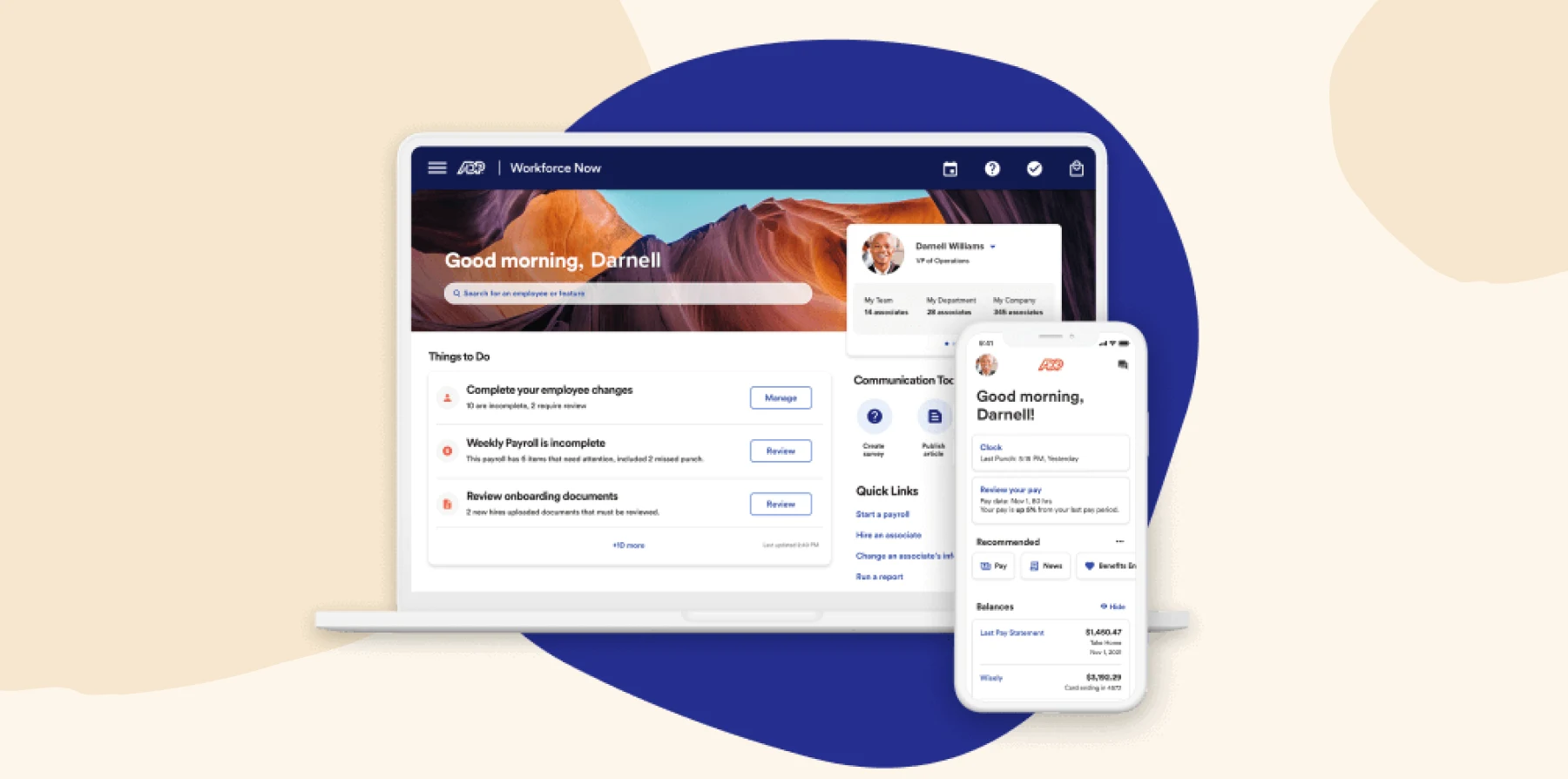
ADP Workforce Now is a full human capital management (HCM) platform targeting midsize to large organizations. Its benefits module automates enrollment, manages eligibility, and pushes updates to carriers in real time. HR teams can log in to the benefits dashboard to define benefit plans, approve or override team member elections, and pull reports on enrollment status.
Features:
- Carrier connection automation: Integrate with 900+ insurance carriers to send changes directly when enrollments or life events occur
- Self-service: Let people select plans, make changes during life events, and view benefit options via a portal
- Eligibility and enrollment rules engine: Set up rules for eligibility windows, plan tiers, and automatic transitions
- Reporting and compliance dashboards: Access preconfigured reports on benefits plans, eligibility status, or enrollment changes
Pros:
- “We’ve been able to streamline our employees’ access to our benefits site with links on our home page” – verified user
- “The platform centralizes everything from payroll to benefits and time tracking.” – verified user
Cons:
- “While the platform pulls a lot of HR processes together, its interface can sometimes feel a bit clunky or overwhelming.” – verified user
- “Some workflows—such as time-off approvals and benefits navigation—are overly complex and require too many clicks.” – verified user
BambooHR

G2 rating: 4.2/5 from over 2,700 user reviews
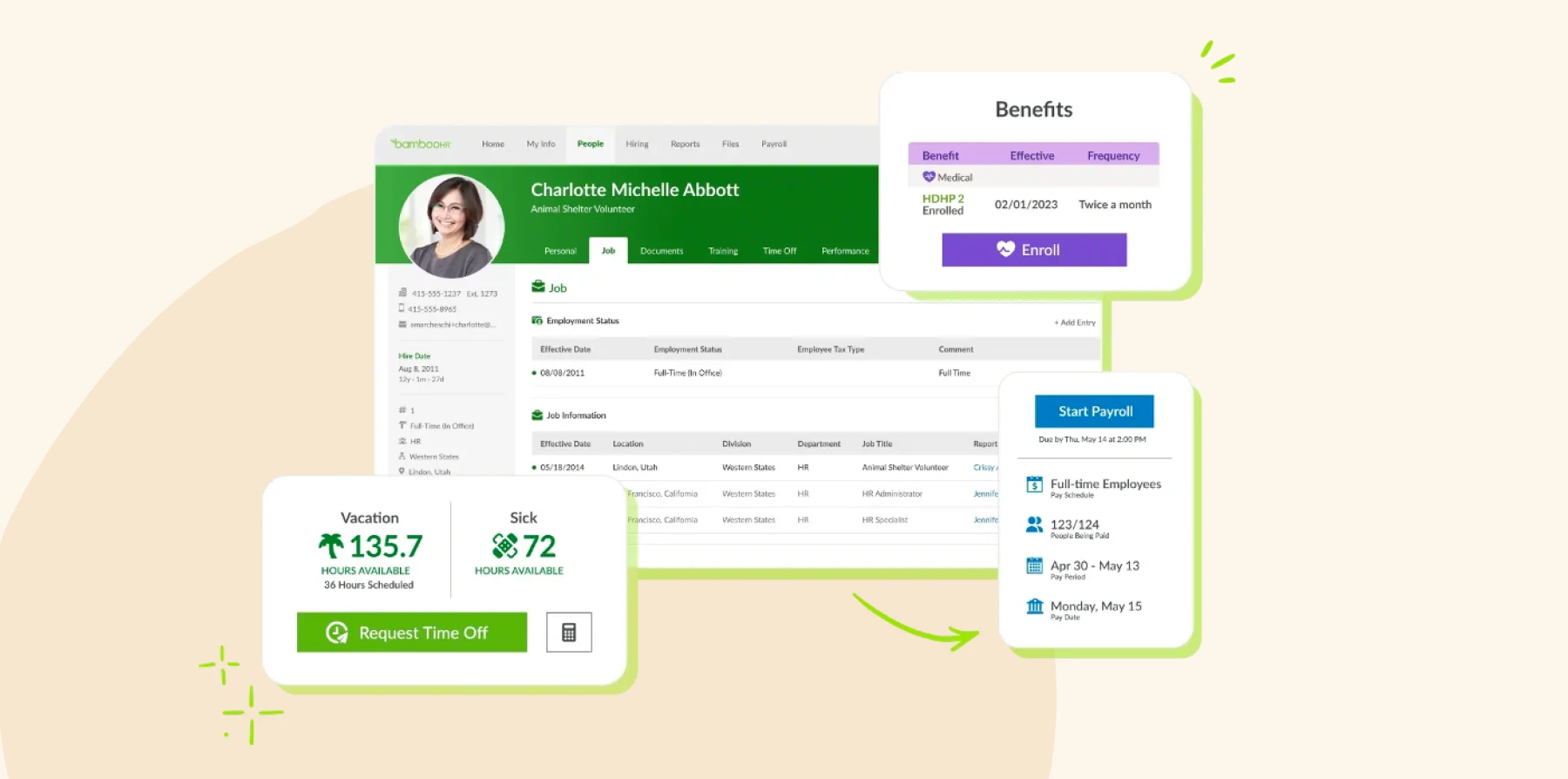
BambooHR is an all-in-one HRIS with an optional benefits administration add-on module. The benefits module is focused on simplifying plan setup, enrollment windows, and workflow around benefit elections. Leaders can freely adjust benefit plans and enrollment periods directly within BambooHR.
Features:
- Enrollment setup: Define open enrollment periods, eligibility criteria, and required forms per benefit plan
- Self-enrollment and approval workflow: Review, approve, or adjust people’s elections
- Carrier sync: Connect to carriers or export election data for carrier upload
- Reporting: Generate reports to let HR review adoption, changes, or missing enrollments
Pros:
- “If I ever need to reference a handbook, form, or benefits info, it’s just a couple of clicks away.” – verified user
- “The integration for our benefits was incredibly easy.” – verified user
Cons:
- “The lack of direct integrations with benefits providers means we still rely heavily on manual processes for enrollment and administration.” – verified user
- “There are some limitations in the benefits module.” – verified user
<<Compare Bob vs. BambooHR – See which fits your business best>>
Deel

G2 rating: 4.8/5 from over 10,00 user reviews
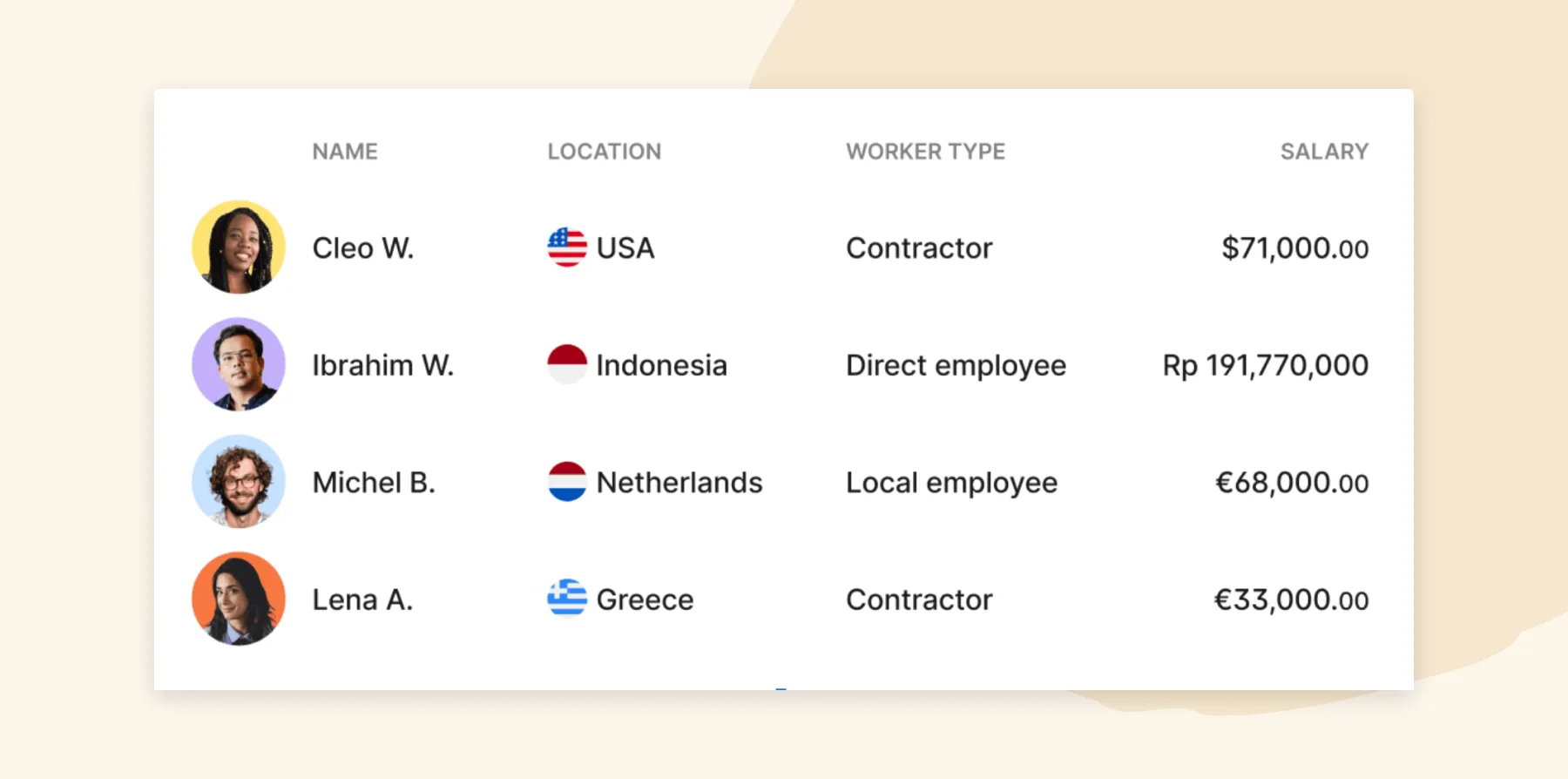
Deel is a global HR, payroll, and PEO-style platform for multi-site workforces. It includes benefits administration capabilities for US and international teams to handle enrollment, deductions, compliance across jurisdictions, and carry deductions into payroll. Team members can log into Deel to elect, change, or view their own benefits.
Features:
- Benefits: Offer localized benefits packages, statutory benefit handling, and optional local health/retirement plans in different countries
- Enrollment and life event edits: Enable staff to enroll or adjust benefits during open enrollment or qualified life events
- Payroll integration: Send benefit contributions into payroll calculations
- PEO: Access dedicated help to handle compliance, reporting, and carrier coordination.
Pros:
- “Deel offers great rewards and benefits for its users.” – verified user
- “The app also makes it incredibly easy to manage compliance documents and keep track of benefits and contract terms.” – verified user
Cons:
- “Pricing creep. Add-ons (benefits, visa, equipment, localized perks) stack up” – verified user
- “Some country-specific benefits (like local insurance options) are limited.” – verified user
GoCo

G2 rating: 4.6/5 from over 400 user reviews
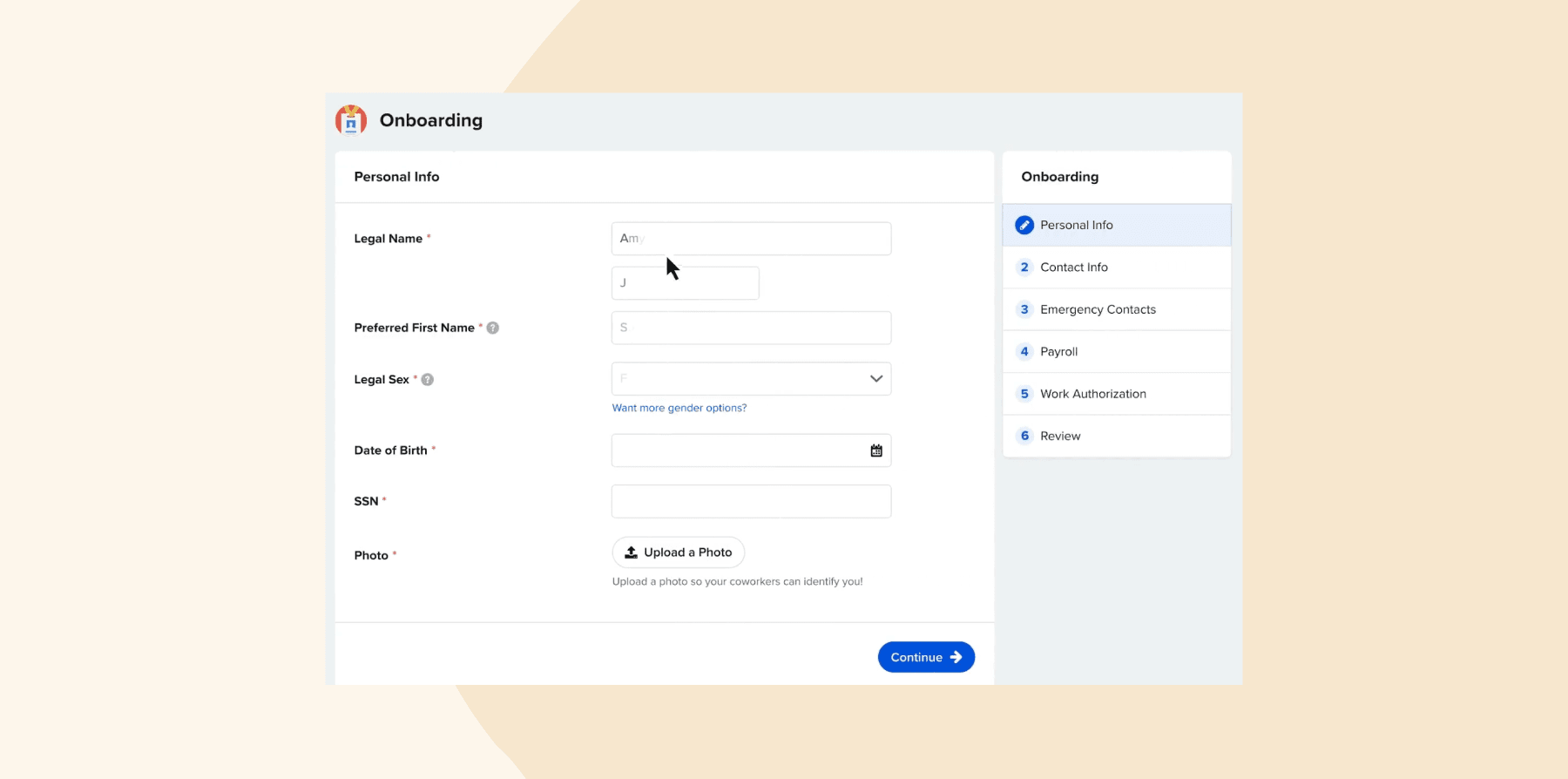
GoCo is an all-in-one HRIS platform that includes benefits administration as a core module. It handles tasks like enrollment, eligibility rules, compliance, and carrier syncs. GoCo’s benefits dashboard can also define plans and let people self-enroll or make life-event edits.
Features:
- Self-service enrollment: Lets people view plan options, preview costs, and make elections directly within the portal
- Carrier integrations and sync: Automatically send enrollment changes to carriers
- Eligibility rules and automatic calculations: Support waiting periods, eligibility tiers, and automated contributions/deductions
- Compliance and audit reporting: Use tools for ACA, COBRA tracking, and built-in reports to monitor enrollment or missing elections
Pros:
- “I can manage my benefits onboarding for a new employee in just a matter of minutes.” – verified user
- “We have successfully integrated benefits into GoCo which has been a big help.” – verified user
Cons:
- “You’ll need to purchase several of their apps to get functions like PTO, performance reviews, workflows, benefits, and time tracking.” – verified user
- “I’d like to see the benefits configuration opened up to customers so that I don’t have to submit a support ticket any time I need a change.” – verified user
Gusto

G2 rating: 4.6/5 from over 5,700 user reviews
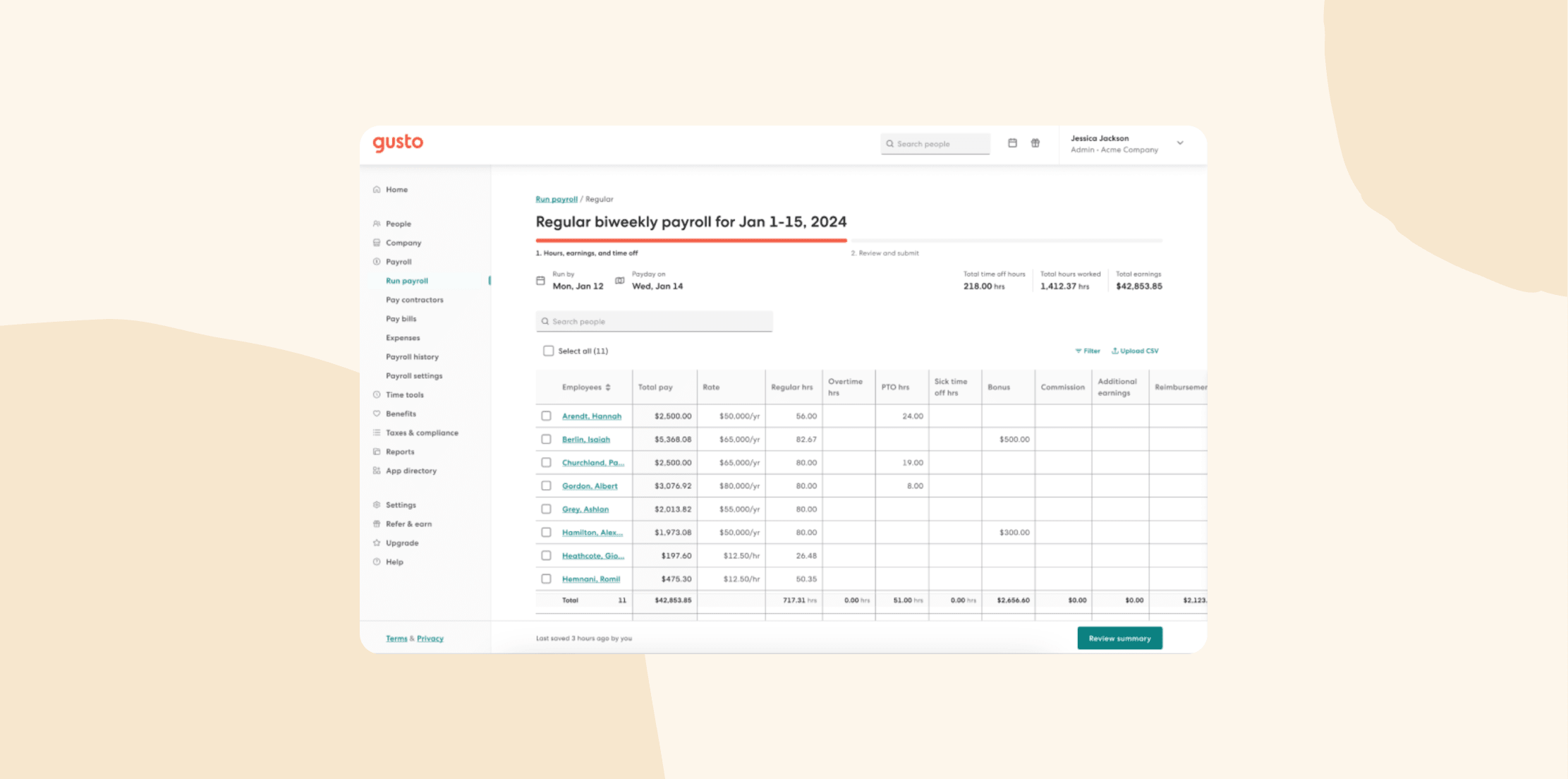
Gusto is an HR and payroll platform with built-in benefits administration capabilities for U.S. businesses. Its benefits module manages enrollment, compliance to ACA, COBRA, HIPAA, and integrates deductions directly into payroll. The system automatically calculates contributions and syncs election data with payroll.
Features:
- Sync: Enable benefit elections to automatically feed into payroll as pre- or post-tax deductions
- Compliance and reporting support: Handle ACA reporting, Section 125 administration, and COBRA/HIPAA oversight
- Licensed advisor support: Leverage benefits experts to help HR build plans and assist people with questions
- Benefits catalog: Access health, dental, vision, commuter benefits, and retirement plans in one system
Pros:
- “My employees also appreciate having their own portal where they can see pay stubs, request time off, and manage their benefits.” – verified user
- “It is nice to have a consistent system to help run payroll, approve time off, and track benefits.” – verified user
Cons:
- “Sometimes I find it a bit too rigid especially when I want to automate or integrate certain workflows.” – verified user
- “Unfortunately, Gusto doesn’t allow for independent contractors to use the mobile app.” – verified user
Justworks

G2 rating: 4.6/5 from over 1,100 user reviews
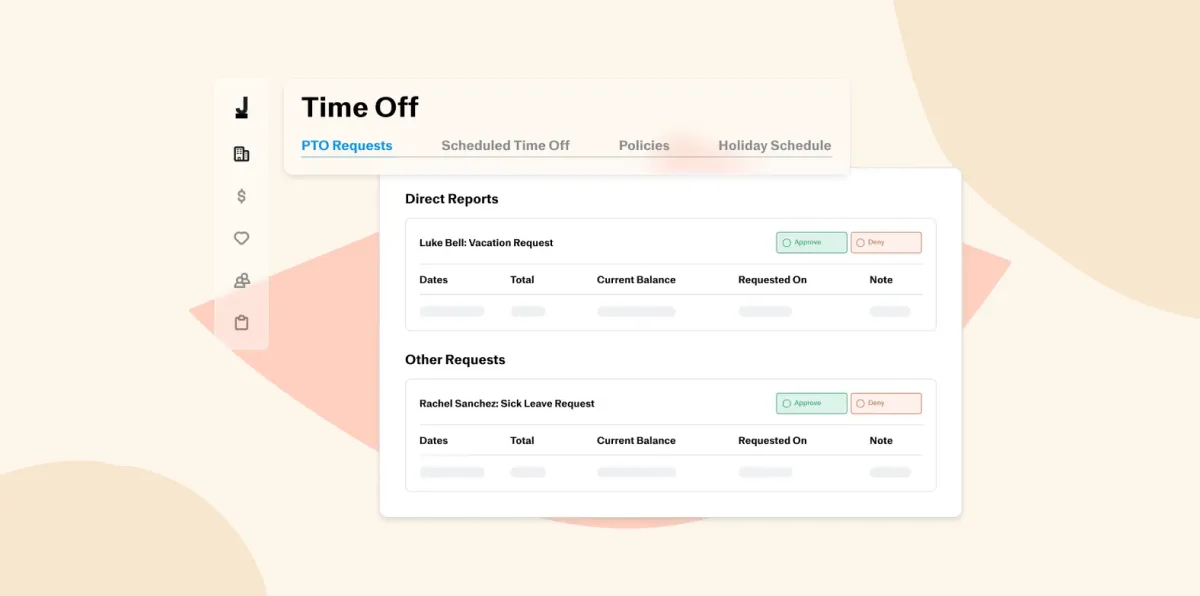
Justworks is a PEO that delivers HR, payroll, compliance, and benefits through a co-employment model. As part of its services, it manages plan access, enrollment, carrier relationships, and regulatory compliance for clients. HR admins configure benefit bundles and enroll people so Justworks can handle deductions, carrier data, and compliance.
Features:
- Enrollment and life-event edits: Support open enrollment and qualifying life event updates
- Carrier marketplace and bundled benefits: Access health, dental, vision, life, disability, 401(k), and commuter benefits
- COBRA and compliance handling: Meet COBRA administration and regulatory requirements
- Reporting and dashboards: Display enrollment summaries, benefit cost breakdowns, and change tracking on a single dashboard
Pros:
- “Payroll, benefits, taxes, employee onboarding, compliance – everything is under control” – verified user
- “I like having it all under one site that’s easy to access.” – verified user
Cons:
- “It’s very stressful working around holidays.” – verified user
- “Some of the admin tools feel limited or clunky.” – verified user
OnPay

G2 rating: 4.8/5 from over 390 user reviews
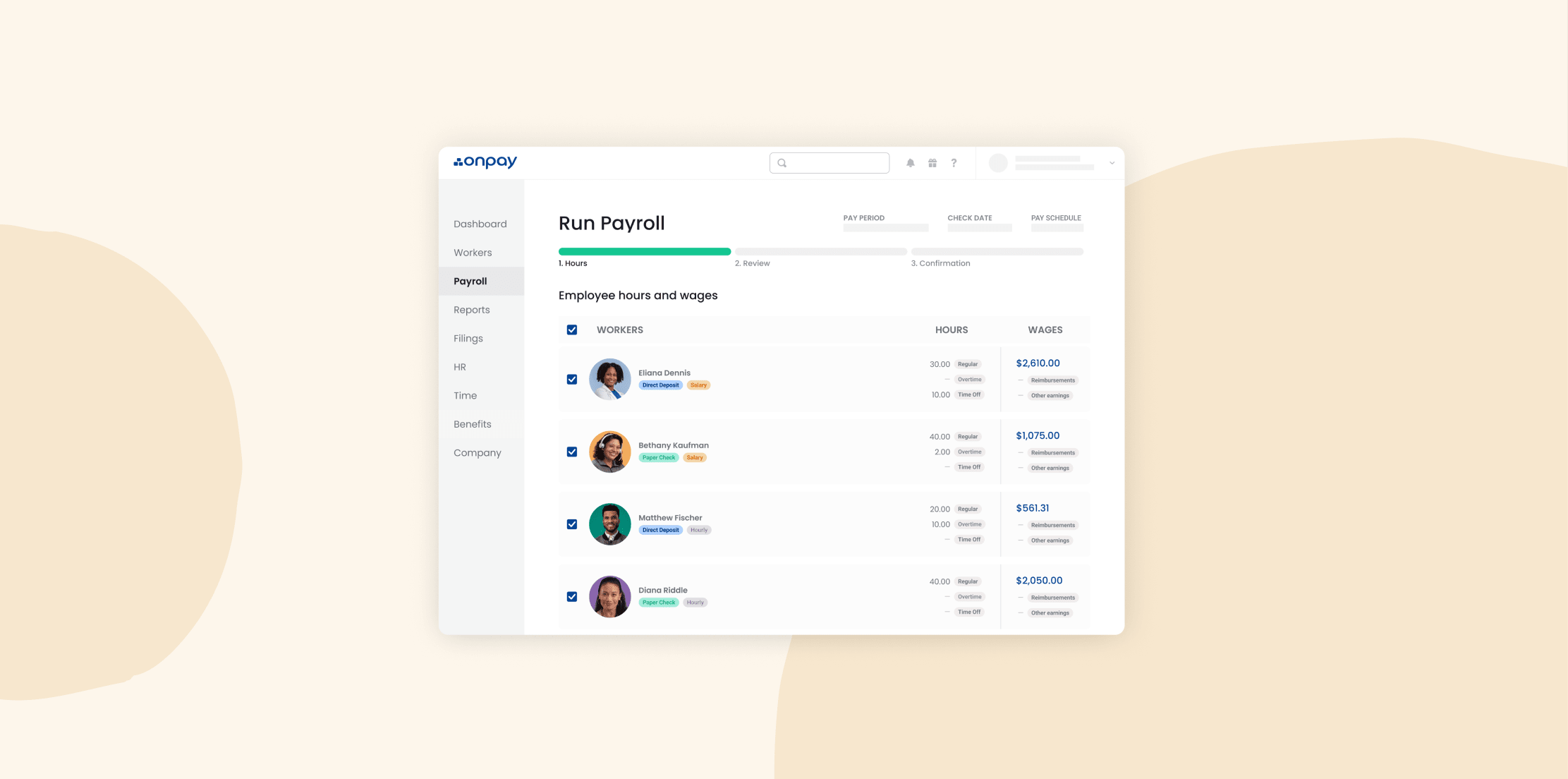
OnPay is a payroll-first platform that also includes integrated HR and benefits tools. You pick health, dental, vision, life, disability, and 401(k) plans, then OnPay handles quoting, deductions, and compliance for you. Leaders can configure benefit plans, enable self-service, and let people log in to choose coverage, while OnPay then pushes deductions to payroll and updates records automatically.
Features:
- Benefits quoting and broker support: Access OnPay’s in-house insurance agency that provides plan options and helps set up rates
- Automatic deduction sync: Automatically reflect elections in payroll runs
- Plan types: Offer medical, dental, vision, life, disability, 401(k), and workers’ compensation
- Reporting: Give people access to their benefit selections and let admins run reports on elections and deductions.
Pros:
- “It’s allowed me to easily expand my business by offering very professional looking employee benefits.” – verified user
- “Tax filing, benefits administration, all in one place is great.” – verified user
Cons:
- “Health benefits enrollment is not supported on the website yet.” – verified user
- “The benefits team can provide bad guidance and isn’t the most polite group out there.” – verified user
Paychex Flex

G2 rating: 4.2/5 from over 1,600 user reviews
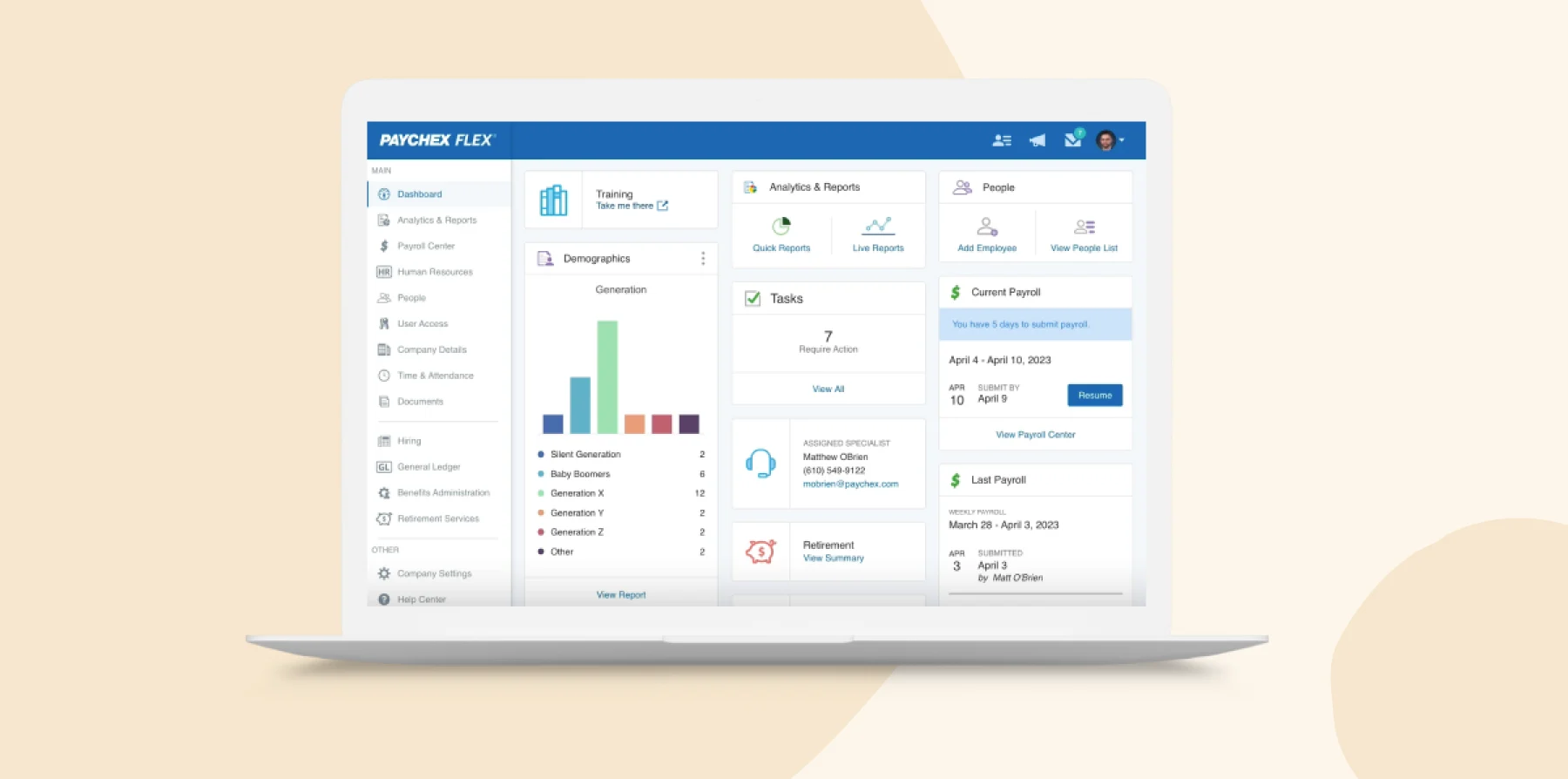
Paychex Flex is a full HR and payroll suite that also encompasses benefits administration. Its benefits module centralizes enrollment, eligibility tracking, and plan administration within the broader HR environment. HR teams can customize a benefits dashboard to publish open enrollment, manage carrier connections, and allow people to self-enroll or adjust benefits.
Features:
- Customizable benefits dashboard: Manage health, retirement, and voluntary benefits from one view
- Integrations: Support electronic carrier connections and push benefit elections into payroll
- Compliance and audit tools: Access built-in features for ACA, HIPAA, and other regulatory reporting
- Flex Perks: Let team members opt into voluntary benefits via a marketplace interface.
Pros:
- “They manage our tax filings and reporting, facilitate direct deposits for employees, and provide employee benefits beyond what the employer offers.” – verified user
- “The marketplace offers voluntary benefits like pet insurance, auto and home insurance.” – verified user
Cons:
- “The benefits management was terrible.” – verified user
- “I’m not sure if the retirement benefits module is hosted by someone else, but it does not look or function quite the same as the rest of the application,” – verified user
Paycom

G2 rating: 4.3/5 from over 1,400 user reviews
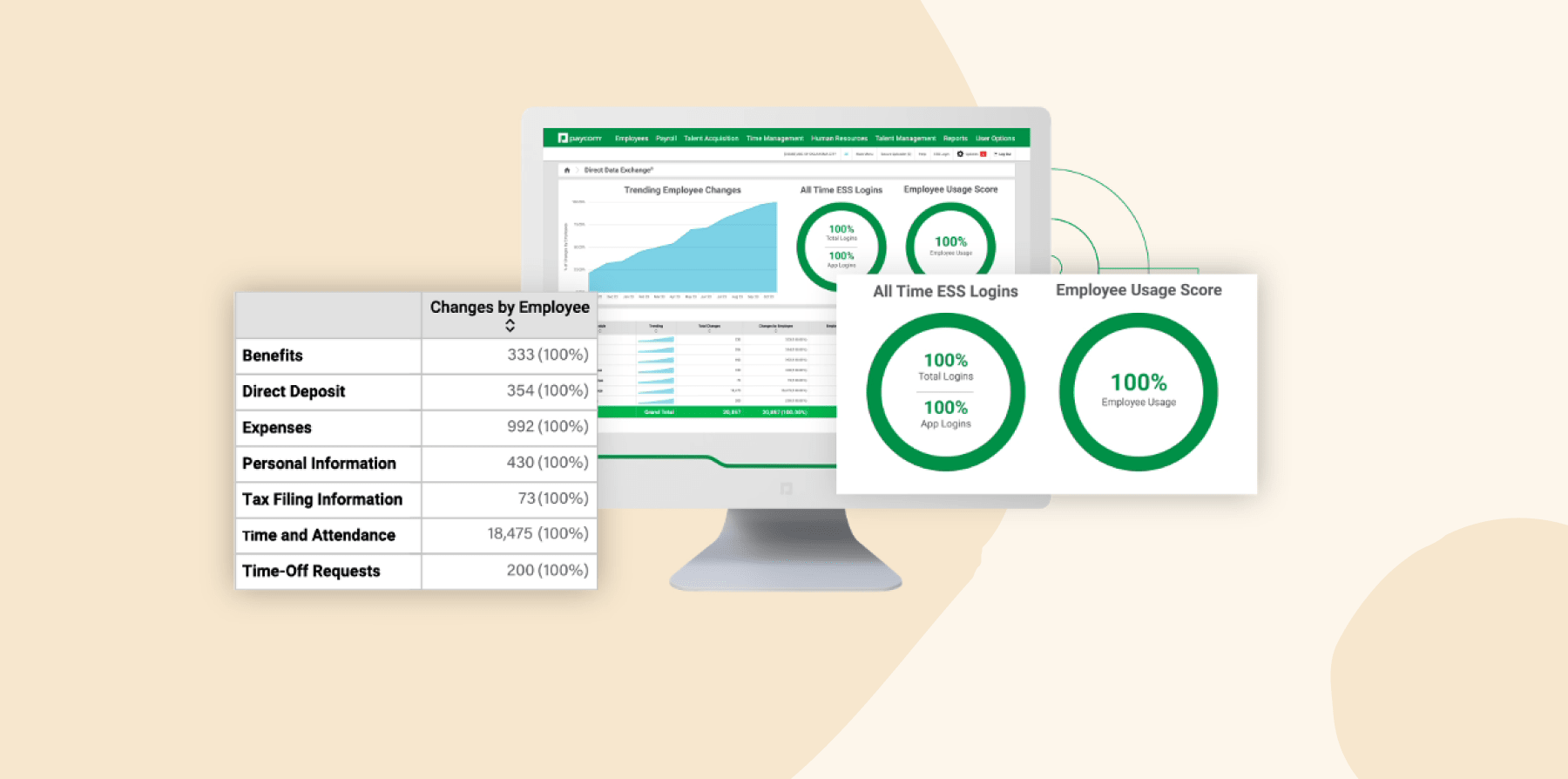
Paycom is a unified HRIS and payroll platform with a built-in benefits administration tool. The benefits module lets HR set up eligibility rules, enrollment windows, and deduction logic, then flows elections directly into payroll without duplication. On the user side, team members see a self-service interface where they can enroll, compare plan impacts on take-home pay, and make changes during life events.
Features:
- Centralized setup: Manage benefits and payroll in one system,
- Plan configuration: Set up waiting periods, multiple plan tiers, and batch-premium updates
- Enrollment tracking and reporting: Monitor enrollment completion status, election changes, and generate audit and census reports
- Carrier communication automation: Access “Benefits to Carrier” integration that pushes changes to carriers
Pros:
- “We can now select benefits in one place, making the process less cumbersome.” – verified user
- “Everything from payroll to benefits to performance reviews is in one spot.” – verified user
Cons:
- “Some features can be a bit rigid or overly complex at first, and making changes often requires support.” – verified user
- “Setting up the benefits seems to be complicated and I would not be able to implement changes on my own.” – verified user
Paycor

G2 rating: 3.9/5 from over 1,200 user reviews
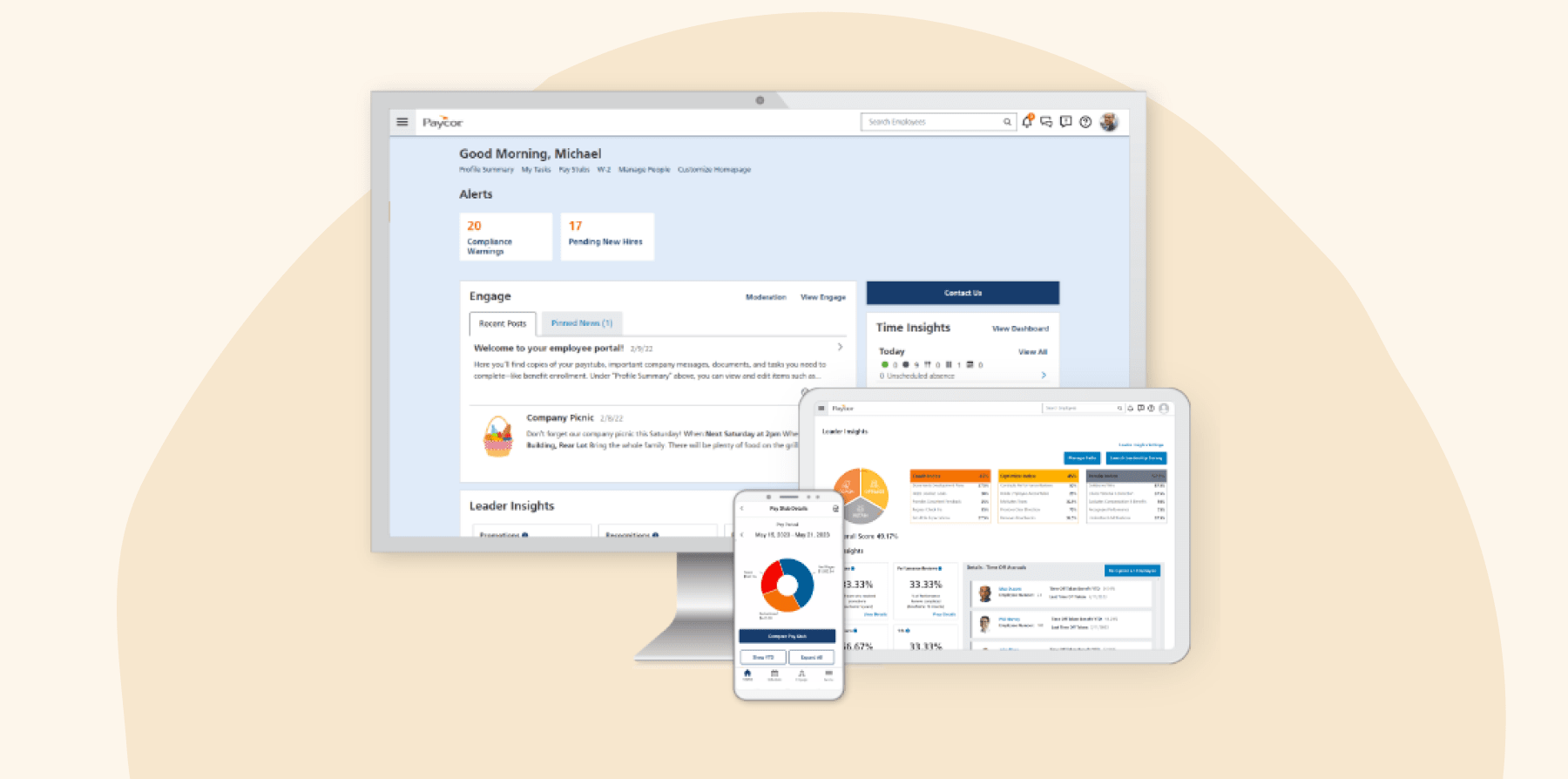
Paycor is a full HCM suite with a dedicated benefits administration module called Benefits Advisor. The benefits tool automates open enrollment workflows, eligibility adjustments, carrier transmissions, and syncs data with payroll. HR leaders can launch and monitor enrollment windows, trigger rule-based workflows on life events, and see which team members haven’t completed elections.
Features:
- Automatic workflows: Set up rules to trigger actions when profiles change
- Carrier connectivity via EDI: Access thousands of insurer connections to send benefit changes
- Mobile self-service enrollment: Let people enroll or make edits via Paycor’s mobile app
- Reporting and dashboards: Customize dashboards and reports to show enrollment status, red flags, and compliance metrics
Pros:
- “The platform plays a key role in managing payroll processing, benefits administration, timekeeping, onboarding, and employee data management.” – verified user
- “Paycor does have some positive aspects, particularly its integrations with benefits providers, 401K, and QuickBooks.” – verified user
Cons:
- “Wish the benefits were within the system versus a bolt on, to make reporting benefits easier.” – verified user
- “Navigating the benefits elections and payroll areas is cumbersome and not intuitive.” – verified user
Remote

G2 rating: 4.6/5 from over 4,100 user reviews
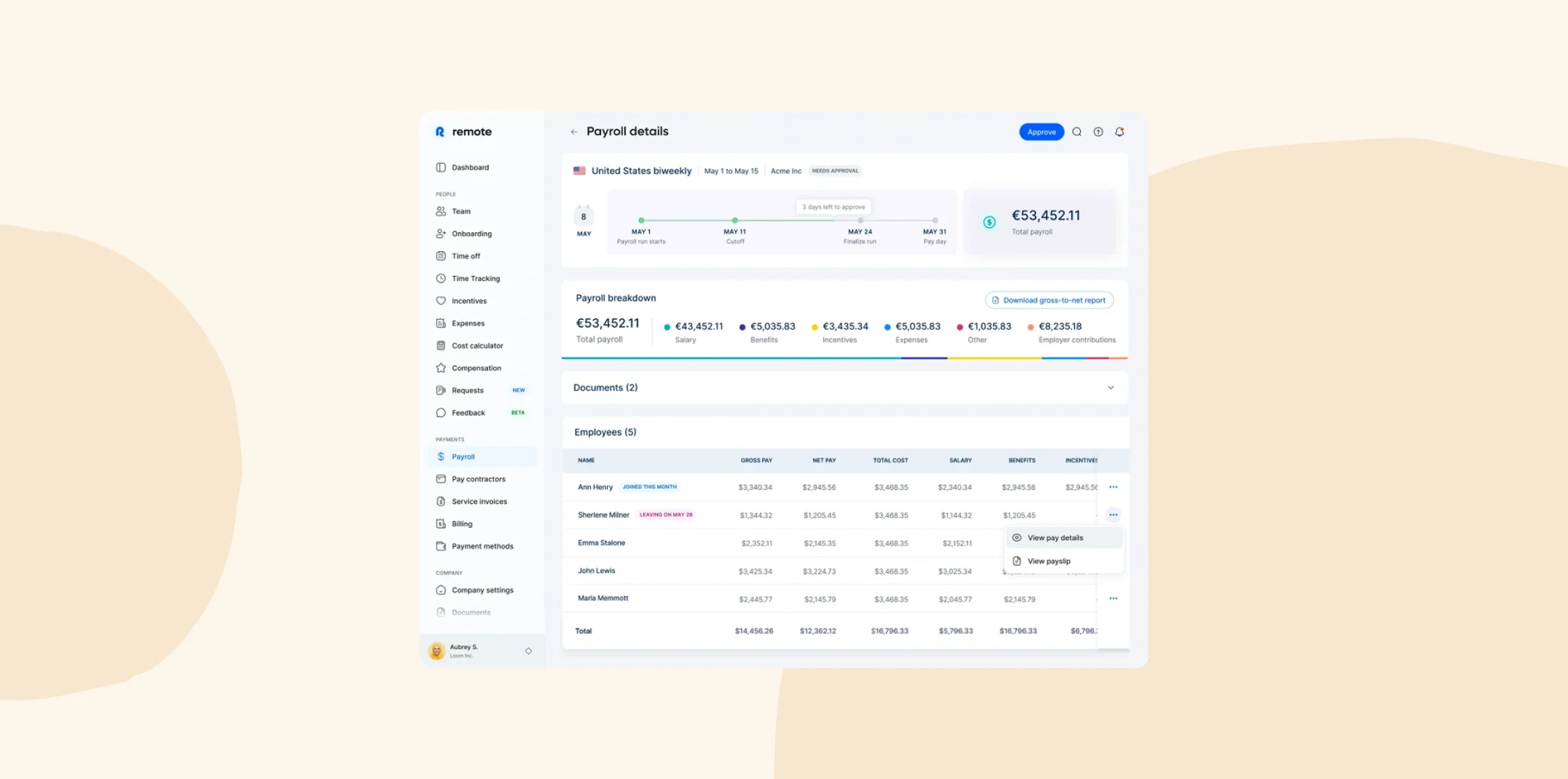
Remote is a global HR, payroll, and employment platform—often used as EOR or PE—that supports cross-border employment. This includes coordinating benefits administration for distributed workforces. In this context, Remote handles benefit plan design, enrollment configuration per country, and deduction calculations, and HR can decide which to offer to their people.
Features:
- Localized benefit packages: Tailor benefit options per country, adhering to local compliance and legal requirements
- Global enrollment platform: Let team members across locations enroll in their local offerings through one interface
- Deduction handling: Automatically calculate and apply contributions and deductions in multi-country payroll
- Vendor relationships: Allow Remote to source local provider relationships and negotiate rates
Pros:
- “Whenever I need a quick answer or I’m having a hard time looking for information about my employment or benefits, the support chat is very handy.” – verified user
- “Remote.com has been the easiest to navigate with the best support, transparency, and benefits.” – verified user
Cons:
- “Limited third-party integrations.” – verified user
- “What I dislike is that some platforms offer limited flexibility in contracts and benefits.” – verified user
Rippling

G2 rating: 4.8/5 from over 10,300 user reviews
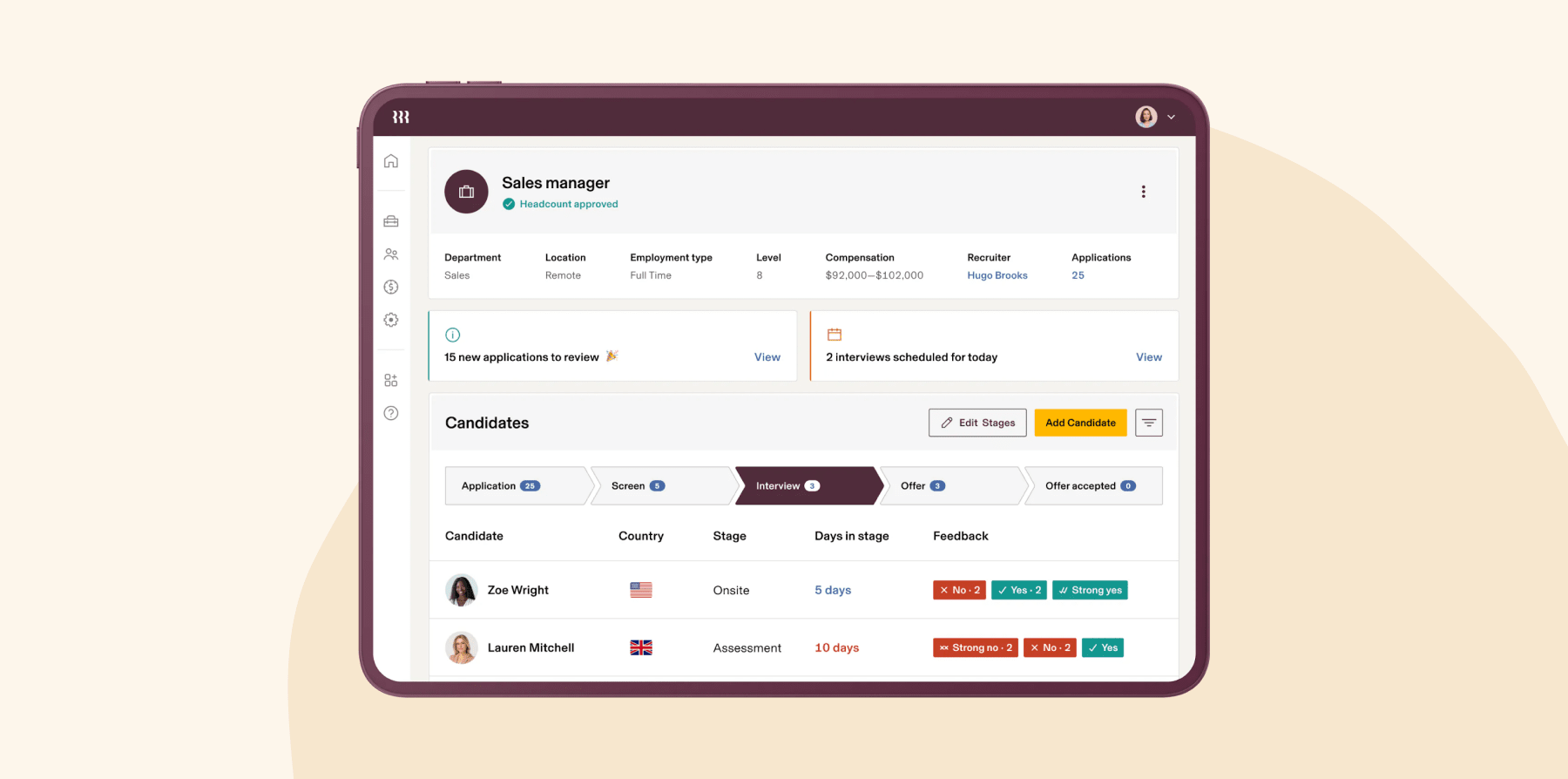
Rippling is an all-in-one HCM, IT, and finance platform. Its benefits administration helps teams handle plan selection, broker integration, open enrollment, carrier syncs, deductions, and compliance. You can also see deduction data flow into payroll seamlessly in real time.
Features:
- Core HR: Centralize team data and automate state and local tax accounts for new joiners
- Benefits administration: Quote, compare, and enroll people in over 4,000 plans
- Performance management: Customize review cycles, performance trends reports, and calibration groups
- Automated payroll: Run payroll with automatic tax calculations and filing with federal, state, and local agencies
Pros:
- “Rippling integrates HR, payroll, benefits, IT management, and compliance into one intuitive platform.” – verified user
- “Integrating payroll with benefits administration has saved our group a lot of time and cut down on errors.” – verified user
Cons:
- “At times, the number of features can feel overwhelming.” – verified user
- “One challenge I’ve noticed with Rippling is that because it covers so many different functions in one platform, some areas can feel less specialized compared to dedicated tools.” – verified user
<<Compare Bob vs. Rippling – See which fits your business best>>
TriNet

G2 rating: 4/5 from over 700 user reviews
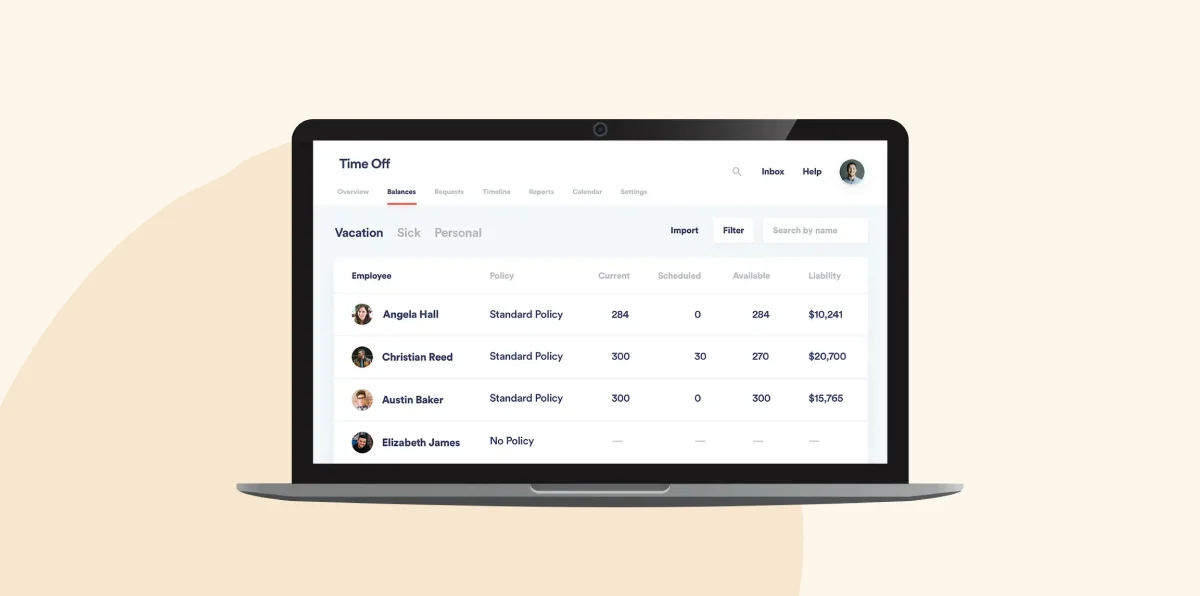
TriNet is a PEO that bundles payroll, HR, benefits, and compliance services. Its benefits administration module supports building benefit plans, automating deductions, managing open enrollment, and syncing elections across payroll and HR. HR leaders can monitor enrollment progress through dashboards and reports.
Features:
- Guided enrollment: Walk team members step by step through plan selection online or in the mobile app
- Benefits sync: Reflect changes instantly across HR, payroll, and carrier systems
- Comparison tools: Offer built-in decision support tools that show costs, deductibles, and coverage side by side
- Compliance: Let TriNet handle ACA tracking, COBRA, and fiduciary reporting on your behalf
Pros:
- “Having access to large-company benefits as a smaller organization is a huge plus.” – verified user
- “Saves us a lot of effort and time with taxes and benefits management.” – verified user
Cons:
- “Our team did not love moving to a new insurance company for their benefits.” – verified user
- “There are also moments when navigating between benefits, payroll, and company documents feels clunky or inconsistent.” – verified user
UKG

G2 rating: 4.2/5 from over 1,600 user reviews
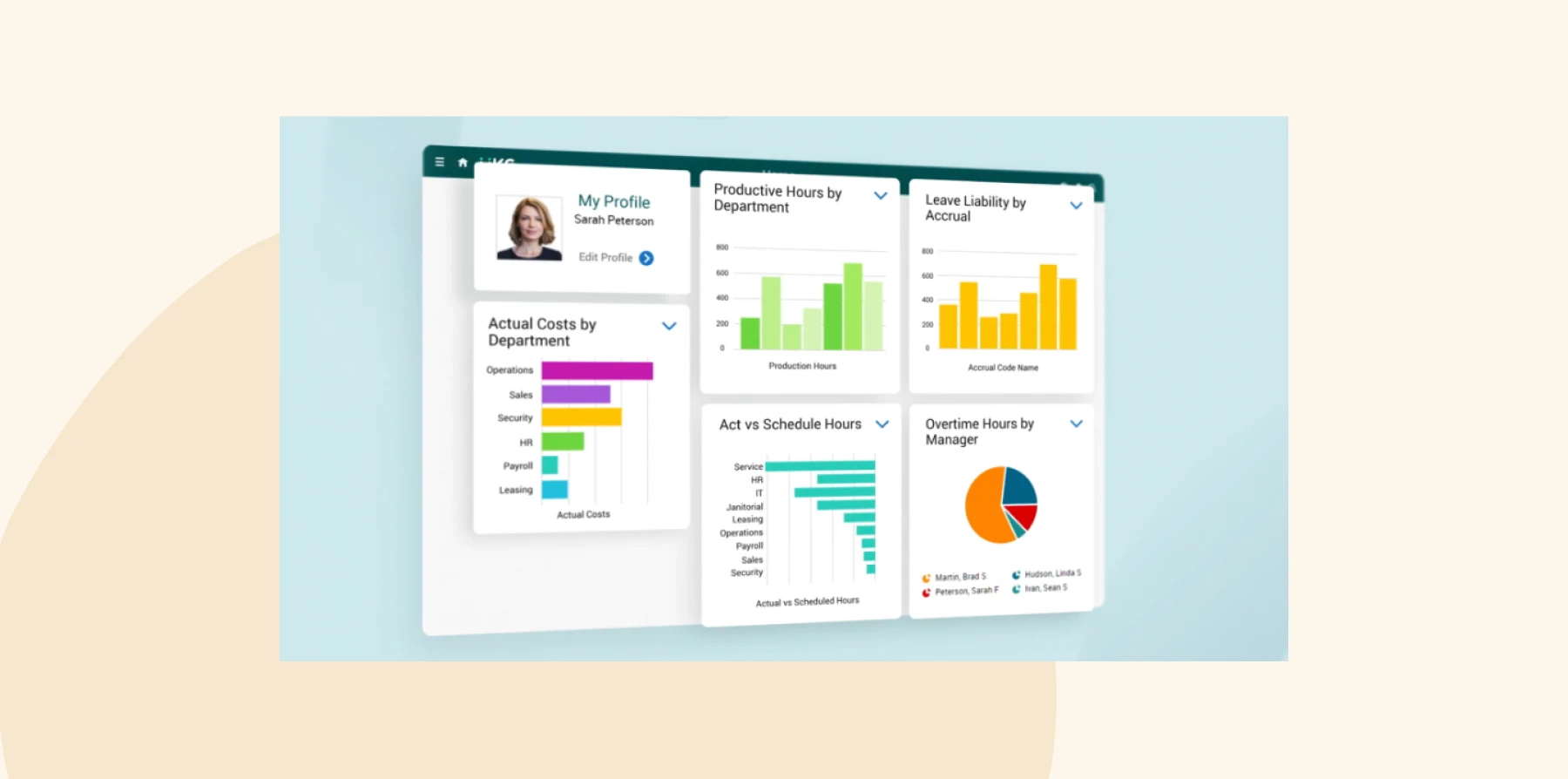
UKG offers benefits administration as part of its full HCM suite. The UKG Pro Benefits Hub gives HR and team members a single place to manage plan options, eligibility, and enrollment. HR can configure complex rules, monitor enrollment progress, and communicate updates.
Features:
- Benefits marketplace: Give people a side-by-side comparison experience with built-in decision support
- Eligibility rules: Set rate tiers, coverage levels, and waiting periods that update automatically
- Model-My-Pay: Show how each benefit affects take-home pay with “Model My Pay” tools
- Communication and reporting: Send reminders, track enrollment progress, and generate live administrative reports
Pros:
- “UKG allows our team to work through payroll, HR, benefits, and recruiting all in one solution.” – verified user
- “It’s an easy and efficient way to view all the necessary applications for timekeeping and benefits.” – verified user
Cons:
- “Setting up or modifying the file feeds between benefits vendors are horrible.” – verified user
- “Compensation management could be improved, it is extremely clunky for our organization.” – verified user
<<Compare Bob vs. UKG – See which fits your business best>>
Workday

G2 rating: 4.1/5 from over 1,700 user reviews
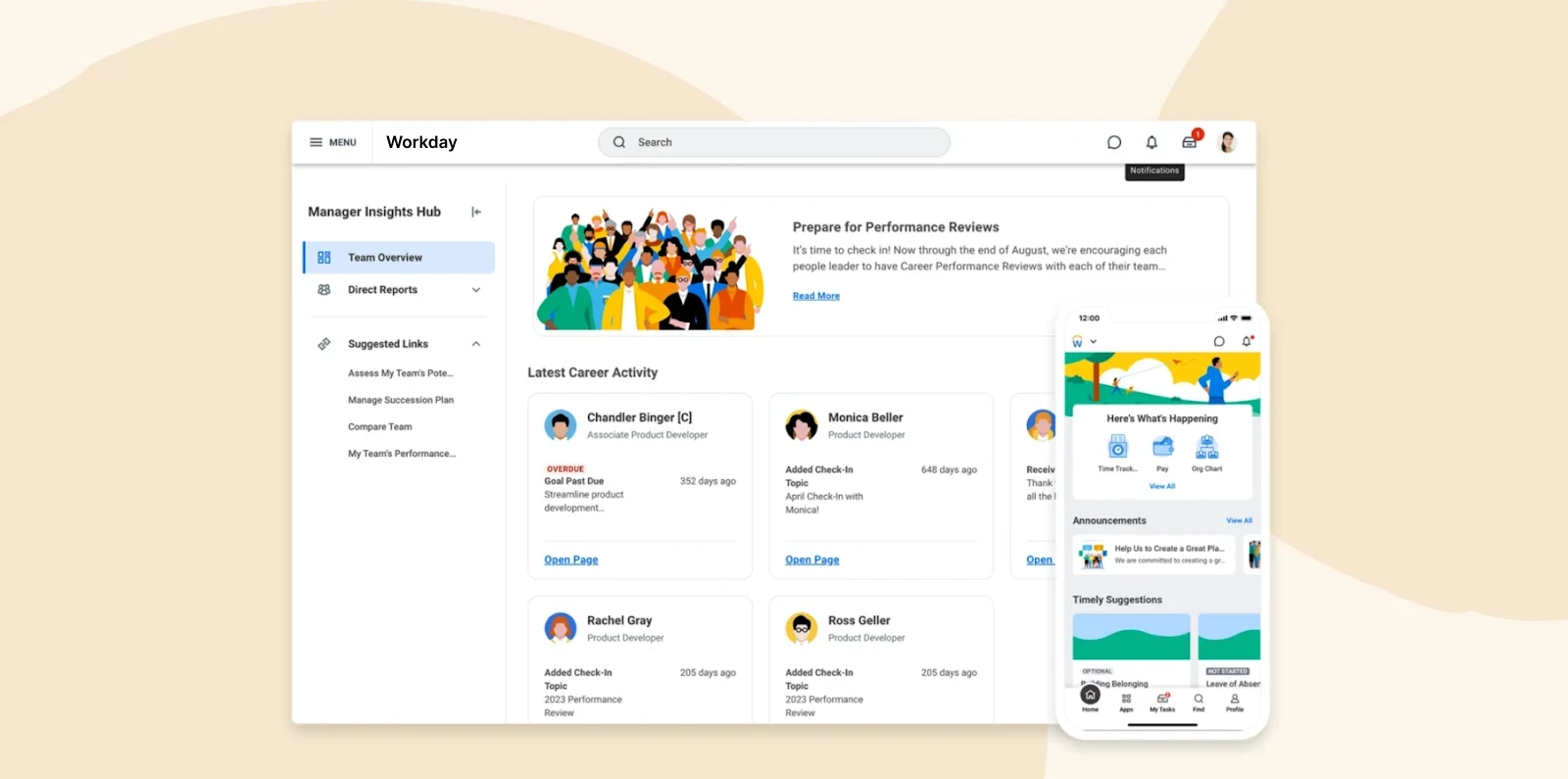
Workday includes benefits administration within its broader HCM suite. The module automates eligibility, enrollment, and life-event changes while syncing data with payroll and core HR. HR admins can define benefit plans, build eligibility rules, and monitor enrollment dashboards.
Features:
- Enrollment and eligibility: Trigger enrollments and life-event updates instantly based on eligibility rules
- Self-service: Let people explore and update benefits through a visual, tile-based dashboard
- Compliance: Use certified integrations to connect directly with carriers and automate ACA reporting
- Total compensation view: Combine pay and benefits into total rewards dashboards team members can view anytime
Pros:
- “Significant change management is required to capitalize on the benefits of Workday HCM.” – verified user
- “The ease of having multiple options in order to track your pay schedule, fees, benefits, etc.” – verified user
Cons:
- “It’s not that descriptive, so sometimes I click on many places to get to something.” – verified user
- “Workday implementation can be a complex process, requiring significant time and resources.” – verified user
<<Compare Bob vs. Workday – See which fits your business best>>
How to choose the right benefits administration software
With so many platforms on the market, it’s easy to feel like every option promises the same features. To find the right fit for your business, consider using this step-by-step approach to evaluate each solution with clarity and confidence:
1. Start with your pain points: Identify what you need the software to improve, whether it’s manual enrollment, compliance management, or keeping provider details up to date. Listing your current challenges will help you filter platforms that don’t align with your needs.
2. Set clear criteria: Before comparing platforms, make a shortlist of must-have capabilities. Look for features that simplify day-to-day work, like automated enrollment, payroll integration, and self-service access for your people. These criteria will keep demos focused and vendor conversations productive.
3. Prioritize ease of use and scalability: The best software grows with your team. Choose a platform with an intuitive, easy-to-learn interface for both HR and team members. If it feels clunky during the demo, it’s likely to feel worse as your company scales.
4. Review integration options: Make sure the system connects smoothly with your existing tools. This reduces double-entry and ensures data accuracy. Ask vendors which integrations are built-in and which require custom work.
5. Check support and compliance updates: Benefits regulations change frequently. Choose a provider that actively monitors compliance and supports your team during key periods like open enrollment. Ongoing support today prevents bigger issues down the line.
6. Involve your team in the demo: Bring decision-makers and a few team members into the demo process. Their feedback will reveal how intuitive the platform really is—and whether it fits your people’s everyday workflows. A good platform should work for your entire team, not just administrators.
Find the right benefits administration software for your team
Benefits administration can be much more than just managing enrollments and deductions. The right platform turns it into a people-first process that makes your team feel rewarded for their efforts.
For organizations looking for an all-in-one HR solution, consider HiBob. HiBob’s Payroll Hub connects HR, payroll, finance, and benefits administration in one unified system. HR teams can manage enrollments, track eligibility, and sync updates directly with payroll. Managers gain visibility into total compensation, while team members can easily review their plans and understand their benefits.
Learn how HiBob can improve your benefits administration
Disclaimer:
This content reflects HiBob’s perspective, informed by our experience supporting HR teams as they evaluate and implement HR software. It is provided for informational purposes only and is not intended as independent research or professional advice. Prospective users should conduct their own evaluation before making a decision.
Feature descriptions, pricing references, and availability for third-party platforms are based on publicly available information at the time of publication and may change. HiBob does not guarantee the accuracy or completeness of information related to third-party products. Prospective users should verify details directly with each provider.