As organizations grow, workforce data often ends up scattered across multiple systems. HiBob research found that 60 percent of managers spend three or more hours assembling data across systems before making a single people decision. Cloud HR software helps bring all data, workflows, reporting, and automation into one place.
We reviewed the leading cloud HR software options to find the best ones. This guide breaks down what each platform offers, who they work best for, and what to watch out for so you can choose the right fit for your organization.
Key insights:
- Cloud HR software helps reduce manual work by bringing team data, workflows, reporting, and automation into one connected platform
- Gusto, BambooHR, and Factorial are good options for small companies that need basic document management and team directories without dedicated HR operations, compensation, or workforce planning specialists
- HiBob works best for growing and mid-size organizations that need HR, payroll, workforce planning, performance management, and analytics in one platform, while keeping HR and Finance aligned as headcount increases
- Workday, SAP SuccessFactors, UKG, and ADP support organizations managing thousands of team members with multiple business locations
Quick guide: Best cloud-based HR software options
| HR platform | Best for | Not ideal for | Setup time | G2 rating |
|---|---|---|---|---|
| HiBob | HR and Finance alignment and management | Businesses looking for a payroll-only tool | 6-8 weeks | 4.5/5 |
| Workday | Enterprise workforce planning | Organizations wanting a faster implementation | 3-4 months minimum | 4.1/5 |
| Gusto | Small-business payroll and HR | Large multi-country organizations | Days | 4.6/5 |
| Personio | European HR operations | Companies focused primarily on US payroll workflows | 4-5 weeks | 4.4/5 |
| Rippling | HR and IT management | Teams focused solely on HR processes | 2-4 weeks | 4.8/5 |
| UKG Pro | Hourly and shift-based workforces | Knowledge-worker organizations with simple scheduling needs | 4-6 months | 4.3/5 |
| SAP SuccessFactors | Multi-country enterprise operations | Organizations looking for a lightweight HR platform | 3-5 months minimum | 4.1/5 |
| ADP | Payroll compliance | Teams prioritizing highly configurable workforce planning | ~3 months | 4.2/5 |
| BambooHR | Straightforward HR management | Companies needing advanced workforce planning | 6-12 weeks | 4.4/5 |
| Paylocity | Team communication and engagement | Businesses wanting low-touch implementation | 8-12 weeks | 4.4/5 |
| Factorial | Shift management and workforce administration | Organizations with highly complex HR processes | 2-8 weeks | 4.4/5 |
We scored every platform on the same set of capabilities and published the full scoring, with ratings and review counts, in the spreadsheet linked here.
What is cloud HR software?
Cloud HR software stores team data, workflows, and HR processes online instead of on company-owned servers. Teams can access the platform through a web browser or mobile app, while the provider handles updates, maintenance, security, and infrastructure behind the scenes. Companies use it to support remote work, scale as their organization grows, and keep workforce data connected across systems.
HiBob research found that 83 percent of managers say switching between tools slows them down at least half the time. Cloud HR software helps reduce that friction by bringing people data and everyday HR workflows into one accessible platform.
Comparing cloud vs. on-premise HR software
| Category | Cloud HR software | On-premise HR software |
| Deployment | Hosted by the vendor and accessed through a browser | Installed and managed on company-owned servers |
| Upfront cost | Lower upfront investment with subscription pricing | Higher upfront costs for licenses, hardware, and implementation |
| Maintenance | Vendor handles updates, patches, and maintenance | Internal IT team manages updates and maintenance |
| Accessibility | Available anywhere with an internet connection | Typically limited to office networks or VPN access |
| Scalability | Add new users, locations, or business units through your subscription with little to no infrastructure changes | Often requires additional servers, storage, licenses, and IT resources before new users can be added |
| Implementation time | Often deployed in weeks or a few months, with the vendor handling hosting and infrastructure | Can take several months or longer due to hardware setup, installation, configuration, and testing requirements |
| Integrations | Typically includes pre-built integrations for payroll, Finance, ATS, productivity, and business systems | Integrations often custom-built and require ongoing internal maintenance when systems change |
| Customization | Most platforms offer configurable workflows, permissions, dashboards, and automation without coding | Organizations have deeper access to the system and can customize workflows, databases, and infrastructure extensively, often with developer support |
| Security responsibility | Shared with the software provider, which manages infrastructure and updates | Primarily managed by the organization’s internal IT team |
| Best fit for | Growing organizations that want flexibility, automation, and lower IT overhead | Organizations with strict infrastructure control or specialized compliance requirements |
How we chose the best cloud HR software
Finding the right cloud-based HR software is about more than comparing feature lists. You want a platform that fits how your organization works, whether that’s supporting remote teams, connecting to your existing tech stack, or keeping sensitive workforce data secure.
To build this list, we reviewed official product documentation, feature pages, security and infrastructure information, integration capabilities, customer case studies, implementation resources, and verified customer reviews.
We then evaluated each platform based on what matters most when your HR system lives in the cloud:
- Mobile accessibility: Can your teams access the whole system on the go?
- Automatic updates and maintenance: Will you wake up to new features, or have to deal with scheduled maintenance windows?
- Scalability and performance: What happens when you go from 50 to 500 or even 5,000 people? Does the system still work well?
- Integrations: Does it connect with the tools you’re already using?
- Cloud infrastructure: Does it use recognized providers with proper certifications?
- Data protection and compliance: What security measures protect your sensitive data?
- Global accessibility: Can teams access the platform reliably from any location?
The top cloud HR platforms
Here are some of the best cloud-based HR software vendors to consider this year.
1. HiBob: Best overall cloud-based HR management software
G2 rating: 4.5/5 across 2,600+ verified reviews
Built for mid-sized and multinational companies, HiBob supports the full people lifecycle in one connected platform, including built-in hiring with its own applicant tracking, payroll, benefits administration, and workforce planning for HR and Finance.
The platform also connects with 100+ business tools, allowing data to flow automatically between systems. Bob AI helps teams surface workforce insights, answer people-data questions, and reduce manual reporting work with AI, while built-in workflows help automate routine tasks across the employee lifecycle.
For companies with people in more than one country, HiBob holds multi-country records, local requirements, and reporting in one system rather than one system per country—so a new country is a configuration, not a second platform. It gives mid-market teams an enterprise-grade foundation without the complexity of a legacy HCM suite, which is why implementations run in weeks rather than quarters.
HiBob’s key features
- Mobile-native apps for iOS and Android give you complete HR and finance management from anywhere
- Automatic updates deliver new features without IT involvement or downtime
- Enterprise security with ISO 27001, SOC2 certifications, and 24/7 monitoring
- Open system with 100+ pre-built integrations to your entire tech stack
- Multi-language support and localization for global teams
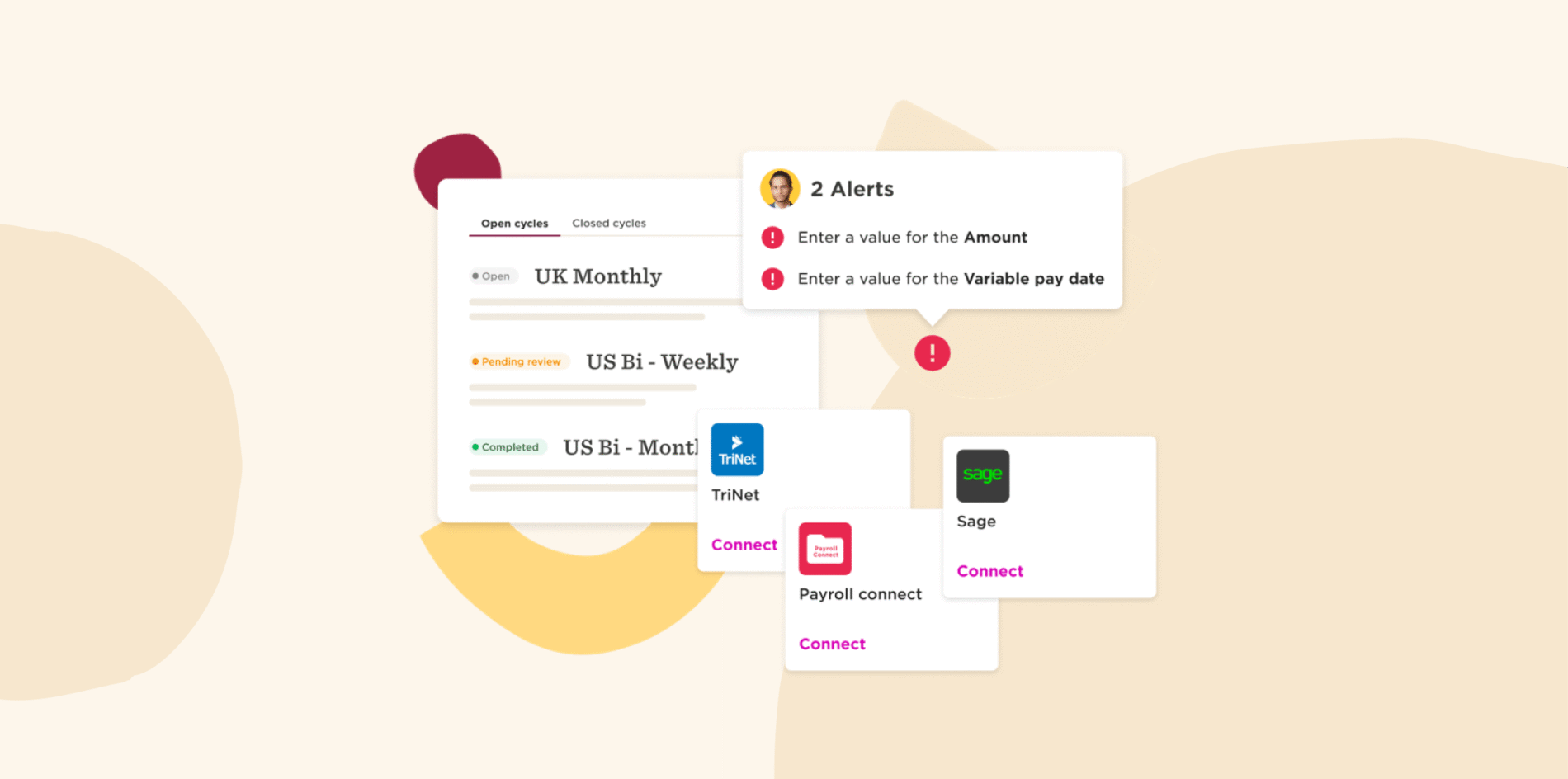
- Payroll in the same platform as the people data, so a change made once reaches the pay run without a re-entry step
HiBob pros and cons
Pros:
- “The high degree of customization in HiBob is very impressive” – verified review
- “I love that HiBob is customizable to our business needs and integrates with many different systems” – verified review
- “The ability to get granular data via the Directory makes it super easy” – verified review
Cons:
- “The engagement surveys are a little bit clunky” – verified review
- “Some things are just not as easy to do, i.e. integrations with Jira” – verified review
- “The graphs from reports only download as image files” – verified review
Discover the power of a modern HRIS and learn firsthand how Bob can optimize your HR processes
2. Workday: Designed for enterprises with thousands of people

G2 rating: 4.1/5 across 1,700+ verified reviews
Workday offers HR, finance, and operations solutions for companies managing teams in different countries. Leaders get AI-powered analytics that can predict who might leave and help with workforce planning.
Their Power of One architecture means updates roll out to everyone at once. When it’s time for annual reviews or compensation planning, the platform can handle team members logging in simultaneously.
Workday requires three to four months for implementation, even with consultant support.
Workday key features
- Built on AWS cloud infrastructure designed for enterprise scale
- Free mobile apps across iOS, Android, and iPad platforms
- Power of One architecture with automatic updates for all users
- Handles heavy usage when your whole company logs in at once
Workday pros and cons
Pros:
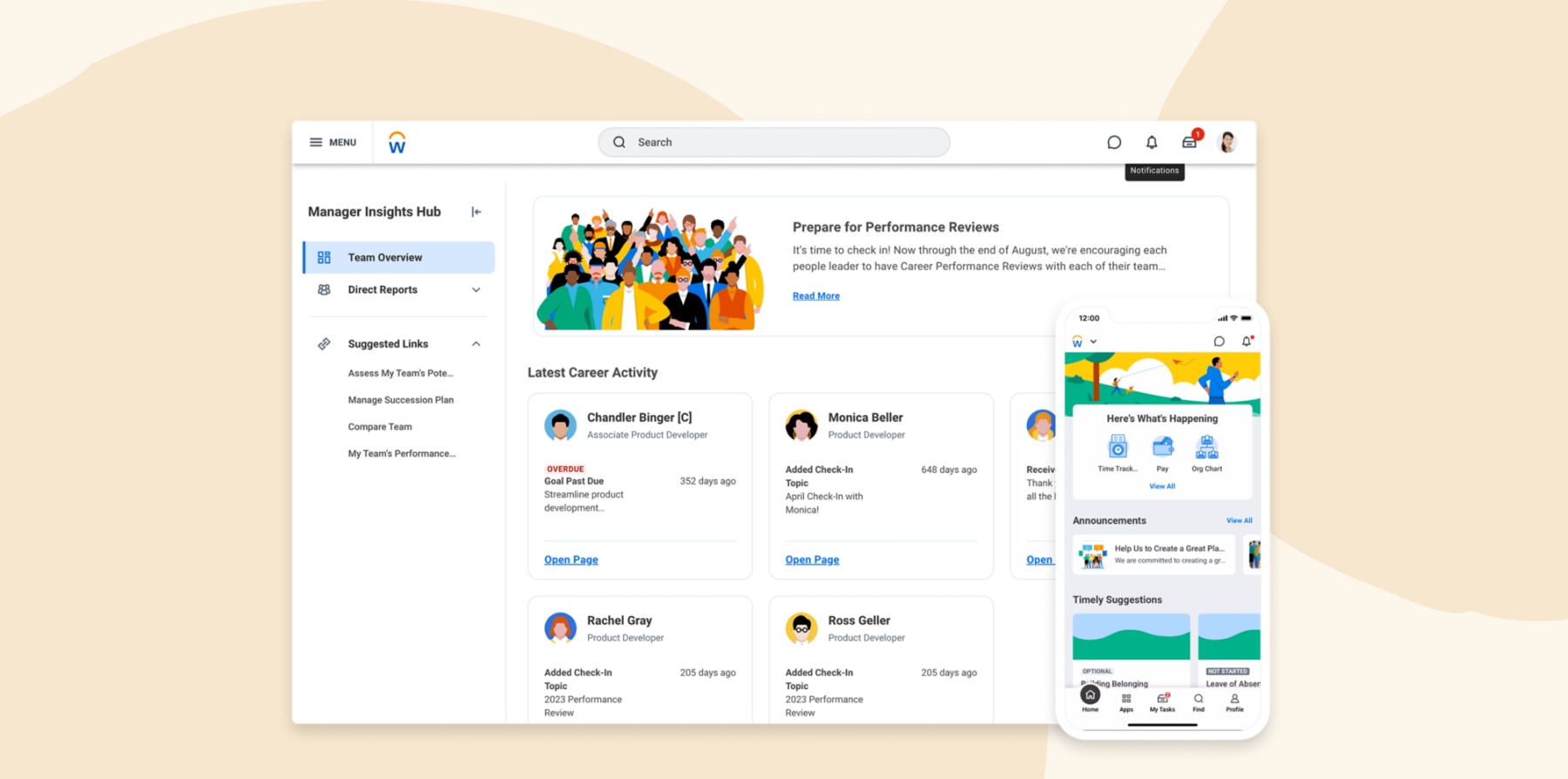
- “Its clean interface, easy navigation, and real-time access to HR and payroll data make everyday tasks quick and efficient” – verified review
- “It’s all on cloud that helps in having the latest data and features available every time you log in” – verified review
- “We used to have 4-5 different systems for HCM but now all these got consolidated into a single system” – verified review
Cons:
- “One potential drawback of Workday HCM can be the complexity of implementation and configuration, which may require significant time and resources” – verified review
- “Not the fastest or nicest looking platform.” – verified review
- “Workday is a complex tool, and I went through a steep learning curve to navigate the platform.” – verified review
Features, integrations, pricing, and availability reflect publicly available information on Workday at the time of publication and may change as vendors update their products.
<<Compare HiBob vs. Workday – See which fits your business best>>
3. Gusto: Affordable option for small teams getting started with HR

G2 rating: 4.6/5 across 12,200+ verified reviews
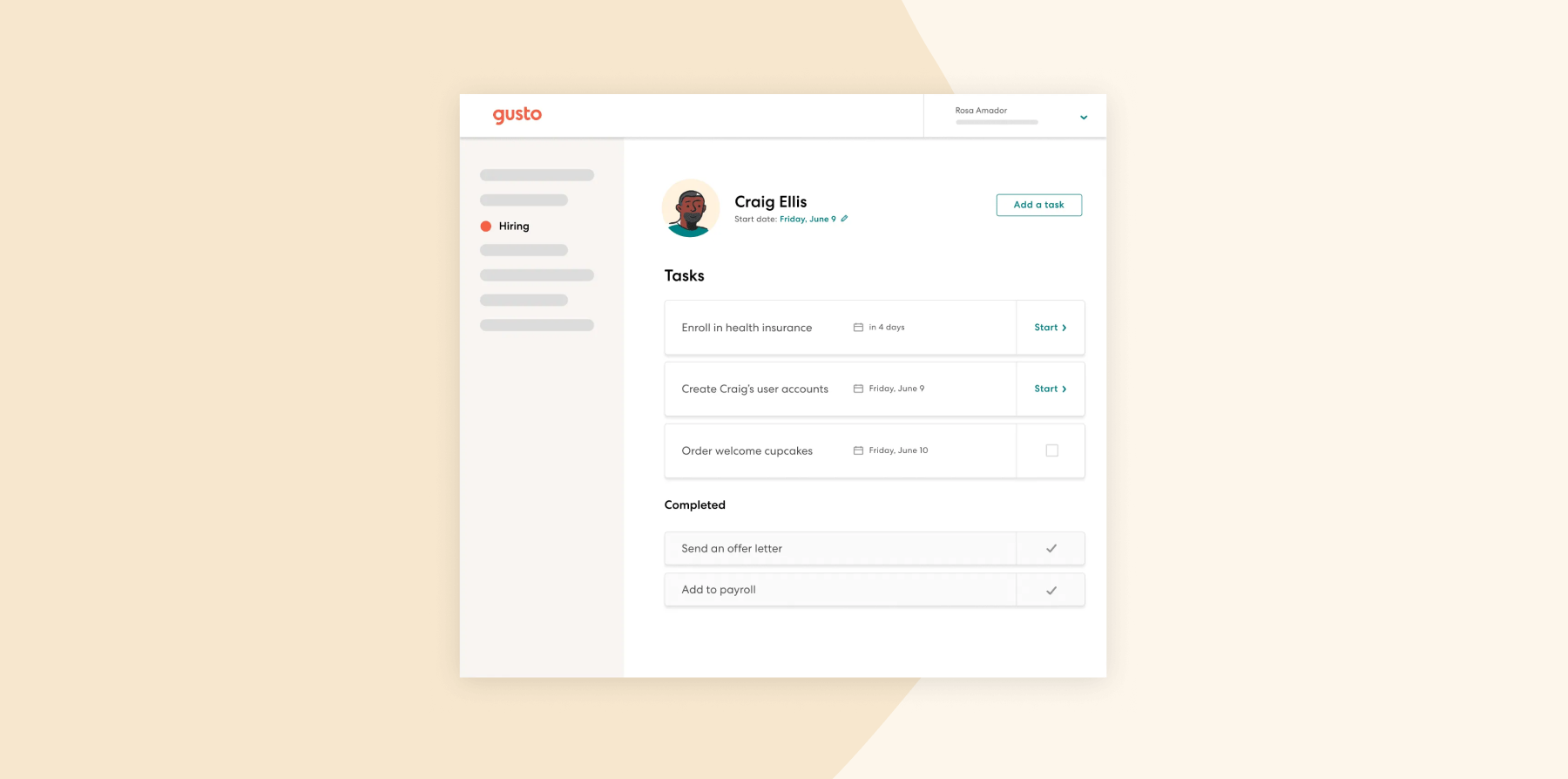
Gusto helps small companies with automatic tax filing, compliance updates, pay stub delivery, and time off requests right from a phone. If you’re using QuickBooks or Xero, everything syncs up on its own.
Your documents remain in the cloud with automatic backups, so teams can access tax forms when needed. Pricing and packaging are primarily designed for small teams.
Gusto key features
- Hosted on secure cloud servers with data backup in multiple locations
- Mobile apps enabling payroll and benefits management anywhere
- Automatic compliance updates keep you current with regulations
- Security certifications and round-the-clock monitoring
Gusto pros and cons
Pros:
- “The program stores all pay stubs and tax documents, so those important documents are always easy to access” – verified review
- “Staff can easily log on, fill out information, and access paystubs and tax documents” – verified review
- “Gusto has been so easy to use—from the initial setup to running payroll—it is a breeze” – verified review
Cons:
- “Sometimes the loading times can be annoying, especially if I have to open Gusto multiple times a day” – verified review
- “I’ve noticed that some of the reporting tools are a bit limited or not as customizable as I’d like.” – verified review
- “The settings are not intuitive, there are constantly adjustments to the accounts, syncing issues, and limited options for tracking purposes” – verified review
Features, integrations, pricing, and availability reflect publicly available information on Gusto at the time of publication and may change as vendors update their products.
4. Personio: Built for European companies that need GDPR compliance

G2 rating: 4.4/5 across 900+ verified reviews
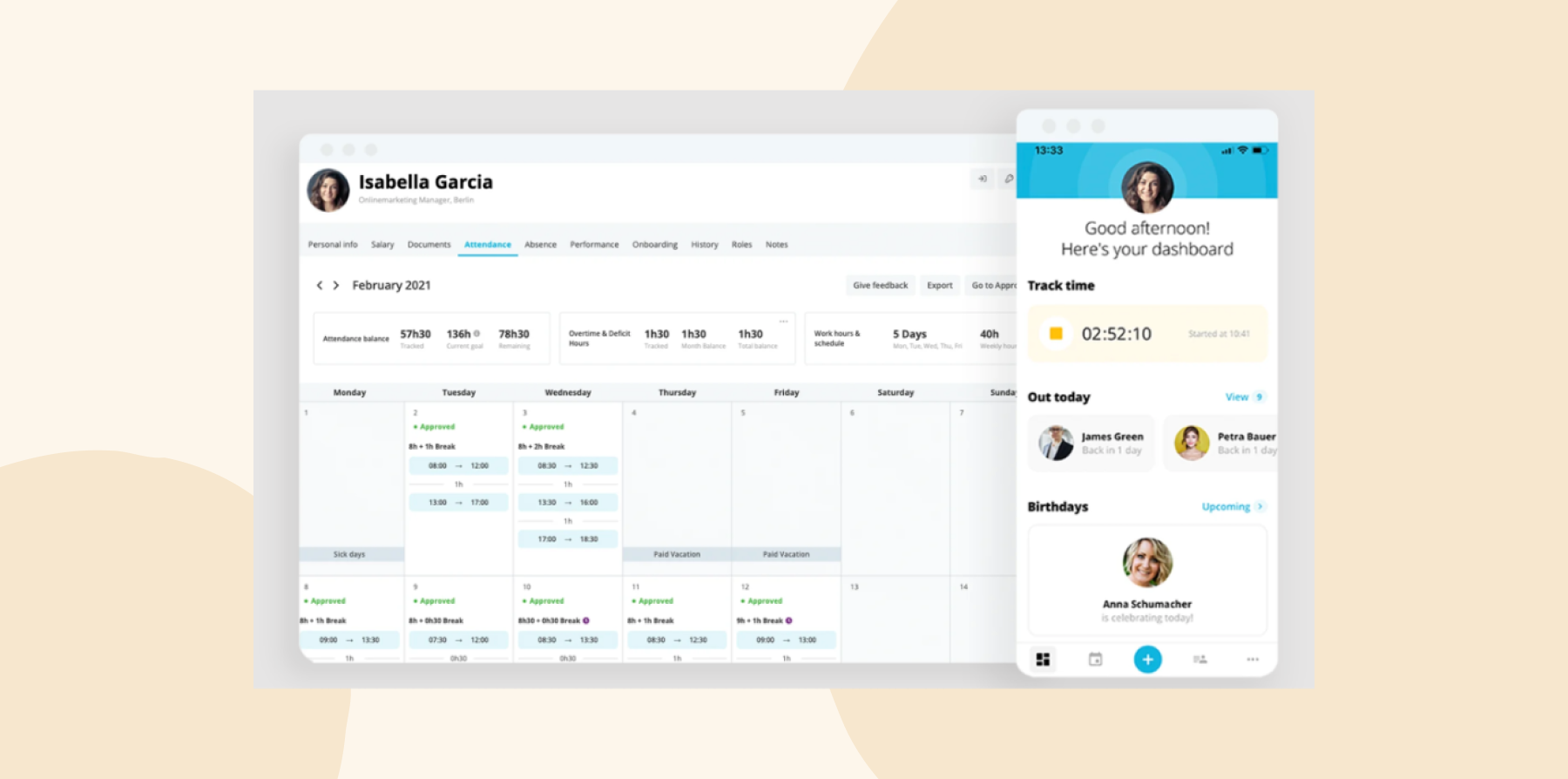
Personio is built for European companies that need to manage core HR processes across multiple markets. The platform supports recruiting, onboarding, time off, performance, payroll integrations, and HR documentation, with data hosted on EU servers and GDPR-focused controls.
Personio also supports local leave policies and approval workflows, helping HR teams manage people processes across different European countries. Implementation typically takes four to five weeks, depending on configuration and internal resources.
Organizations with teams outside Europe should review Personio’s payroll coverage, multi-currency support, and local compliance capabilities before choosing the platform. Teams that rely heavily on mobile access may also want to review which tasks can be completed in the mobile app.
Personio key features
- Data stored on secure EU servers with privacy certification
- Mobile apps for managing time off and documents on the go
- Regular updates that include workflow automation features
- Handles companies from 10 to 5,000 people without slowing down
Personio pros and cons
Pros:
- “The best aspect of Personio is its ease of use and implementation” – verified review
- “They have a very friendly SSO integration” – verified review
- “It can act as a database for maintaining all employee information” – verified review
Cons:
- “Its pricing can be a bit steep for smaller businesses or startups” – verified review
- “At renewal they decided to sneak in a new model where they changed the contract to commit us to many more seats than we ever needed” – verified review
- “The mobile app could benefit from additional functionality to match the desktop version” – verified review
Features, integrations, pricing, and availability reflect publicly available information on Personio at the time of publication and may change as vendors update their products.
<<Compare HiBob vs. Personio – See which fits your business best>>
5. Rippling: Brings HR and IT together in one system

G2 rating: 4.8/5 across 13,400+ verified reviews
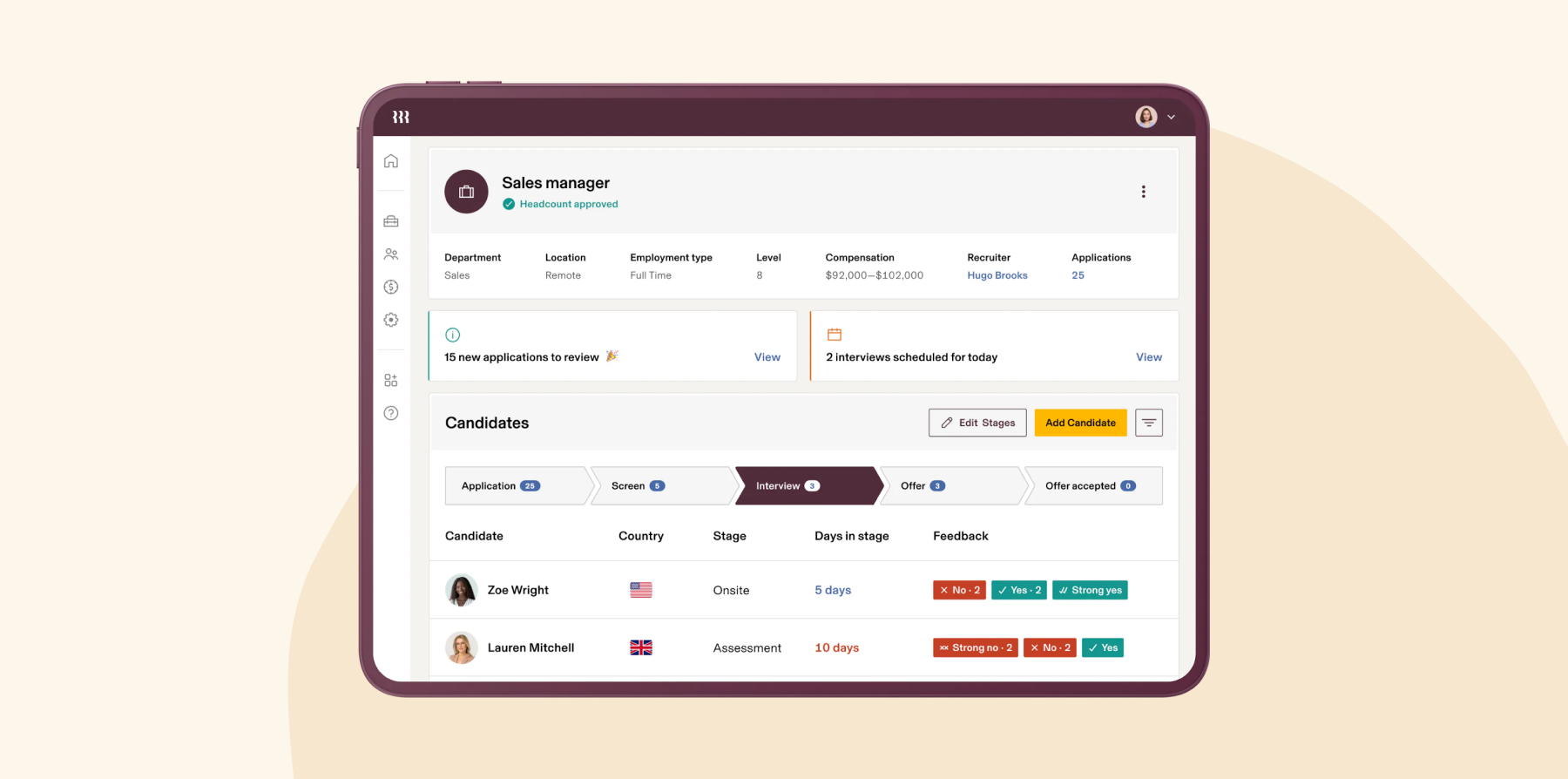
Rippling sets up new joiners with payroll, benefits, computer access, and more. You update information once and it can connect with existing tools through 600+ integrations. The workflow builder lets you create custom automations, like ordering laptops when you send offer letters or adjusting software licenses when someone gets promoted.
Companies can get set up in about two to four weeks. The platform runs on AWS with multiple backup zones, minimizing downtime or data loss.
Extra modules cost more, so weigh the pros and cons with stakeholders internally.
Rippling key features
- Built on cloud infrastructure that grows with your company
- Native mobile apps covering HR, IT, and Finance functions
- Data updates everywhere automatically when you change it once
- 600+ connections to other business tools you already use
Rippling pros and cons
Pros:
- “Having an all-in one platform to manage employees and many admin sides of the business is huge” – verified review
- “It integrates well with so many apps that we use so almost all our HR systems are in sync” – verified review
- “It is user friendly for all our employees and supports our growing business” – verified review
Cons:
- “The platform is cluttered and disjointed. I either experience multiple notification about features and issues irrelevant to my organization or having to dig through confusing sub menus and help articles to find a clear answer to a question” – verified review
- “Many of the issues we’ve experienced have been caused by a poor sales experience that promised functionality that either doesn’t exactly exist as presented, or only exists in higher tiers” – verified review
- “While support has improved, there’s still room for better follow-through on commitments.” – verified review
Features, integrations, pricing, and availability reflect publicly available information on Rippling at the time of publication and may change as vendors update their products.
<<Compare HiBob vs. Rippling – See which fits your business best>>
6. UKG Pro: Built for large workforces with hourly and shift workers

G2 rating: 4.3/5 across 2,200+ verified reviews
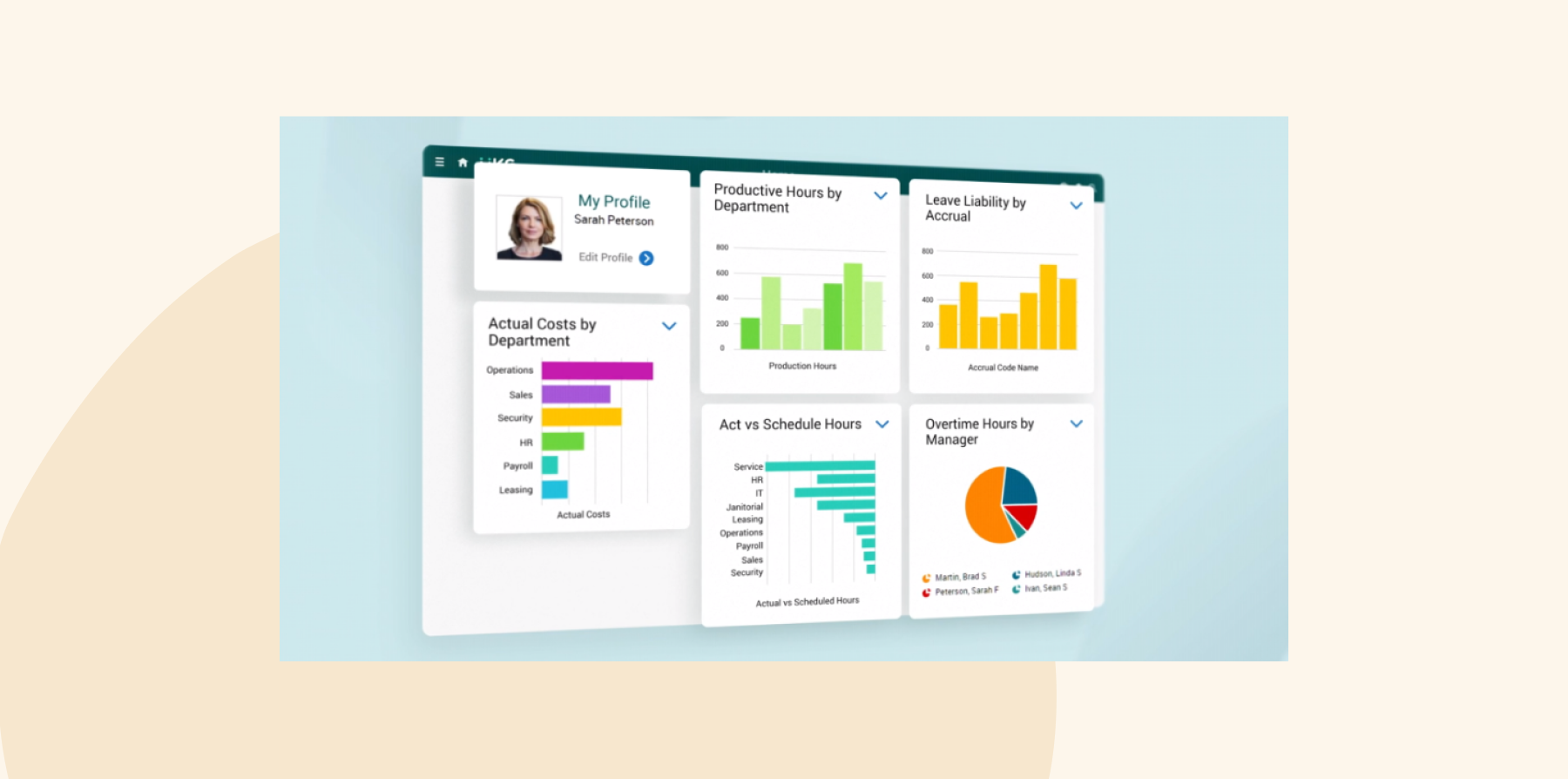
UKG is designed for organizations managing hourly, shift-based, or multi-site workforces. The platform supports time tracking, scheduling, absence management, overtime calculations, and labor cost visibility, helping managers coordinate staffing across locations.
For frontline teams, UKG offers mobile tools for clocking in, checking schedules, requesting time off, and swapping shifts. Depending on configuration, scheduling tools can help managers identify available team members with the right skills or availability when coverage changes.
Implementation can take four to six months depending on configuration, integrations, and internal resources. Organizations that need deeper performance management or learning capabilities should review which UKG modules are included and whether additional tools are required.
UKG key features
- Runs on Google Cloud infrastructure designed for businesses of all sizes
- Mobile apps with fingerprint and face recognition for secure login
- Automatic software updates keep features current
- Real-time data syncing between mobile and desktop
UKG pros and cons
Pros:
- “UKG makes it easy to find all your work needs in one place” – verified review
- “Work Force Ready allows us to hire electronically from start to finish” – verified review
- “Using UKG workforce central significantly decreases questions about time off remaining and accepted time off” – verified review
Cons:
- “The implementation team was more worried about “checking boxes” than actually completing the tasks” – verified review
- “Their customer service is very slow and it takes days to get issues resolved.” – verified review
- “Learning and training are a bit more difficult to navigate” – verified review
Features, integrations, pricing, and availability reflect publicly available information on UKG at the time of publication and may change as vendors update their products.
<<Compare HiBob vs. UKG – See which fits your business best>>
7. SAP SuccessFactors: Handles multi-country operations for large companies

G2 rating: 4.1/5 across 1,650+ verified reviews
SAP SuccessFactors is designed for large, multi-country organizations that need to manage HR across different languages, regions, and workforce structures. The platform supports complex organizational models, including matrix reporting, and includes talent management capabilities such as succession planning and career development.
SAP releases updates on a regular cycle and provides testing environments so teams can review changes before they go live. The platform is built to support enterprise-scale organizations with large, distributed workforces.
Implementation can take three to five months or longer, depending on configuration, integrations, and internal resources. Organizations should also plan for training and ongoing system administration, especially if they need custom reporting or support from certified consultants.
SAP SuccessFactors key features
- Cloud infrastructure built to handle enterprise-scale operations
- Native mobile apps with full functionality
- Updates twice a year with testing environment to preview changes
- Available in multiple regions for fast access worldwide
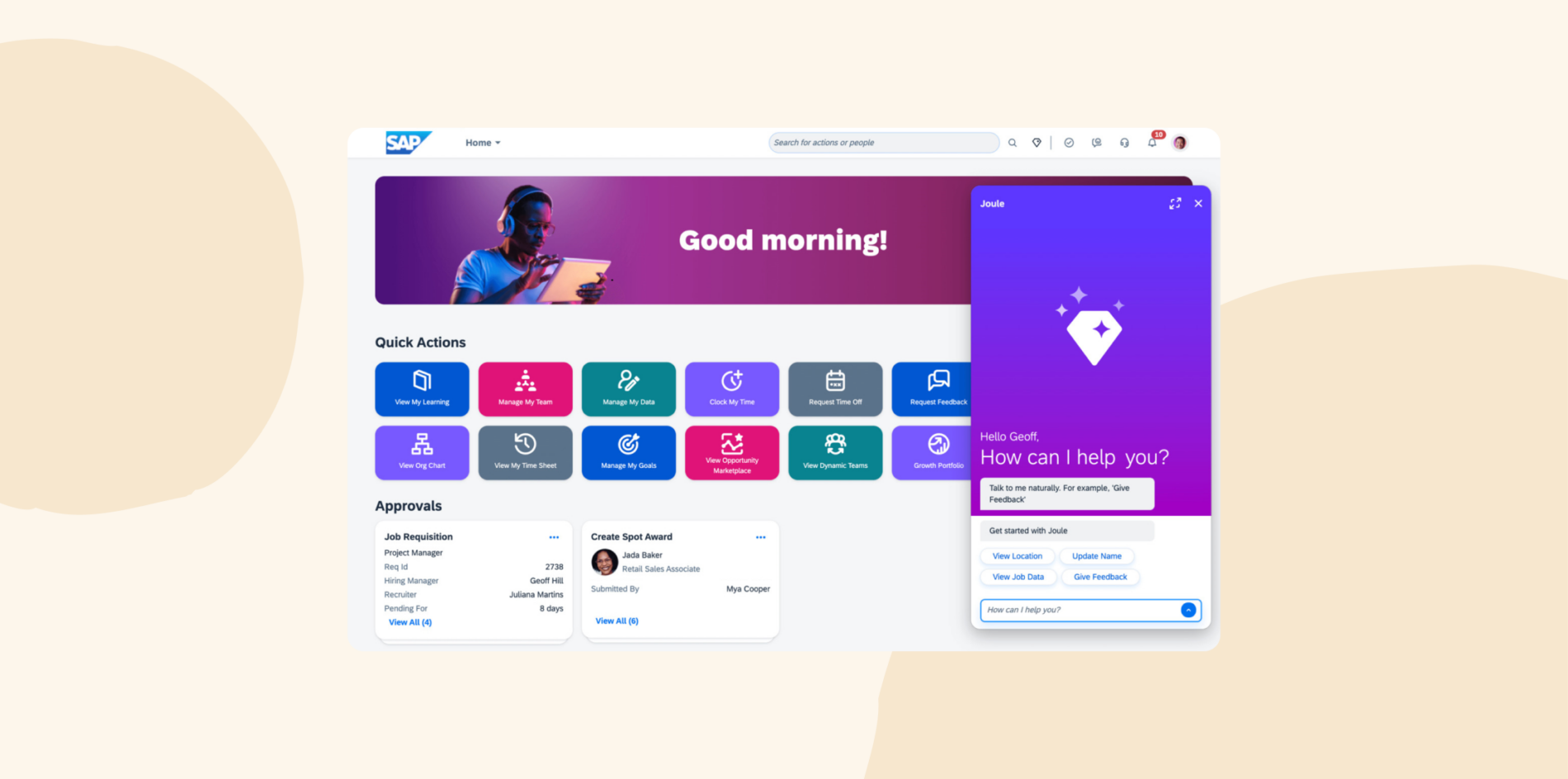
SAP SuccessFactors pros and cons
Pros:
- “The best thing would obviously be the integration of so many different things in a single suite” – verified review
- “SAP HCM offers self-service for employees to manage their information” – verified review
- “We can easily create reports in core HR” – verified review
Cons:
- “Maintenance cost is high and integration is complex.” – verified review
- “Some parts of the interface feel a bit outdated and not very intuitive.” – verified review
- “Standard reporting tools can be less flexible than other HCM systems, often requiring IT support for custom reports.” – verified review
Features, integrations, pricing, and availability reflect publicly available information on SAP SuccessFactors at the time of publication and may change as vendors update their products.
8. ADP: Offers payroll processing for compliance-focused companies
G2 rating: 4.2/5 across 4,200+ verified reviews
ADP focuses on payroll compliance, handling multi-state tax complexities for you. The platform runs on multiple cloud providers and scales as you grow and as payroll requirements become more complex. You even get benchmarks to see how your metrics compare to similar companies.
Because ADP includes several modules and service options, businesses should review how payroll, HR, reporting, and support work together in practice. Some users report that completing tasks can require moving between modules, and custom reporting may require additional setup.
ADP key features
- Runs across multiple cloud providers for reliability and redundancy
- Mobile app with 4.7-star rating
- Scales automatically as your company grows without performance issues
- Industry benchmarks so you can compare your HR metrics against other companies
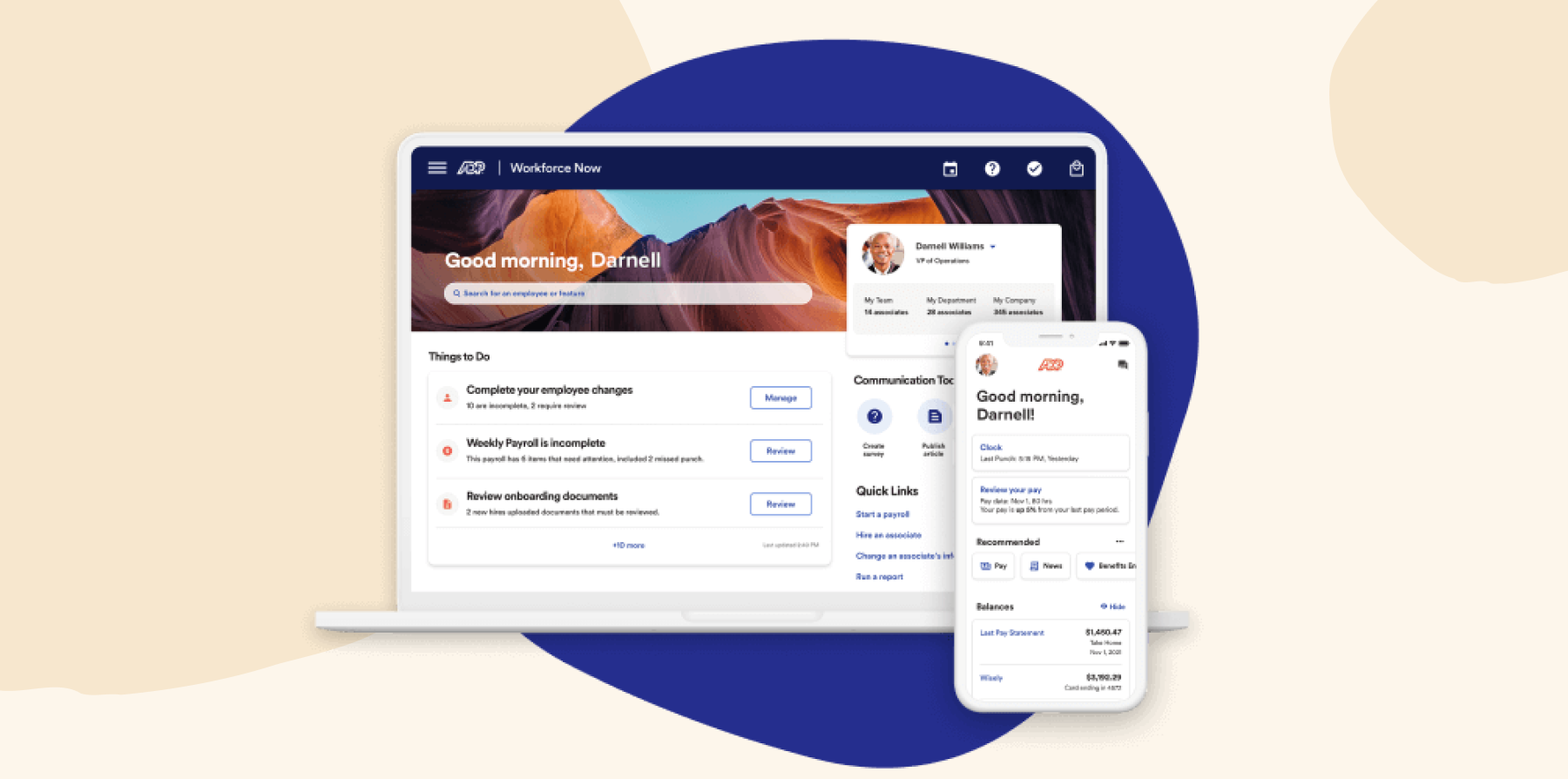
ADP pros and cons
Pros:
- “Everything I need is at the tip of my fingers” – verified review
- “ADP Workforce now has streamlined our payroll and human resource functions” – verified review
- “Having access and ability to link my bank account for direct deposit is pretty awesome” – verified review
Cons:
- “The system is not intuitive and requires navigating multiple disconnected areas to complete even basic tasks.” – verified review
- “it’s difficult to create customized reports, and it’s easy to make manual errors that the system won’t catch.” – verified review
- “There are too many customer service reps who are unqualified and not knowledgeable about the service we need help with” – verified review
Features, integrations, pricing, and availability reflect publicly available information on ADP at the time of publication and may change as vendors update their products.
9. BambooHR: Easy-to-use platform for straightforward HR needs

G2 rating: 4.4/5 across 6,000+ verified reviews
BambooHR supports core HR processes for small and mid-sized companies, including people records, time off, reporting, onboarding, and team member self-service. The platform also offers 150+ integrations and cloud hosting with security controls such as encryption.
BambooHR can be a good fit for teams that want a straightforward HR system with a simple user experience. Organizations with complex workflows, advanced reporting needs, or heavier customization requirements should review BambooHR’s configuration options and integrations to make sure the platform fits their operating model.
BambooHR key features
- Secure cloud hosting with advanced security protocols
- Mobile apps for iOS and Android with time tracking capabilities
- Automatic updates that scale with your company size
- 150+ pre-built connections to popular business tools
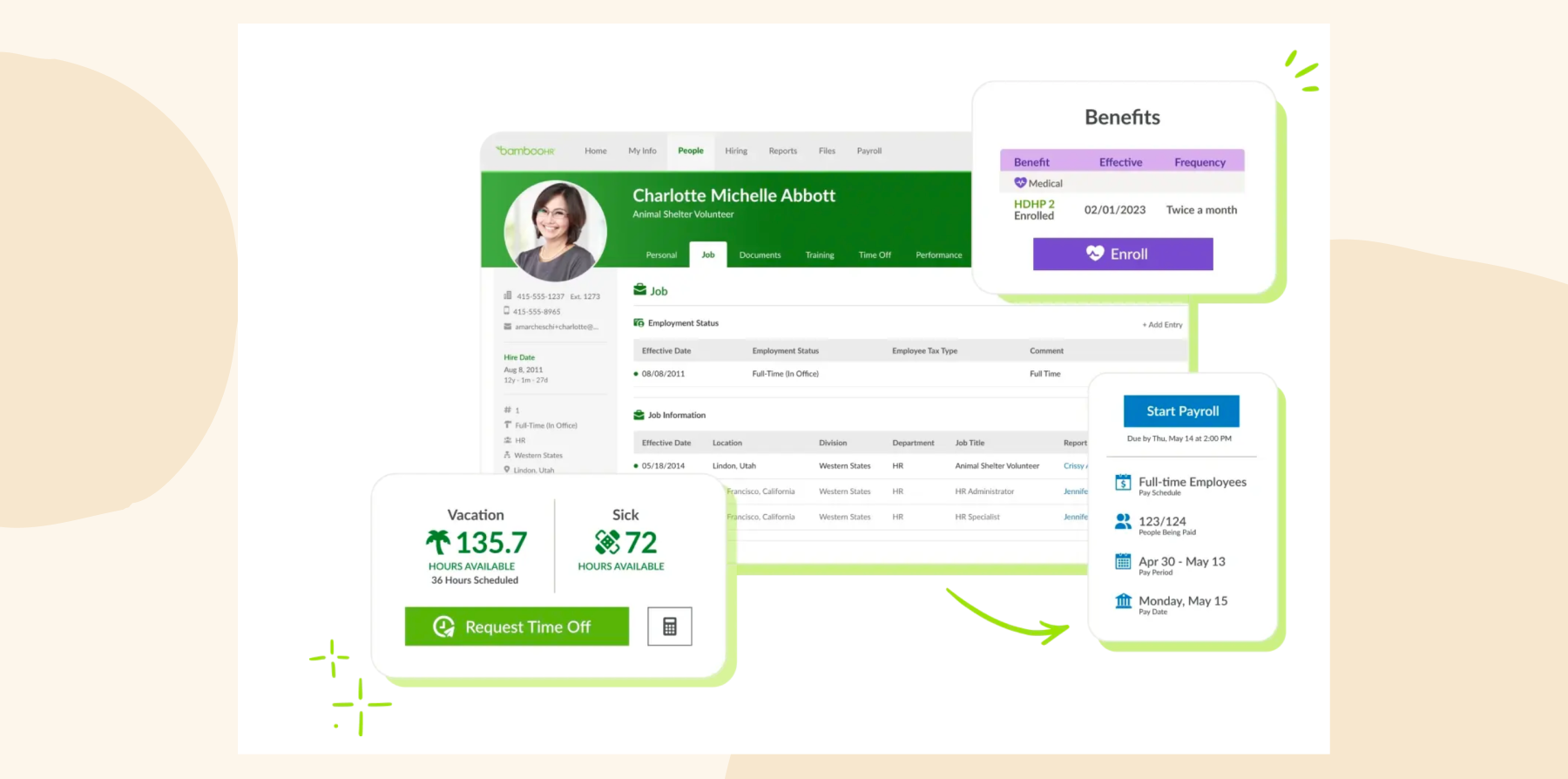
BambooHR pros and cons
Pros:
- “I love that everything is located in one place” – verified review
- “Reports are easy to access and customize” – verified review
- “BambooHR is intuitive from set up to implementation” – verified review
Cons:
- “While the simplicity of Bamboo is beneficial for navigation, it’s also a negative because it limits the ability to handle complex HR situations” – verified review
- “It doesn’t integrate with many of our other systems which makes reporting, tracking, and other HR components difficult.” – verified review
- “Your company set up needs to be fairly cookie cutter to get the most efficiencies out of BambooHR” – verified review
Features, integrations, pricing, and availability reflect publicly available information on BambooHR at the time of publication and may change as vendors update their products.
<<Compare HiBob vs. BambooHR – See which fits your business best>>
10. Paylocity: Manages team communication

G2 rating: 4.4/5 across 6,200+ verified reviews
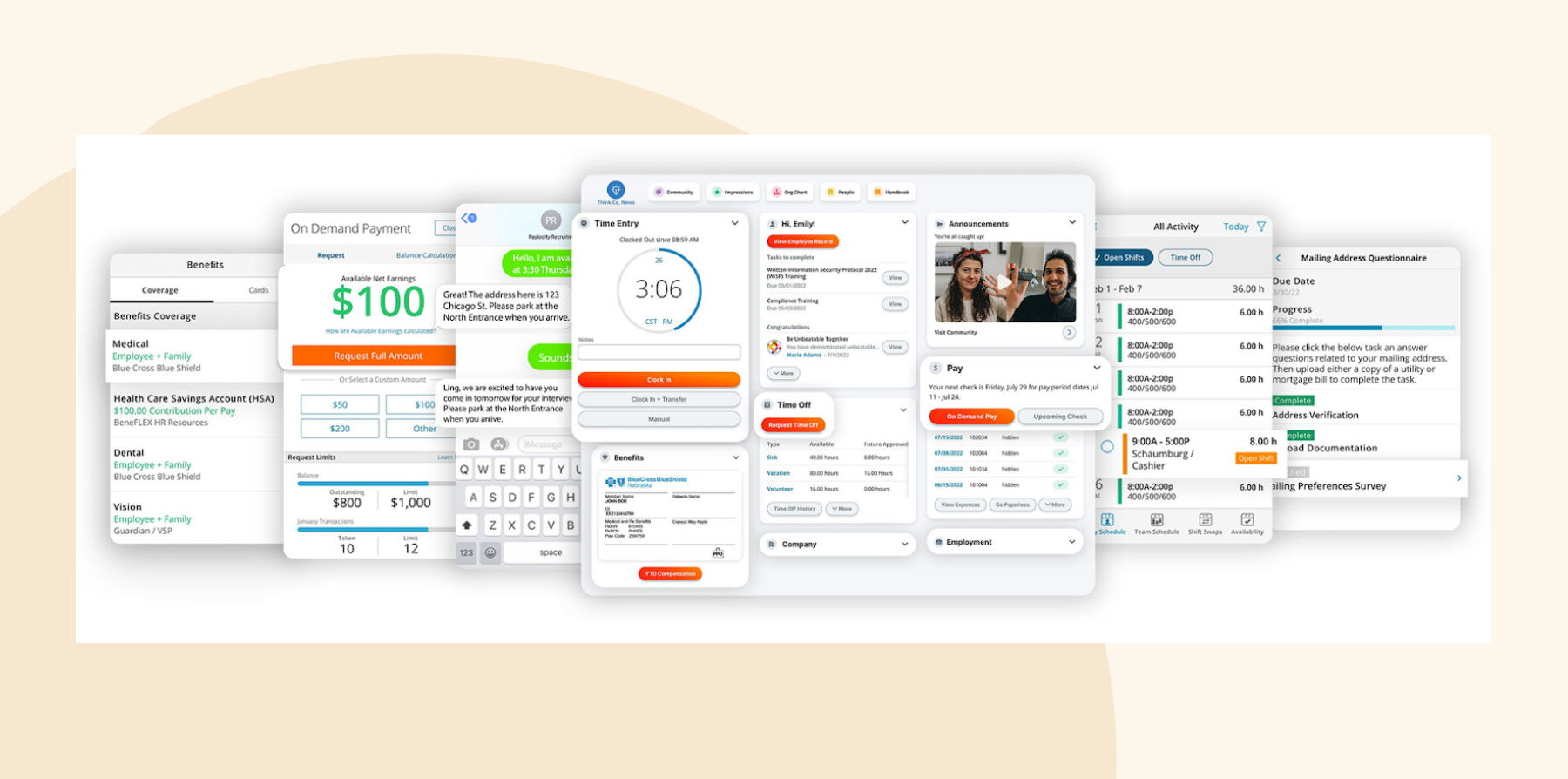
Paylocity brings communication, recognition, feedback, and collaboration directly into its HR platform. Its Community feature works like an internal social network where team members can share updates, join groups, recognize co-workers, and stay connected.
The platform also includes Employee Voice, which automatically collects feedback through engagement, onboarding, and exit surveys. Beyond engagement tools, Paylocity offers payroll, HR, workforce management, recruiting, and performance management.
The company has also invested heavily in AI, adding tools that help generate announcements, summarize feedback, identify retention risks, recommend learning opportunities, and answer team questions.
Paylocity key features
- Community hub for company updates, groups, and peer recognition
- Employee Voice surveys that automate feedback collection and engagement tracking
- Payroll, workforce management, recruiting, and performance management tools
- Mobile app for payroll, scheduling, messaging, and self-service
Paylocity pros and cons
Pros:
- “The payroll experience is streamlined.” – verified review
- “I really like the benefits administration part.” – verified review
- “Integrations with 401(k) and benefits are a real time-saver.” – verified review
Cons:
- “My least favorite part about Paylocity is the reporting.” – verified review
- “The reporting is a little lacking. It’s frustrating not to be able to report on everything that is in the system and not be able to link tables.” – verified review
- “One area that has been challenging is the benefits integration with HR and payroll, particularly the file feeds to our benefit providers.” – verified review
Features, integrations, pricing, and availability reflect publicly available information on Paylocity at the time of publication and may change as vendors update their products.
11. Factorial: Helps with shift management

G2 rating: 4.4/5 across 100+ verified reviews
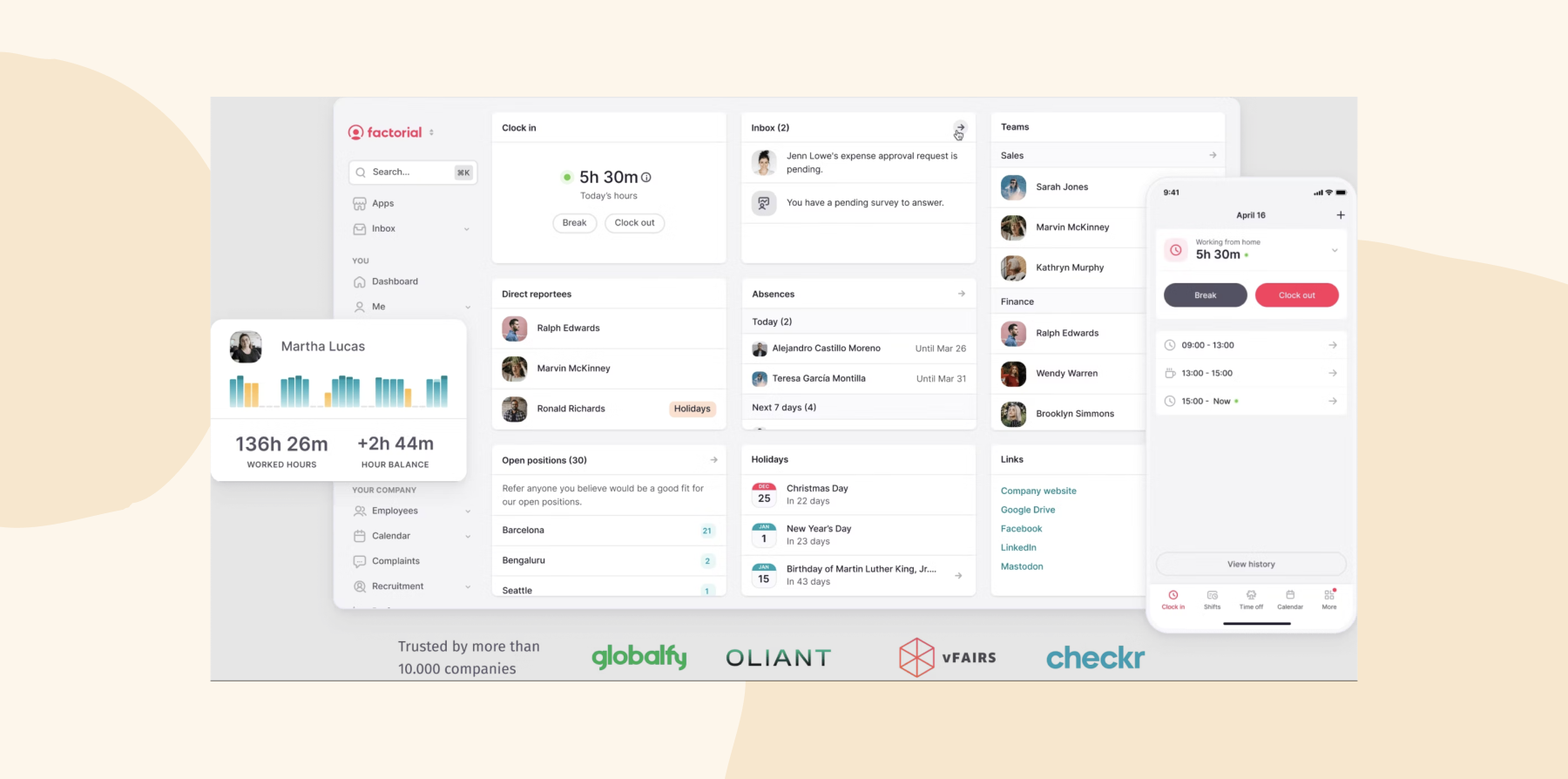
Factorial offers time tracking, shift scheduling, leave management, document storage, payroll preparation, performance management, and expenses. Team members can clock in from desktop or mobile devices, request time off, access documents, and view schedules without contacting HR.
Managers can approve requests, track attendance, manage shifts, generate reports, and monitor workforce activity from the same platform. Factorial has also introduced AI capabilities that help generate reports, summarize meetings, support research tasks, and automate repetitive administrative work.
The tradeoff is that Factorial works best for organizations with relatively straightforward HR processes. While the platform offers broad functionality, companies with highly complex reporting requirements, advanced workforce planning needs, or heavily customized workflows may outgrow some of its capabilities.
Factorial key features
- Automated time tracking with desktop, mobile, QR code, and geolocation options
- Shift scheduling and workforce planning tools
- Leave management and approval workflows
- Payroll preparation with overtime, bonus, and compensation tracking
- AI-powered reporting, meeting summaries, and workflow automation
Factorial pros and cons
Pros:
- “What Factorial has contributed the most to us is centralizing in a single platform things that we previously had spread across spreadsheets, emails, and the management office.” – verified review
- “From a single platform, it is possible to manage payroll, vacations, absences, documents, and approval workflows.” – verified review
- “It makes tracking absences and working hours simple, centralized, and easy to manage in one place.” – verified review
Cons:
- “For small companies like ours, much goes unused, but the cost per employee remains just as high.” – verified review
- “There are certain complex human resources functions that require external integrations or are not sufficiently developed within the platform.” – verified review
- “I occasionally run into limitations with the reports and the available customization options, which can make it harder to tailor things to my needs.” – verified review
Features, integrations, pricing, and availability reflect publicly available information on Factorial at the time of publication and may change as vendors update their products.
Discover the power of a modern HRIS and learn firsthand how Bob can optimize your HR processes
What makes cloud-based HR software different from traditional systems?
Cloud-based HR software gives your team the freedom to work from anywhere. Instead of relying on software installed on people’s devices, your HR system lives online. You can access everything through a web browser or mobile app: you can approve time off from home, check pay stubs while traveling, or run reports from your favorite coffee shop. Your remote and hybrid teams can work just as effectively as in-office teams.
Most cloud-based HR platforms come with automatic updates, so you never have to pause work for system maintenance. When new features and security patches roll out in the background, you can log in to find new features ready to use without you needing to do anything. When you hire someone new, they can just log in and get started right away.
With the right HR software, your data gets the kind of protection only enterprises used to be able to afford. The best security includes round-the-clock monitoring, automatic backups, and disaster recovery systems as part of your subscription, with all your data compliance requirements taken care of.
Security and data compliance considerations for cloud HR software
Cloud HR software stores some of your organization’s most sensitive information, including payroll records, compensation data, performance reviews, and personal team details. Before selecting a platform, review how each vendor handles the following:
- Security certifications: Look for certifications such as SOC 2 and ISO 27001. These certifications show that independent auditors have reviewed the vendor’s security controls and information security practices.
- Data privacy compliance: Verify that the platform supports regulations relevant to your organization, such as GDPR and other local privacy laws. Make sure the vendor can clearly explain how they collect, process, store, and delete data.
- Access controls and permissions: HR, Finance, managers, and team members often need different levels of access to workforce data. Look for platforms that offer role-based permissions so sensitive information remains visible only to authorized users.
- Data residency and vendor transparency: Review where team data is stored, which subprocessors the vendor uses, and what data residency options are available. Ensure the vendor provides clear documentation about their hosting locations, data retention policies, and third-party partners.
- Audit trails and monitoring: Audit logs help organizations track who accessed or modified sensitive information and when those actions occurred. These records support compliance efforts, security investigations, and internal accountability.
Recommended For Further Reading
Choose the best cloud HR software solution
Cloud HR software works best when it helps your team spend less time managing systems and more time supporting people. As you compare platforms, look for strong integrations, reliable reporting, and the flexibility to support your organization as it grows.
HiBob is built for modern teams that want HR and Finance working from the same source of truth. Team members can update their own information, managers can find answers without chasing HR, and workforce data stays consistent across hiring, payroll, benefits, and reporting. The platform feels familiar from day one, and its mobile-native design makes it easy to stay on top of tasks.
You can be up and running in six to eight weeks, while other platforms can take months. Once you’re set up, HiBob connects your HR tech stack in one place with 100+ integrations, and automatic updates roll out without downtime. Its cloud infrastructure scales smoothly as you grow, so you don’t need system overhauls to support new locations, higher headcount, or peak moments like reviews and enrollment. You get hours back each week to focus on what matters, from developing your people and strengthening culture to planning with confidence.
Get started with HiBob’s cloud HR platform →
Disclaimer:
This content reflects HiBob’s perspective, informed by our experience supporting HR teams as they evaluate and implement HR software. It is provided for informational purposes only and is not intended as independent research or professional advice. Prospective users should conduct their own evaluation before making a decision.
Feature descriptions, pricing references, and availability for third-party platforms are based on publicly available information at the time of publication and may change. HiBob does not guarantee the accuracy or completeness of information related to third-party products. Prospective users should verify details directly with each provider.
FAQs about cloud HR software
Cloud HR software runs online instead of on your office computers, so you can manage personal data, run payroll, and track time off from any device with internet access. Platforms like HiBob live on secure remote servers that handle all the technical aspects of the work like updates, backups, and security while you focus on your HR work. This means your team can work from anywhere, and you’ll never lose data when someone’s laptop crashes.
Cloud computing in HRM means your HR services run online instead of on company computers. Your managers can approve time off from their phones, people can update their information from home, and everything stays in sync automatically.
This approach gives smaller companies access to powerful features that used to require huge IT budgets, like AI-powered analytics and automated workflows. HiBob and other cloud platforms handle all the technical details, so you get enterprise-level tools at a fraction of the traditional cost.
Managing remote teams is simpler when your HR platform lives in the cloud. People can request time off, update their contact details, and check their payment information no matter where they’re working, without needing internal VPN connections. You can approve requests, check who’s available, and run reports remotely.
Cloud HR software means everyone gets the same up-to-date information. When someone changes their address or banking details, you can see it immediately.
A good cloud HR system should work well with the tools your team already uses. When someone books time off, your software should be able to automatically update your calendars, and even let managers know with notifications to Slack or Teams. If you link it to your project management software, managers will be able to see who’s available before assigning tasks. These integrations mean you spend less time on manual updates and more time on strategic work.
The practical test is whether a change made once shows up everywhere—a new country, a new pay band, a promotion—without anyone re-entering it. That’s what separates a cloud system from a hosted version of an old one.
The five main types of HRIS systems are: operational systems to handle your daily HR tasks, tactical systems to help with planning and resource decisions, strategic systems that support long-term workforce development, specialized systems to focus on specific needs like recruiting, and comprehensive systems that do all of the above.
Modern platforms like HiBob offer modular solutions that allow you to start with basic HR records and add performance management or analytics as you grow. This flexibility means you get what you need now without being locked into features you won’t use for years.
A cloud-based HR system is software that manages your people operations through the internet instead of living on your company’s computers. You pay a monthly subscription and the provider handles everything technical like servers, security, updates, and backups.
HiBob’s cloud-based system includes personal records, performance management, time tracking, and analytics all in one secure place. This setup means your team always has access to the same real-time data, whether they’re working from home, the office, or traveling between locations.
Yes, your data is likely safer in the cloud than on your office servers. Leading providers like HiBob maintain ISO 27001 and SOC2 certifications, employ 24/7 security teams, and automatically back up your data across multiple secure locations. They protect your information in ways most companies can’t afford to do themselves, such as bank-level encryption, instant disaster recovery, and ongoing threat monitoring.
It depends far more on your data than on the software. Expect weeks rather than months for a mid-sized company with clean records, and a quarter or more if you’re untangling historical payroll and several spreadsheets first. The platforms differ a lot here: the table above puts HiBob at six to eight weeks and the enterprise suites at three to four months minimum. Ask any vendor for a reference customer of your size, and ask them how long it actually took.