Finding the right tools to manage HR tasks efficiently is crucial for small businesses looking to scale. Human resource information systems (HRIS) empower HR teams to automate and streamline essential HR functions, save time on admin work, and focus on strategic initiatives that drive growth. With the right HRIS, you can enhance productivity, improve team satisfaction, and support business expansion.
This article will review different HRIS platforms that work well for small businesses, highlighting their pros and cons, and help you select a tool that supports your growth and scales with your team.
Discover the power of a modern HRIS and learn firsthand how Bob can optimize your HR processes
Key insights
- Choosing the right HRIS system can automate payroll, compliance, and recruitment processes, giving time back to small HR teams so they can focus on strategic tasks
- Platforms centered on HRIS features like time tracking, onboarding, performance management, and people analytics help small businesses maintain strong culture and engagement
- The best HRIS for small businesses is easy to set up and scale, with intuitive self-service and integrations that reduce tool sprawl as the company grows
What is an HRIS system for small businesses?
An HRIS system for small businesses is specialized software that streamlines and automates HR tasks including maintaining team member records, tracking time and attendance, managing benefits, and overseeing performance reviews. The terms “HRS” or “HR system” also typically refer to the same functionalities as an HRIS.
(Note that “system” is inherent in the acronym “HRIS,” making the phrase “HRIS system” somewhat redundant.)
Small businesses, particularly in their growth stage, may not need extensive features initially, but they can still benefit from an HRIS that can grow with their business.
How can an HRIS help small businesses?
For small businesses with limited headcount, an HRIS frees up valuable time, allowing HR teams to focus on strategic priorities like talent management and employee engagement initiatives. This can lead to a more efficient and motivated workforce, directly contributing to the business’s growth and success.
Best HRIS systems for small businesses
Let’s take a look at some of the best HRIS for small businesses.
HiBob
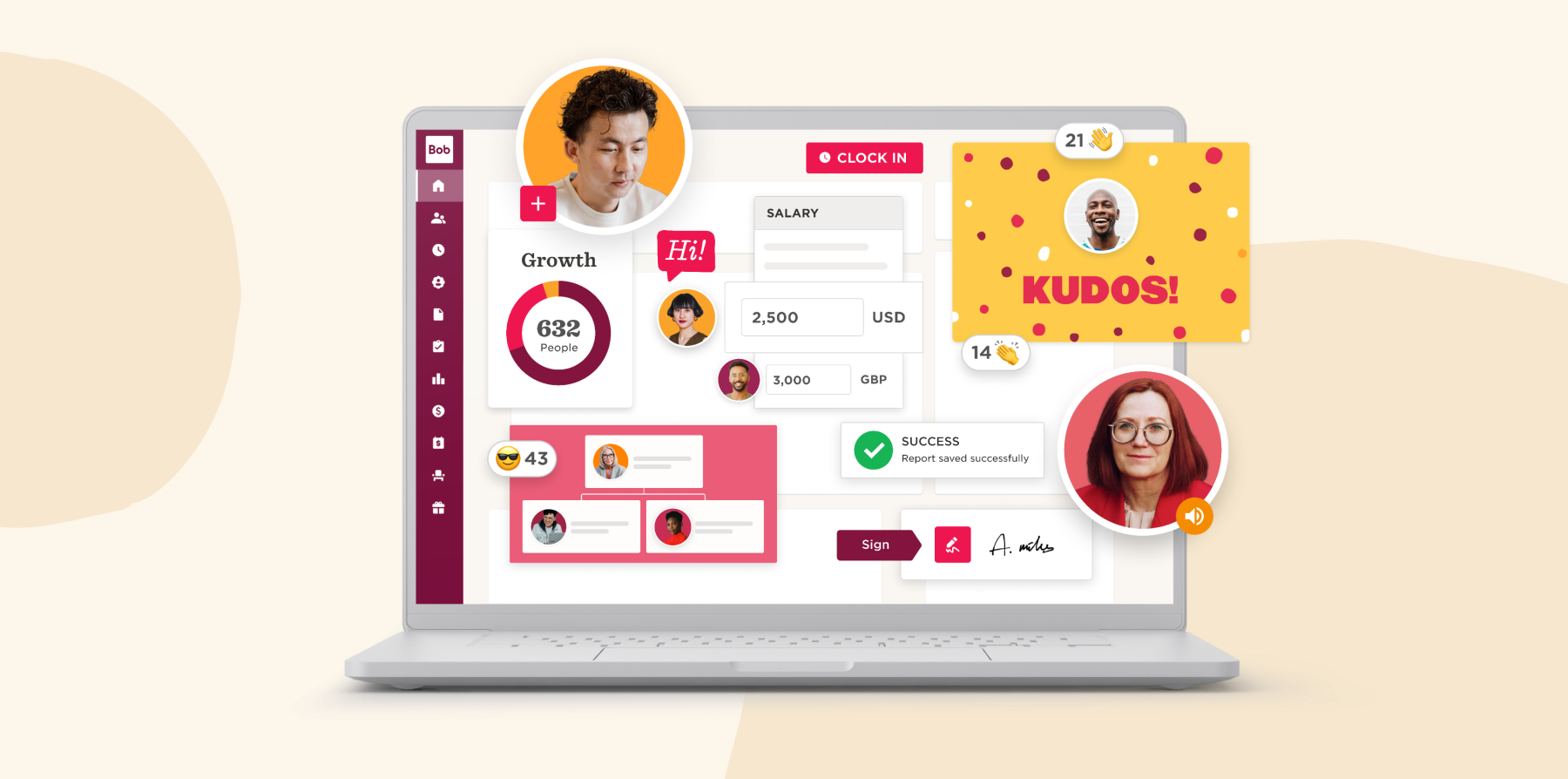
HiBob offers an all-in-one HRIS that provides out-of-the-box onboarding, time and attendance tracking, performance management, and compensation management. Teams can manage onboarding, time and attendance, performance, and compensation in a single system, with built-in applicant tracking to keep hiring aligned with workforce plans. Finance gets real-time visibility into headcount and workforce costs, so planning and decisions stay grounded in trusted data. AI capabilities help teams reduce manual work and surface clearer insights, with the controls that support consistent decisions.
HiBob is flexible enough to match how you work today and scale as your organization grows. The platform is intuitive and integrates easily with your existing tools, so teams adopt quickly and keep moving without adding complexity.
Key features:
- Core HR: Centralize and secure team member profiles, documents, and essential HR records in one place
- Finance: Connect people plans to budgets by modeling headcount and workforce costs and keeping HR and Finance working from the real-time data
- Hiring and Onboarding: Streamline the recruitment journey with applicant tracking, interview scheduling, candidate evaluations, offer letters, and guided onboarding workflows
- Payroll: Pay team members accurately and on time with automated calculations, approvals, and reporting that reduce manual work and support compliance
- Time and Attendance: Track hours, attendance, absences, and time off accurately with integrated time-tracking tools to ensure timely paychecks
- Performance and Learning: Conduct 360-degree performance reviews, set and track goals, and provide continuous feedback and then create, assign, and track learning journeys with the built-in LMS
- People Analytics: Gain workforce data to share info from KPIs, reports, proactive insights, and attrition indicators with other stakeholders
Pros:
- Offers flexibility for building and designing workflows
- Improves workforce data access and integrity
- Quick response time and support from the HiBob team
- Significantly reduces HR teams’ workloads
Cons:
- Custom integrations may require technical assistance
Pricing: HiBob pricing plans are crafted personally for HR leaders to match their needs. The flexible options let you get precisely what your HR team requires, from implementation to integrations.
Discover the power of a modern HRIS and learn firsthand how Bob can optimize your HR processes
Talent HR

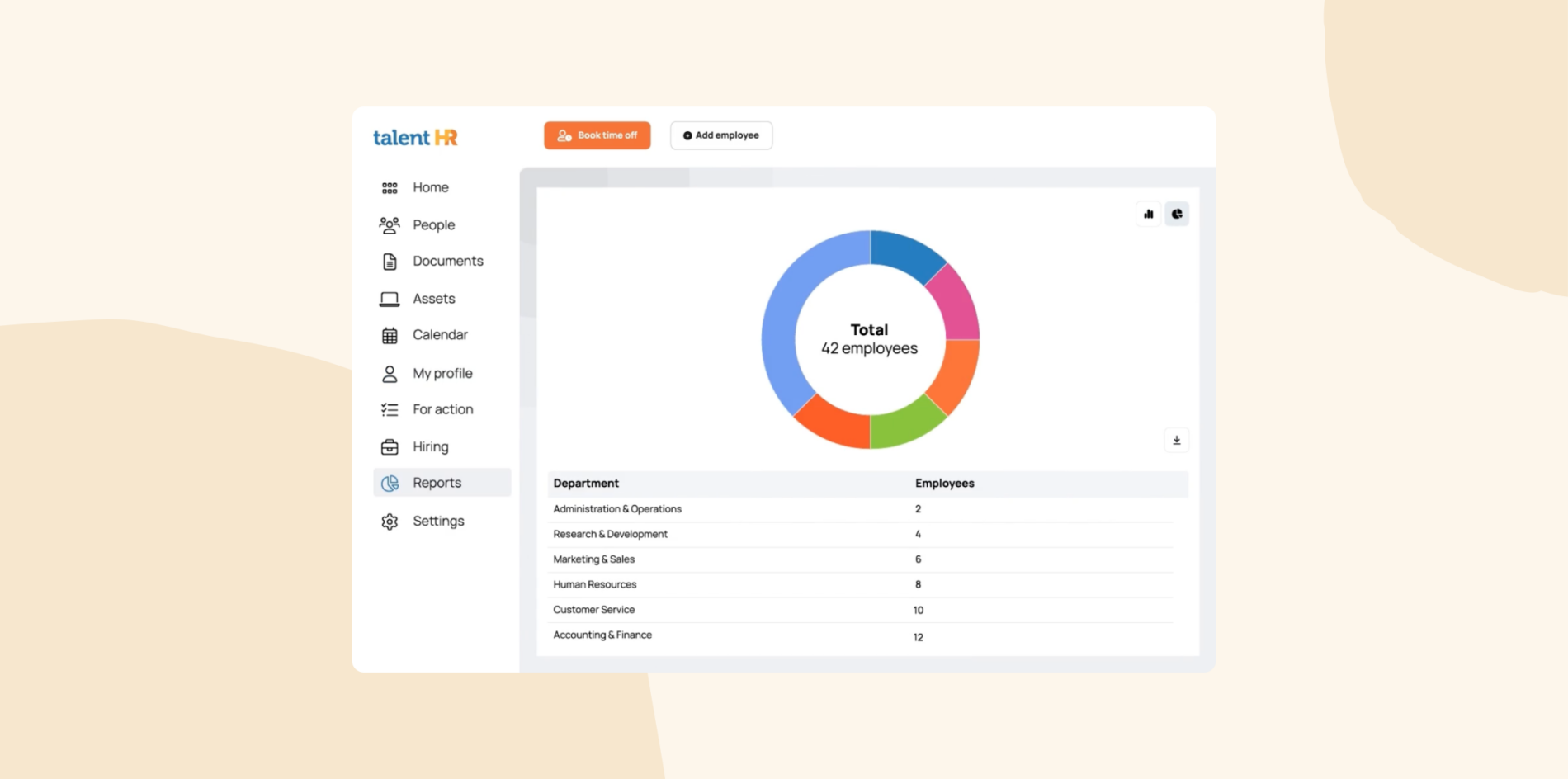
Talent HR is an all-in-one HR tool that allows businesses to manage time-off tracking, hiring and onboarding, team member performance, and people analytics. The platform enables managers to create custom time-off requests and track team member attendance.
Key features:
- Asset/IT equipment tracking and management
- Employee performance management
- Anonymous whistleblowing platform
- Automated PTO and time off tracking
Pros:
- Simple set up and implementation
- Competitive pricing
- Helpful support teams
Cons:
- “There is a slight worry that if our team grows significantly that TalentHR will no longer be able to meet our needs.” (source)
- “Migrating our data was not very easy but I know they’re working on it.” (source)
- “It seems that it hasn’t been fully shaped yet. I would love to see more features related to the employee onboarding process.” (source)
Pricing:
- Free: $0
- Essential: $2/user/month
- Premium: $4/user/month
TriNet

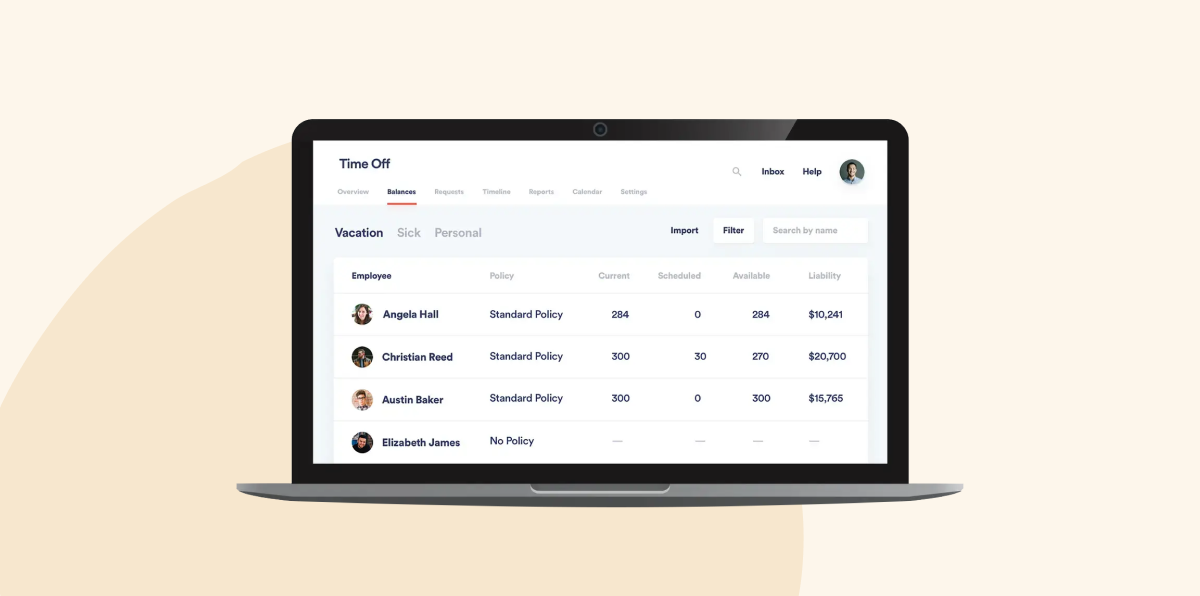
TriNet is an HR platform with HRIS capabilities including payroll processing, performance management, time tracking, and workforce data management. It also includes a tax credit services tool for simplifying the tax credit process.
Key features:
- People analytics and reporting
- Recruiting and onboarding management
- Compliance management
- Benefits management
Pros:
- Dedicated customer support team
- Options for medical, dental, vision, and supplemental insurance plans
- Automates manual HRIS tasks
Cons:
- “The inability to link multiple companies within the platform is a major drawback, as it complicates time-off approvals and increases costs due to extra charges for non-payroll users.” (source)
- “I have found that it has become more difficult to navigate issues as Trinet has grown and apparently outsourced more and more to different internal teams across the world.” (source)
- “The integration with accounting software, particularly if you are running Quickbooks desktop, can be a little rough.” (source)
Pricing: TriNet offers comprehensive pricing packages for its modules.
ADP

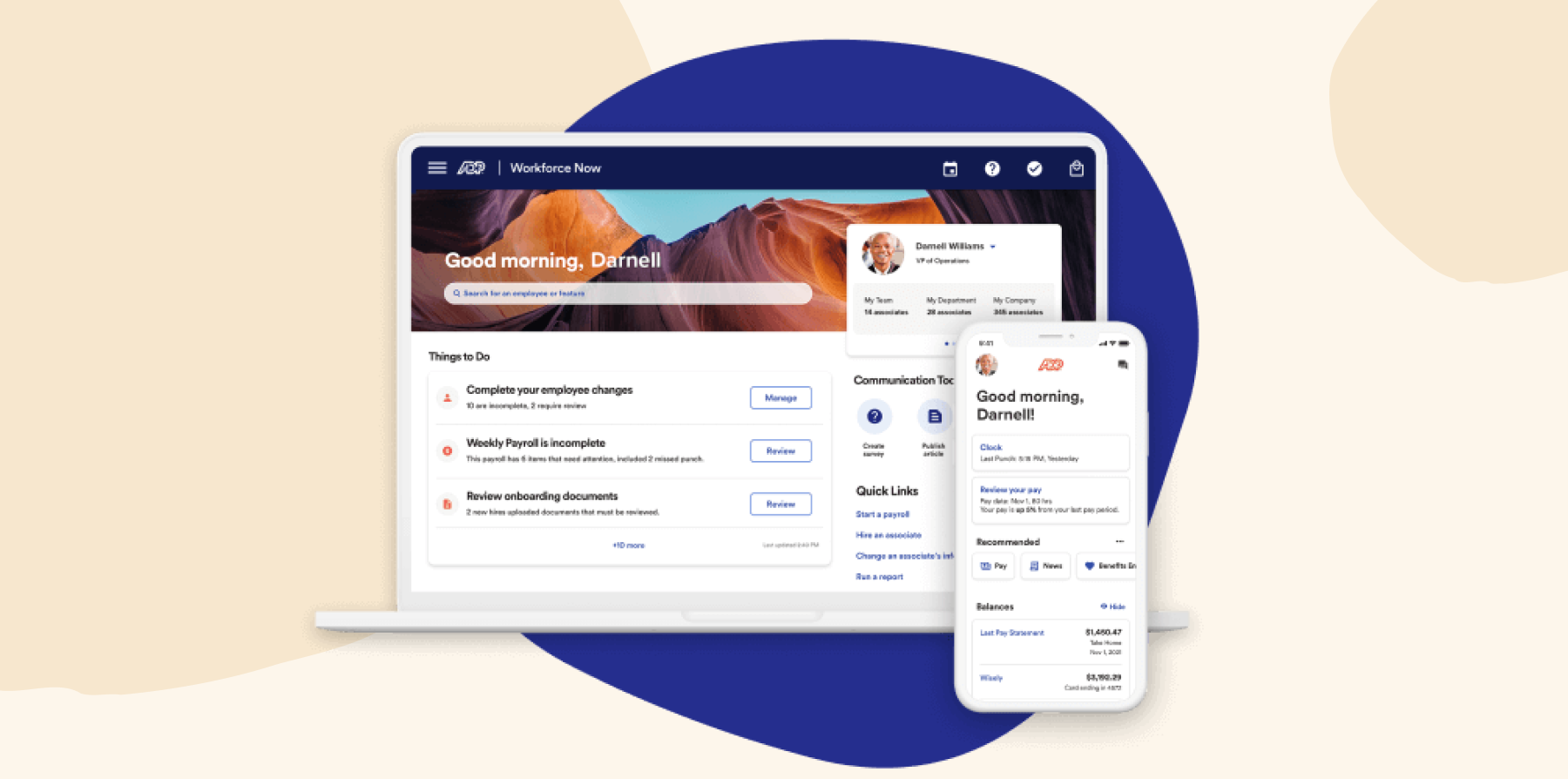
ADP provides an online HRIS and payroll solution that supports benefits administration, compliance, and tax withholding management. For small businesses, ADP offers functionality such as payroll, professional employer organization (PEO) services, time and attendance tracking, and business tax credits. The platform integrates with Xero, Sage, Workday, and more.
Key features:
- Benefits administration management
- Time and attendance tracking
- PEO and HR outsourcing platform
- Talent management and optimization capabilities
Pros:
- Supports role-based user access
- Provides an implementation team to guide users through integration
- Assigns a dedicated relationship manager to users
Cons:
- “Service tickets often take a considerable time to resolve and typically lack details about the issue being addressed when you are notified of a resolution.” (source)
- “I wish that it could provide a greater ability to create automatic notifications.” (source)
- “The only negative that I have is that some of the setup for processes seems labor intensive and not as intuitive as I would like.” (source)
Pricing: ADP does not display pricing on its website but offers customized pricing based on business needs and company information.
BambooHR

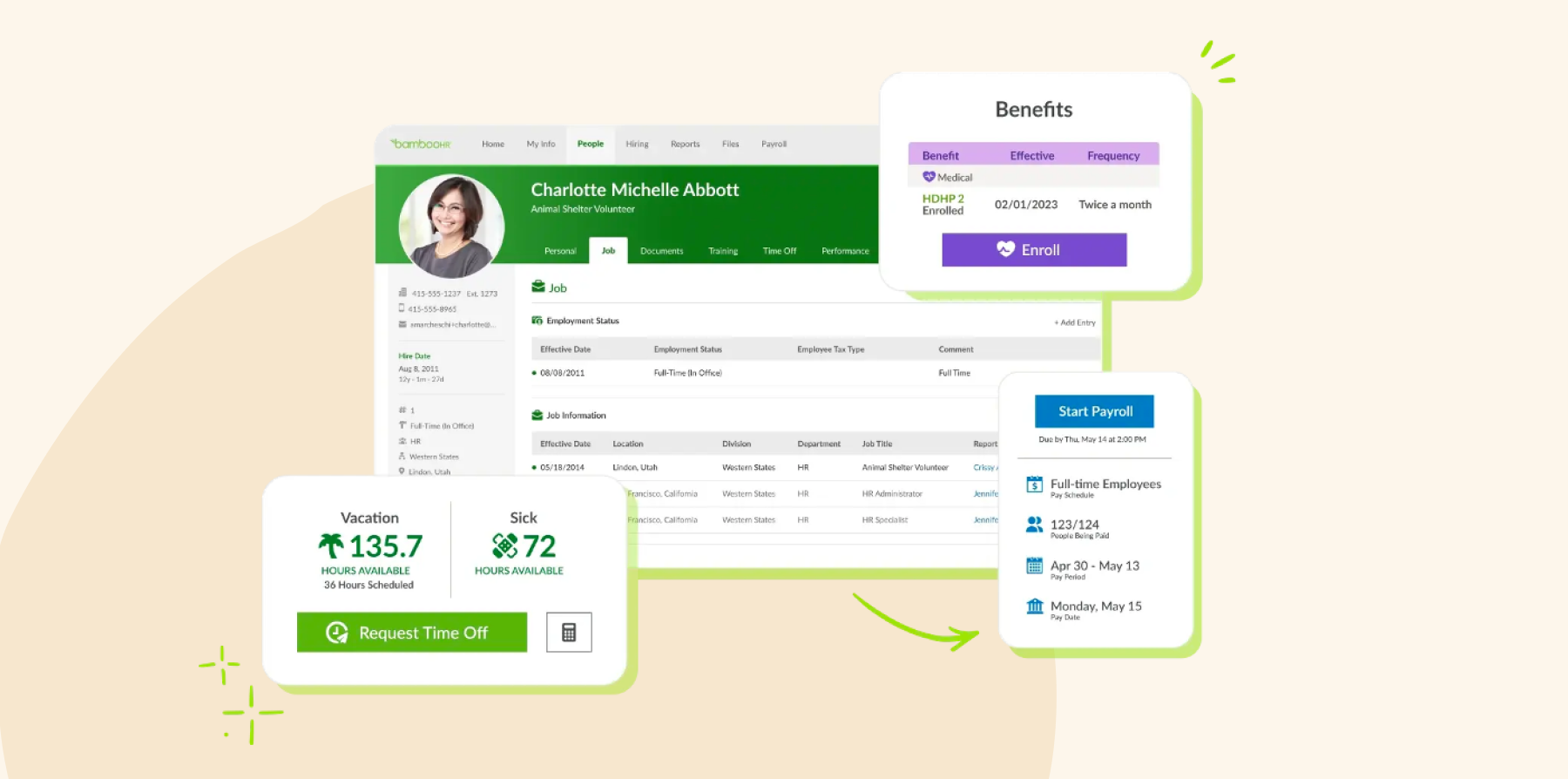
BambooHR is an all-in-one platform that offers HRIS functionality for managing tasks like hiring and onboarding, payroll, and benefits administration. BambooHR also provides businesses with a database to maintain team member records and generate reports. It integrates with other business solutions including Slack, NetSuite, TalentLMS, and Okta.
Key features:
- Performance management capabilities
- HR data analytics and reporting
- Applicant tracking system
- Employee database and reporting
Pros:
- Integrates with popular business software
- Collects and tracks signatures electronically
- Provides a single hub for centralizing team members’ records and data
Cons:
- “There can be a delay sometimes when you are trying to send documents to employees to sign or receive them back.” (source)
- “The setup process for signature documents and some of the text fields within the job posting feature could be more intuitive.” (source)
- “Sometimes customer service doesn’t know the answer right away, so you will have to wait while they brush up on the software.” (source)
Pricing: BambooHR does not list pricing on its website but provides multiple pricing plan options, add-ons, and monthly payment choices.
<<Compare Bob vs. BambooHR – See which fits your business best>>
Deel

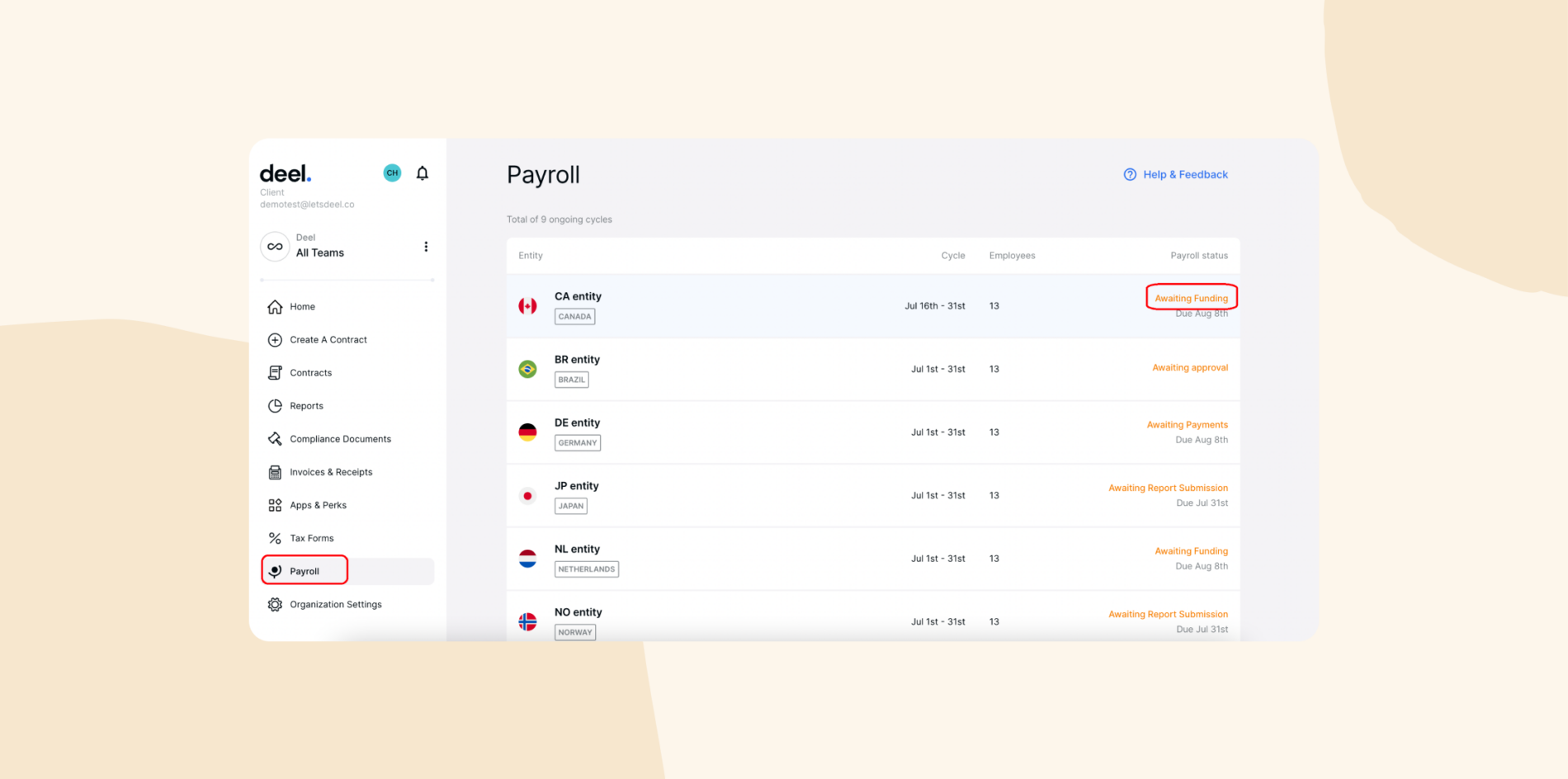
Deel is a global HR platform with solutions for team onboarding, payroll, performance management, reporting, and more. The platform customizes HRIS processes to comply with the laws specific to each team member’s location. Deel integrates with other HR solutions like Bob and business tools like QuickBooks, Xero, and NetSuite.
Key features:
- Automated invoicing capabilities
- Payroll management and benefits administration
- Time off and expense management
Pros:
- Allows users to bulk pay employer of record (EORs) services, direct employees, and contractors at once
- Offers up to 15 global payment options
- Automates contractor invoicing
Cons:
- “One downside with Deel is that there can sometimes be delays in response from customer support, especially during high-traffic periods.” (source)
- “The mobile app sometimes takes time to load, but I believe optimization updates will come along the way.” (source)
- One common criticism of Deel is that its pricing structure can be complex and might not always be transparent. (source)
Pricing:
- Deel HR: Free
- Global payroll: $29/user/month
- Contractors: $49/user/month
Greenhouse

Greenhouse provides an applicant tracking system (ATS) and hiring solution that helps businesses manage their hiring process, from sourcing applicants to onboarding new team members. The platform suits early-stage businesses and scaling companies looking to establish strong hiring practices.
Key features:
- Talent sourcing platform for hiring
- Automated employee onboarding management
- Customizable reporting and insights tool
- Advanced data configuration workflows

Pros:
- Enables users to find documentation easily
- Supportive customer success team
- Standardized interview processes
Cons:
- “It can be a little complex at times and could be hard to find the information you need.” (source)
- “The biggest drawback is the reporting capability of the tool.” (source)
- “Doesn’t have a good integration with BambooHR.” (source)
Pricing: Greenhouse does not display pricing on its website but offers three pricing tiers—Essential, Advanced, and Expert.
Gusto

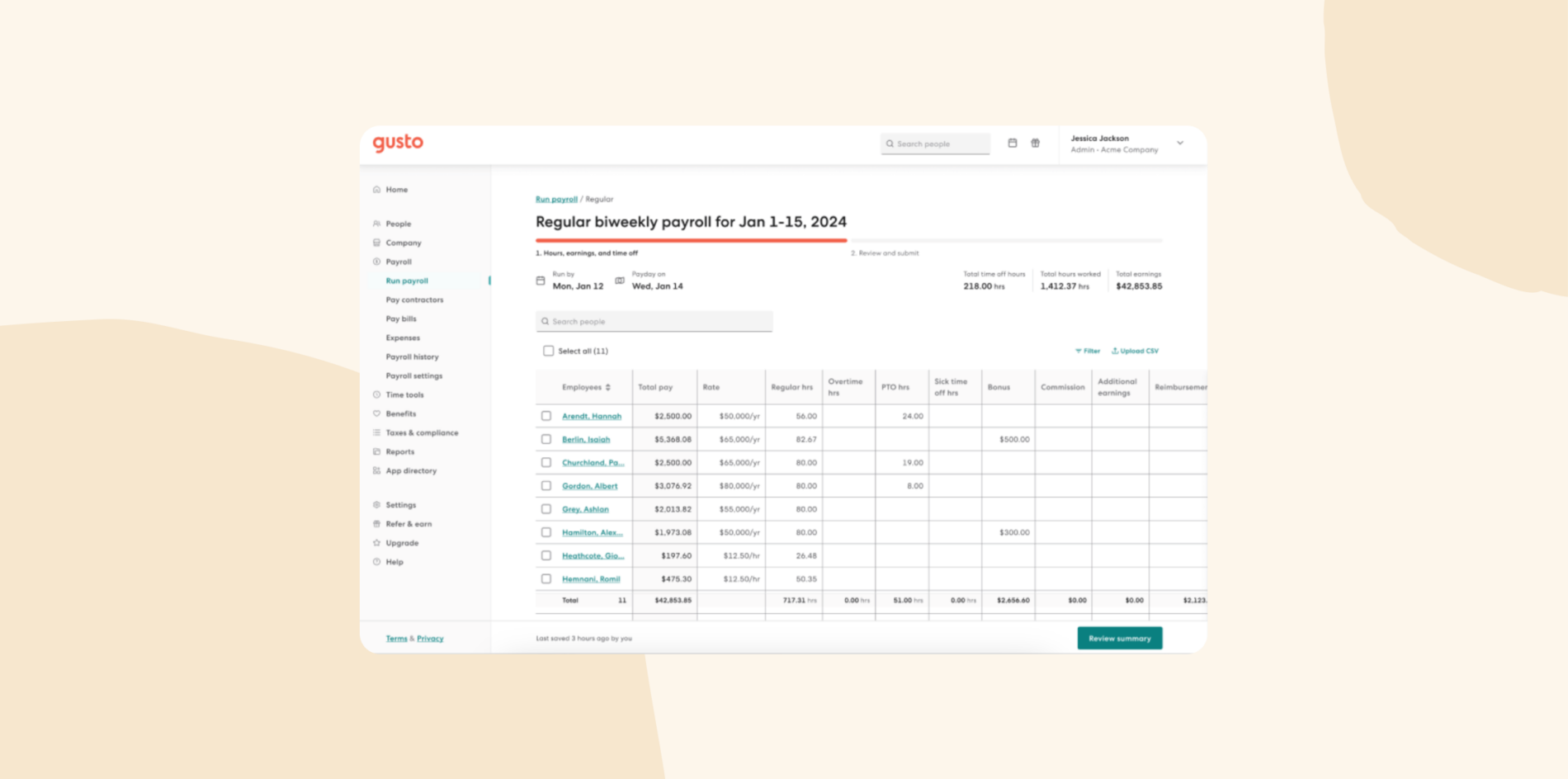
Gusto is a payroll, HR, and benefits solution for small and medium-sized businesses. It provides HRIS functionality that enables users to automatically file taxes, ensure compliance, and identify tax credits. Users can sync team hours, paid time off (PTO), and holidays with payroll. Gusto integrates with various tools, including accounting, collaboration, point of sales, and expense management solutions.
Key features:
- Time and attendance tracking tools
- Hiring and onboarding management
- Automated deductions, direct deposits, tax filings
- Health benefits, automatic savings, 401(k)s
Pros:
- Provides efficient communication with the chat feature
- User-friendly interface
- Sends helpful task reminders to users
Cons:
- “The timesheets are simultaneously busy and also don’t show as much information as I’m used to.” (source)
- “For a small business, it didn’t seem like there were good & affordable integrated health care benefit options for my employees.” (source)
- “The downside with Gusto is that their payroll invoices can’t be paid in advance.” (source)
Pricing:
- Simple: $40/month plus $6/user/month
- Plus: $60/month plus $9/user/month
- Premium: $135/month plus $16.50/user/month
Justworks

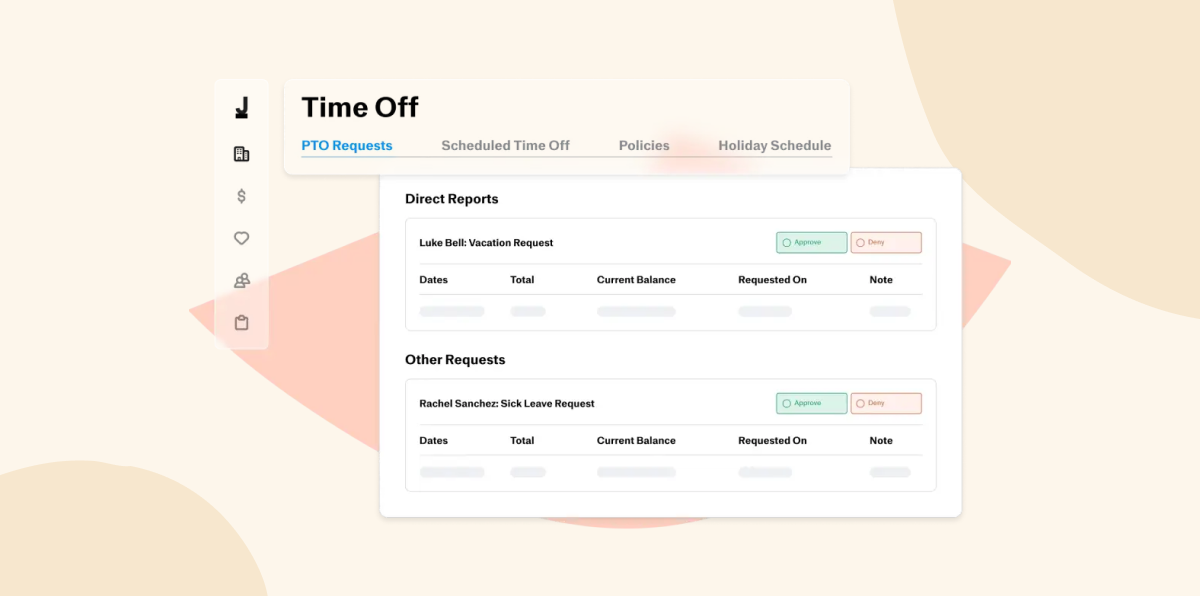
Justworks provides access to HR, payroll, benefits, and compliance management on a single platform. It also supports global EOR services so businesses can hire internationally without the hassle of setting up local entities.
Key features:
- International contractor payments
- Benefits and health insurance management
- Compliance and risk management
- People analytics tool
Pros:
- Intuitive interface
- Offers a wide range of HR tools within their platform
- Onboarding with the platform is quick and easy
Cons:
- “The only downfall that I have with Justworks is their full-time hours cannot be adjusted to accommodate our 7.5-hour full-time work day.” (source)
- “Compared to some other PEOs (ex: Rippling), there could be more features built into it (performance management), etc.” (source)
- “Justworks is bare bones when it comes to functionality and process. It’s extremely limiting and creates more work for small department heads.” (source)
Pricing:
- Payroll: $8/user/month
- PEO basic: $59/user/month
- PEO plus: $109/user/month
Oyster HR

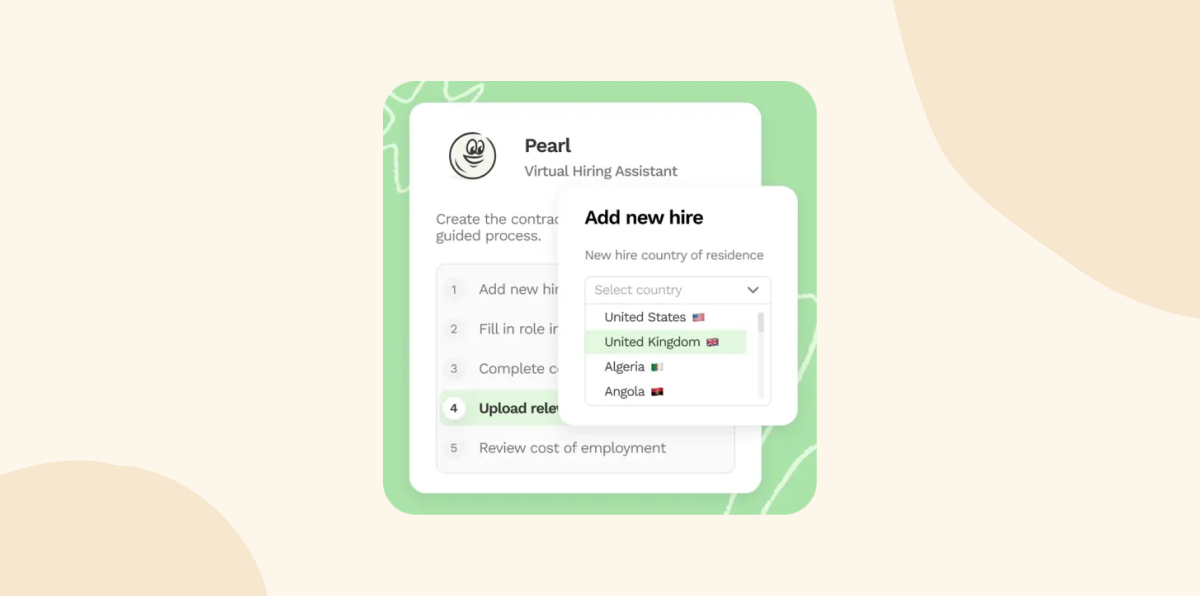
Oyster HR helps HR teams onboard, pay, and manage full-time teams or contractors across multiple countries. Users can create compliant employment agreements and set up payroll and benefits for international talent without establishing a local entity.
Key features:
- Global payroll management
- API for custom integrations
- Global compliance and protection
- Employer of record platform
Pros:
- Provides a nonprofit discount
- Responsive and helpful customer support
- Offers a calculator feature useful in determining whether to hire a person or not
Cons:
- “It seems like Oyster is built on the basis that you only hire employees through Oyster and that most customers would use it this way.” (source)
- “Sometimes their local partners are a little slow in responding when there’s problems with contracts.” (source)
- “Their customer service is not good. You do not have a dedicated rep so you will get someone new each time.” (source)
Pricing:
- Contractor: $29/contractor/month
- Global payroll: $25/team member/month
- Employer of record: $699/month
- Scale: Custom pricing
Papaya Global

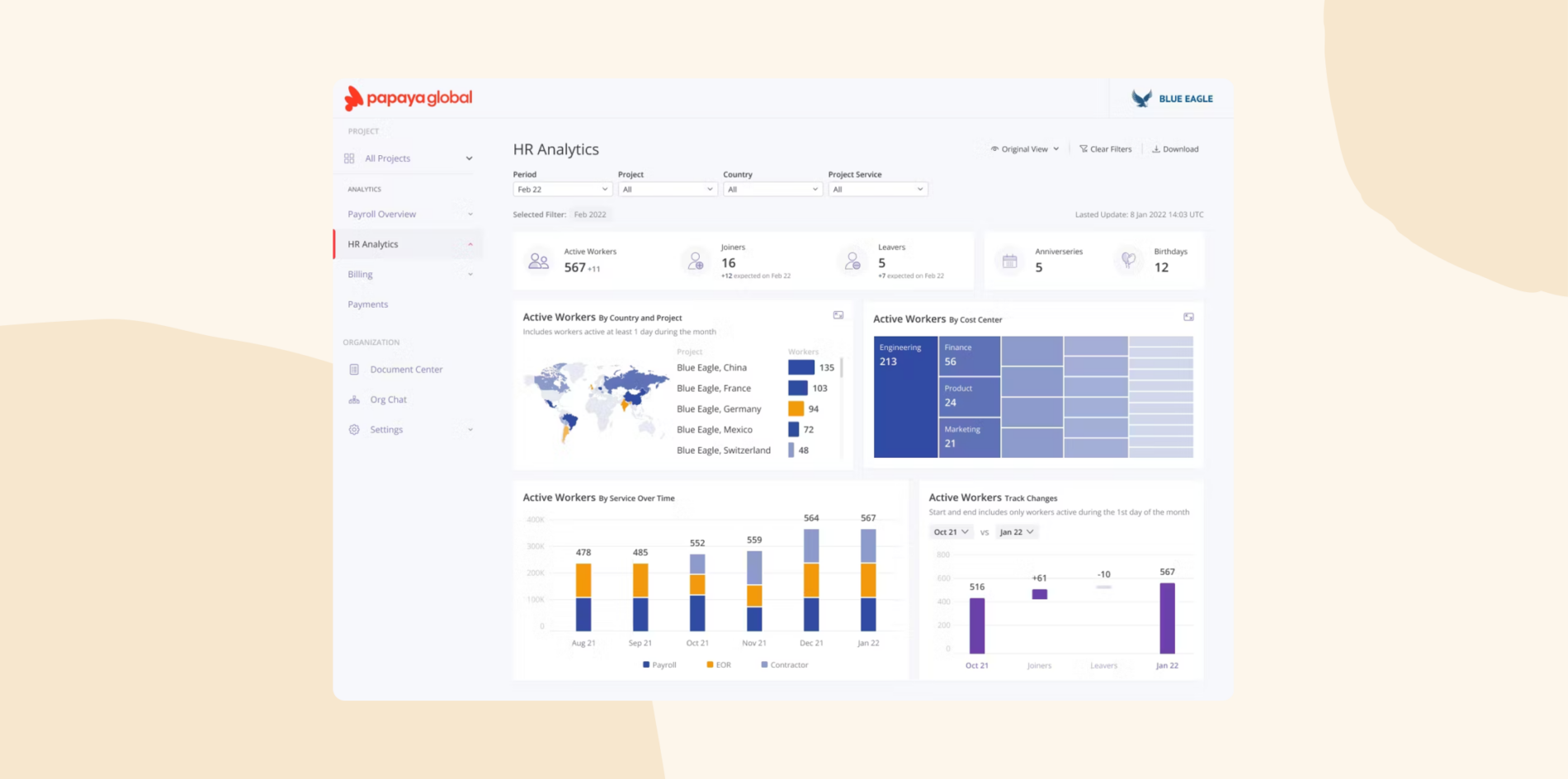
Papaya Global offers an AI-powered global payroll and payments platform that helps businesses automate repetitive manual payroll processes. It supports HRIS processes like human resource management, hiring, people analytics, etc, and gives users visibility around their workforce costs through payroll data management and actionable insights.
Key features:
- Employer of record
- Global compliance management
- Benefits management
- AI-powered workforce analytics
Pros:
- Offers services in multiple countries
- Payroll experts resolve issues quickly
- Supports global workforce management
Cons:
- “Depending on the size of the company and the level of service required, Papaya Global can be costly, which might be a consideration for smaller businesses.” (source)
- “Lack of timely response and customer support.” (source)
- “The invoices are not always as detailed as we’d like to, and the PTO import system on the platform is not Papaya’s best feature yet.” (source)
Pricing: Papaya doesn’t list pricing on its website, but online sources indicate that Papaya offers four pricing plans, starting at $15 per user per month.
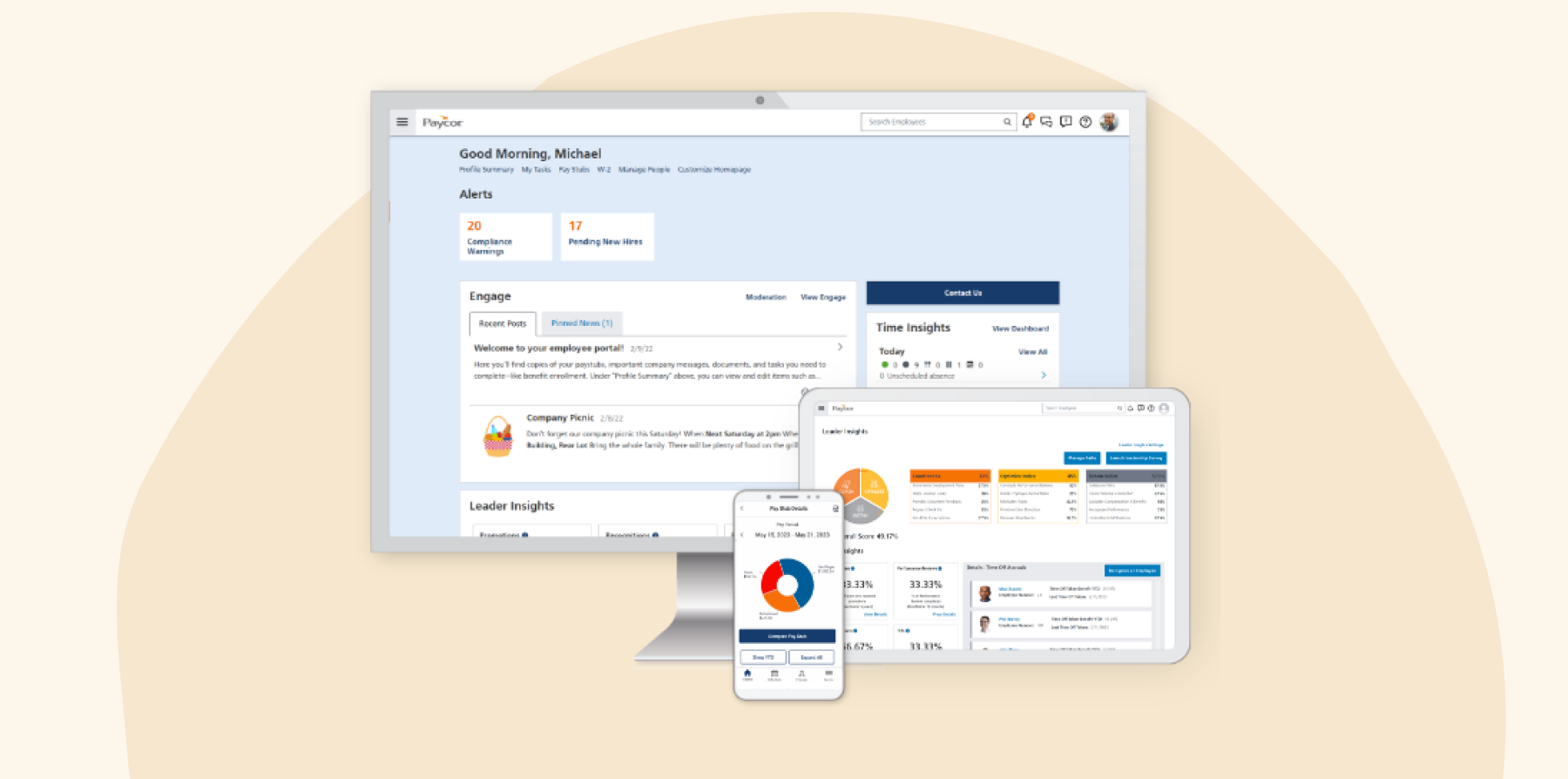
Paycor

Paycor offers HR and payroll software that includes support for workforce management, talent management, benefits administration, and other HRIS capabilities. The analytics dashboard delivers actionable insights so users can make data-driven decisions.
Key features:
- Recruiting and hiring management
- Benefit and compliance management
- Time, attendance, and scheduling software
- Automated talent sourcing
Pros:
- It’s easy to create reports
- Lets users set recurring bonuses and other payments
- Integrates with 401(k) providers and benefit carriers
Cons:
- “The implementation process was a little cumbersome and I didn’t really get to speak with my implementation specialist.” (source)
- “The system tends to bug out for no reason or revert back to old rules for policies in place. For example, I lost my HR Administrator access for no reason.” (source)
- “The Applicant Tracking System (ATS) is lacking, and we wish it included more AI features, better integration with third-party sites, and built-in sourcing tools to attract candidates.” (source)
Pricing: Paycor doesn’t provide pricing details on its website.
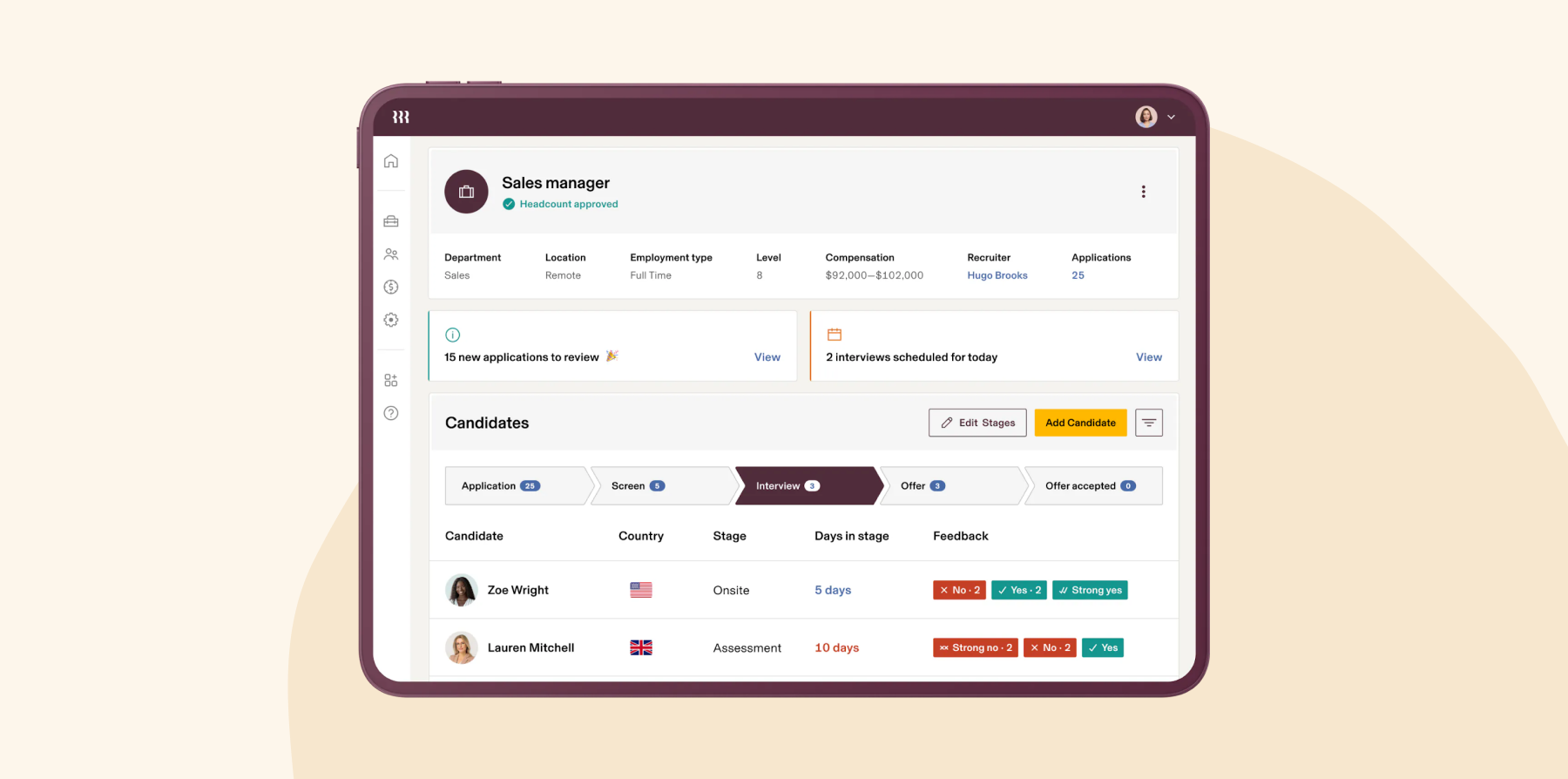
Rippling

Rippling combines HR, Finance, and IT on a single workforce management platform. Its HRIS module helps HR teams automate manual tasks, reduce compliance errors, and offer self-service opportunities. Users can also manage day to day operations like recruiting, learning management, and performance management.
Key features:
- Time off request approval
- Employee attrition reporting
- Employee lifecycle automation
- Role-based permissions and access
Pros:
- Provides a user-friendly platform
- Supports device and identity management
Cons:
- “The advanced workflow functionality can seem a bit complex at times.” (source)
- “I sometimes find it frustrating to make schedule change requests or ask for time off.” (source)
- “One potential drawback of using Rippling is that its robust feature set can make the platform feel overwhelming, especially for new users.” (source)
Pricing: Rippling does not list pricing on its website, but online sources report that pricing starts at $35 per month.
<<Compare Bob vs. Rippling – See which fits your business best>>
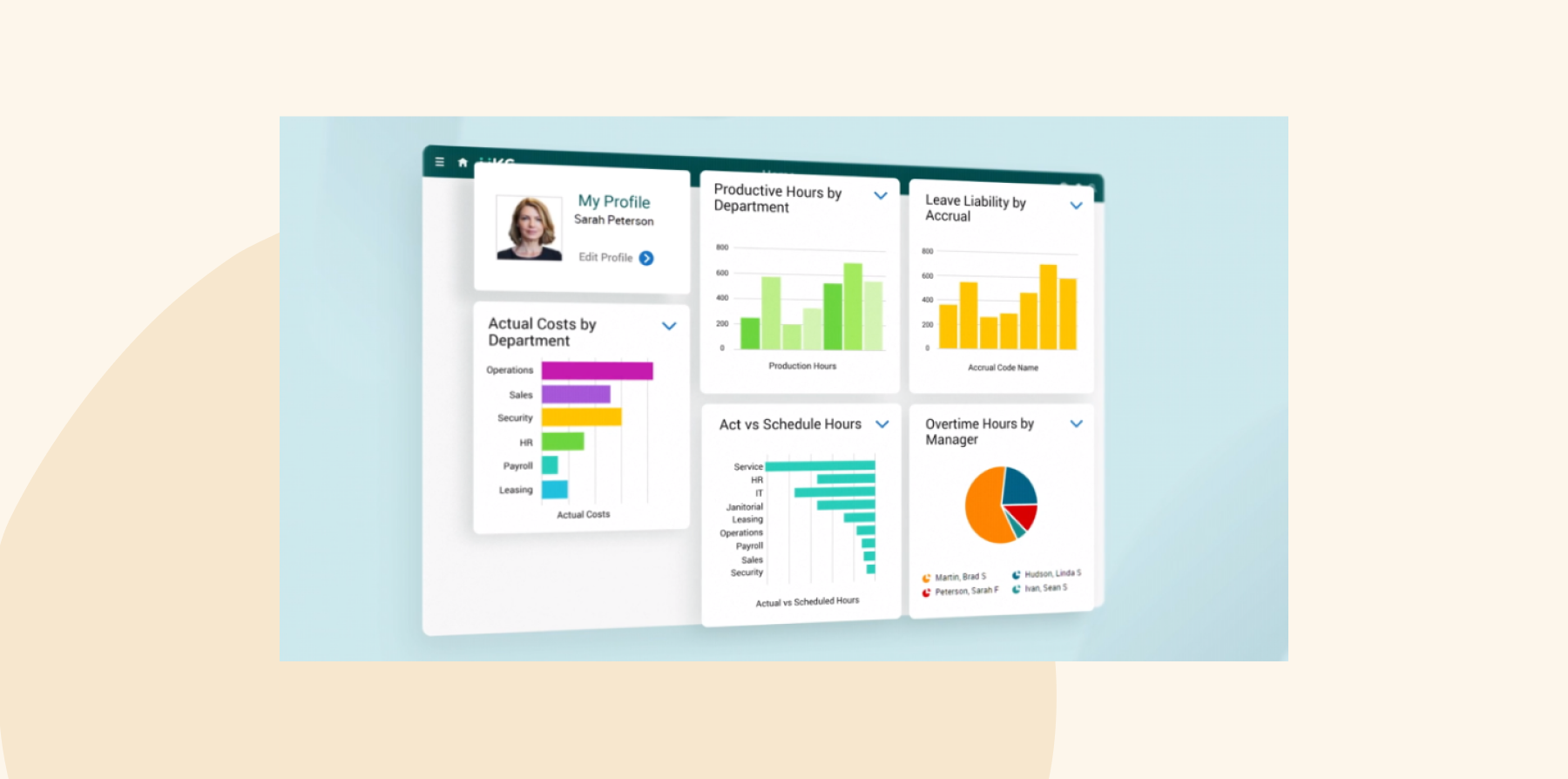
UKG Ready

UKG offers an all-in-one HR and payroll software designed for managing lean teams. The platform supports core HRIS functions and centralizes team member information in a secure database. It also simplifies benefits administration and includes a flexible payroll engine that accommodates various pay scenarios.
Key features:
- Time and attendance management
- Compliance checklists and guides
- Self-service scheduling tool
- People analytics and reporting tool
Pros:
- Provides a user friendly layout
- Users can clock in and out from a desktop, and mobile phone
- Navigation is super easy and quick
Cons:
- “Support has not lived up to the hype from demos and fell short after the amazing implementation team.” (source)
- “While I have learned to move through the system quicker over time, I think there is still room for improvement in terms of navigation.” (source)
- “I wish the screens were customizable. I’d like to be able to display select information on one screen.” (source)
Pricing: UKG does not provide pricing information on its website, and online sources do not offer details on pricing.
<<Compare Bob vs. UKG – See which fits your business best>>
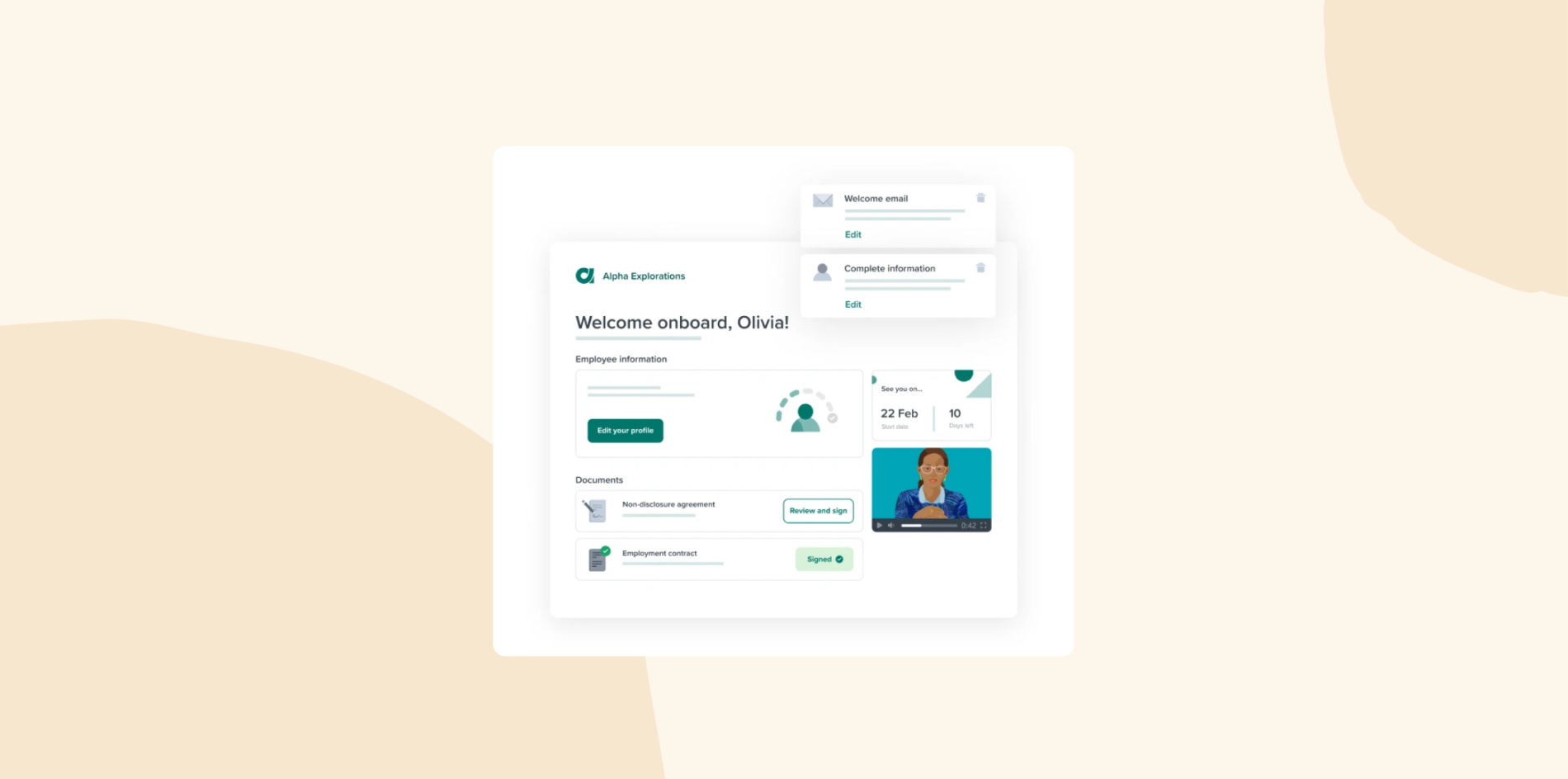
Workable

Workable’s HRIS platform helps small businesses to find, hire, onboard, and manage their people. Users can fill their job pipeline by posting jobs to multiple sites in one click, and use AI-powered sourcing to sift through applications. Hiring teams can also collaborate on a single platform to evaluate applicants and make decisions. Workable lets businesses create custom workflows to onboard new joiners and manage team members’ requests.
Key features:
- Email and calendar syncing
- AI-powered one-click applicant sourcing
- Templatized offer letters, approval workflows, and e-signatures
- Internal job platform
Pros:
- Intuitive user interface
- Provides resume parsing capabilities that automatically extract key information from resumes
- Allows users to manage multiple jobs on one dashboard
Cons:
- “It could have a better integration with more websites.” (source)
- “Although there is a mobile app, it might lack some of the features available on the desktop version, leading to a less comprehensive user experience on mobile devices.” (source)
- “Layout when looking at certain screens is not great.” (source)
Pricing: Workable does not list pricing on its website, but online sources indicate that it offers a free plan and paid plans starting from $149 per month.
Workday

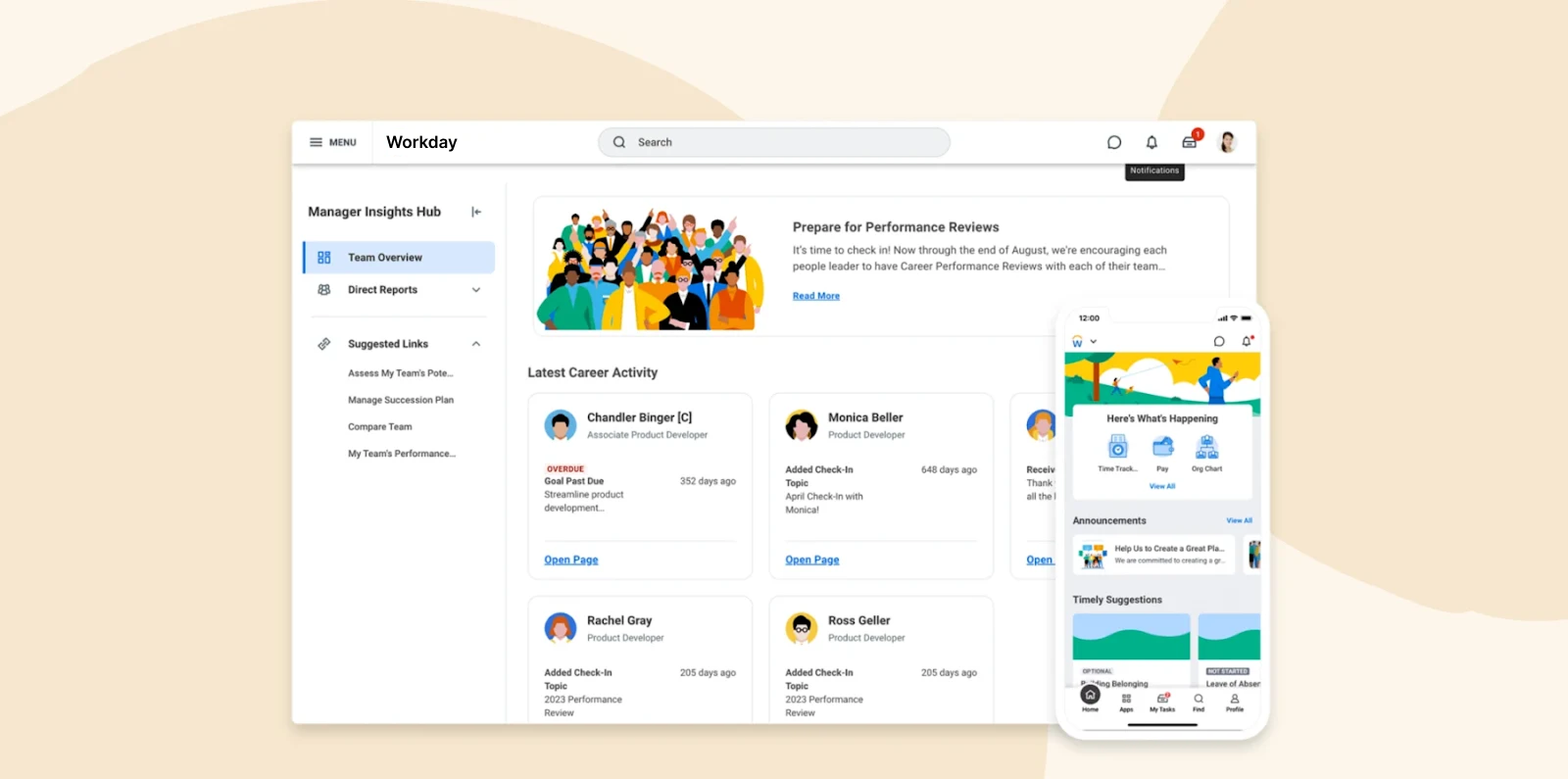
Workday operates as an enterprise management cloud, combining HRIS and finance tasks into one AI-powered platform. HR teams can manage their people and processes in one place, streamline payroll and time management, and deliver personalized experiences. Workday also integrates with other finance and HR software.
Key features:
- Compensation and benefits tool
- Human capital management platform
- Global workforce planning and management
- Real time reporting and analytics
Pros:
- Integrates various financial processes into one platform
- Provides comprehensive HR functionalities
- Offers various integrations with third party apps
Cons:
- “One thing I dislike about Workday Financial Management is the complexity of its initial setup and configuration.” (source)
- “Reporting tool is not flexible and there’s no compiler to test the queries attached to HCM.” (source)
- “Customizing Workday HCM to fit specific organizational needs can be complex and may require technical expertise.” (source)
Pricing: Workday does not provide pricing information on its website, and online sources do not offer details on pricing.
<<Compare Bob vs. Workday – See which fits your business best>>
Zoho People

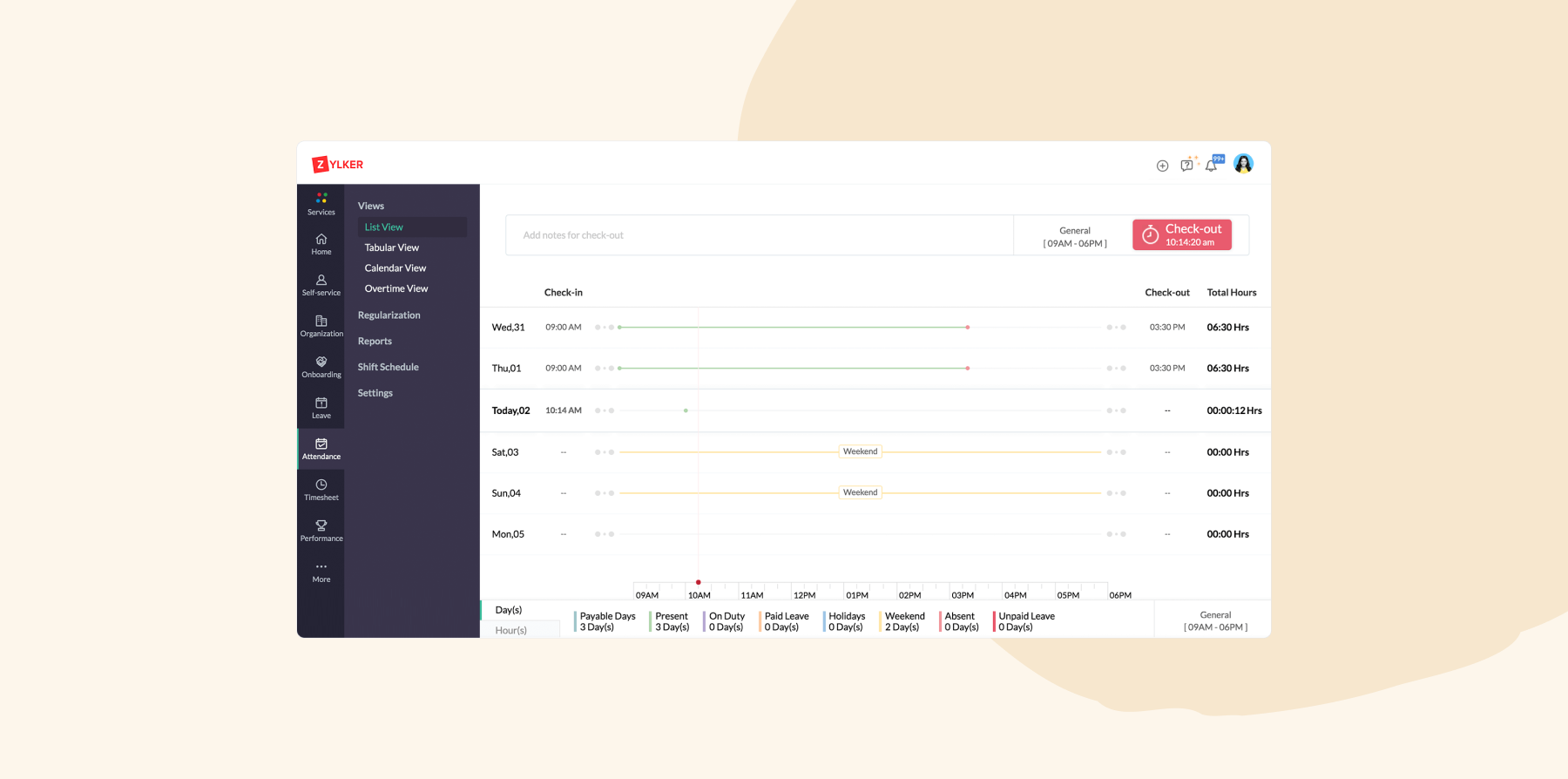
Zoho People provides a cloud-based HR solution that helps businesses manage their HRIS operations, build a productive workforce, and retain talent. It offers an employee database that scales, employee case management, analytics, and smart HR workflows. Zoho People also includes a free mobile app for Android and iOS.
Key features:
- Employee management and onboarding
- Time and attendance tracker
- Scalable employee database platform
- Time to timesheets converter
- Corporate learning and development system
Pros:
- Makes it easy to track company development and annual leave
- Integrates with other software
- Users can regularize attendance from a PC or mobile app
Cons:
- “On occasions, I find some of the interfaces overlap and/or there are too many drop downs.” (source)
- “The regularization option should automatically show the days where the working hours have gone beyond 9 Hours.” (source)
- “UI needs to be improved. Seems like it hasn’t been updated for a long time.” (source)
Pricing:
- Essential HR: $1.50/user/month
- Professional: $2.50/user/month
- Premium: $3.50/user/month
- Enterprise: $5/user/month
- People plus: $10/user/month
HRIS benefits for your team
Reduce stress, simplify workflows, and give your people the tools they need to work efficiently with the right HRIS. You can use an HRIS for:
Accessible self-service opportunities
An HRIS can provide a self-service portal so team members can view their payslips, time records, and performance reviews or update their profile details, such as phone numbers, addresses, and dependents—all without depending on the HR team.
These self-service opportunities empower your people to take control of their personal information and streamline admin tasks for everyone.
Defined career pathways
Small businesses can use an HRIS to build clear and structured career paths for their team members. These systems help identify, develop, and retain talent with career development and succession planning tools that analyze performance, pinpoint skill gaps, and track career progression.
Creating learning and development opportunities
HR teams can leverage HRIS platforms to offer learning and development opportunities. Some HRIS even include learning management system (LMS) features where people can access online courses, certifications, and workshops tailored to their roles.
Improved onboarding experience
HRIS automates onboarding workflows so team members can complete onboarding tasks independently, from filling out documents and reviewing company policies to signing contracts and tax forms.
An HRIS can also centralize onboarding materials so people can access welcome videos, company resources, and training materials in a single place. Automated reminders ensure timely completion of onboarding tasks, while HR teams remotely monitor milestones and progress, offering support when needed.
As a result, new joiners experience a faster, smoother onboarding process, enjoying a positive experience from day one.
Discover the power of a modern HRIS and learn firsthand how Bob can optimize your HR processes
Essential HRIS features for small businesses
When selecting the best HRIS for your small business, carefully evaluate its scalability, customization options, and these important features.
Time and attendance tracking
An HRIS can automatically track work hours, leave requests, and attendance. You can also use it to approve time off requests and manage accruals from a single dashboard.
Recruitment and onboarding
An HRIS simplifies recruitment by allowing you to post and manage job openings, track candidates, and manage the hiring process. Once hired, the onboarding feature ensures new joiners complete necessary documentation and training efficiently, streamlining their integration into the team.
Performance management
The performance management review process involves an ongoing series of check-ins and meetings between HR, managers, and team members to track progress and set goals.
Choosing an HRIS that offers performance management functionality allows you to build a culture of continuous feedback in the organization. People won’t need to wait for periodic check-ins to receive feedback and managers can provide real-time guidance to help team members grow.
This functionality also simplifies tracking performance over time. Managers and HR can easily revisit performance reviews stored in the HRIS to monitor progress, identify trends, and make informed decisions about promotions or development opportunities.
Reporting and analytics
The best HRIS systems can track people data including productivity, retention, task completion times, hours worked, and more.
You can also generate and share reports on performance with other stakeholders, including:
- Forecasts on future performance
- Areas of improvement
- Learning and development needs
- Turnover rates
Robust reporting and analytics offer visibility into your human resource management strategies, enabling you to make data-driven decisions for continuous improvement.
Payroll
An HRIS with an integrated payroll system automates pay calculations, tax withholdings, benefits selections, and more. This reduces manual errors, ensures compliance with regulations, and frees up time for HR teams to focus on strategic activities.
Recommended For Further Reading
Implement the best HRIS system to grow your small business
The right HRIS software for your small business can reduce admin fatigue, automate tedious manual tasks, and embed your goals into every part of your people’s journeys.
For HR leaders looking for a platform that covers all your HR needs under one roof, consider HiBob. HR leaders choose HiBob for its flexible, user-friendly platform that helps keep team members engaged and motivated during all stages of business.
Businesses of all sizes can use HiBob to:
- Plan and run key people moments, such as performance cycles and compensation reviews, with automation that keeps workflows consistent
- Build a strategic hiring plan with built-in applicant tracking, so recruiting stays aligned with headcount plans and business priorities
- Improve workforce productivity with clearer goals, structured feedback, and development plans that connect to team and company outcomes
- Track KPIs such as headcount, growth, retention, absenteeism, and cost impact, with dashboards and reports that HR and Finance can trust
- Manage global compensation with flexible cycles for salary reviews, bonuses, and equity, with budget visibility that supports Finance alignment
- Use AI-powered insights and guided support to reduce manual work, spot trends earlier, and make decisions that are easier to explain and defend
Whether you are onboarding new hires, tracking performance, or strengthening culture, HiBob helps HR and Finance work from the same real-time data and move faster with confidence.
Discover the power of a modern HRIS and learn firsthand how Bob can optimize your HR processes
FAQs on HRIS systems for small businesses
Which HRIS system is the best?
The best HRIS system enables businesses to streamline their core HR processes and automate processes like hiring, onboarding, performance management, compensation, time tracking, and attendance.
Bob offers all of these features—but that’s not all. It also helps small businesses build an inclusive culture, powers strategic HR initiatives, and drive decisions with actionable data.
Is an HRIS cost effective?
Yes, an HRIS can be cost effective. Once you implement your HRIS successfully, you can reduce administrative costs and automate time-consuming HR tasks, saving money and time. It also improves team efficiency and allows HR professionals to focus on strategic initiatives that drive business growth.
You can use this HRIS ROI calculator to determine if your HRIS is a cost-effective solution.
How do you choose the right HRIS for your small business?
To choose the right HRIS for your small business, start by determining your budget. Consider all costs involved, including initial payments, licensing fees, and maintenance expenses.
Next, look for essential HRIS features like payroll, recruitment and onboarding, time tracking, performance management, and reporting and analytics. Verify that these features meet your current needs.
Consider user-friendliness and the software’s ability to integrate with your tech stack. Conduct thorough research on different vendors, book software demos, and read reviews about the HRIS.
Finally, prioritize scalability, especially if you plan to expand operations or hire new people locally or internationally.
Disclaimer:
This content reflects HiBob’s perspective, informed by our experience supporting HR teams as they evaluate and implement HR software. It is provided for informational purposes only and is not intended as independent research or professional advice. Prospective users should conduct their own evaluation before making a decision.
Feature descriptions, pricing references, and availability for third-party platforms are based on publicly available information at the time of publication and may change. HiBob does not guarantee the accuracy or completeness of information related to third-party products. Prospective users should verify details directly with each provider.